Laptop repair Birmingham

Laptop Repairs in Birmingham

Diagnosis and repair for damaged screens, hinges, charging ports, batteries, keyboards, storage and no-power faults.

Free general diagnosis · Quote before work · No Fix, No Fee on repair labour

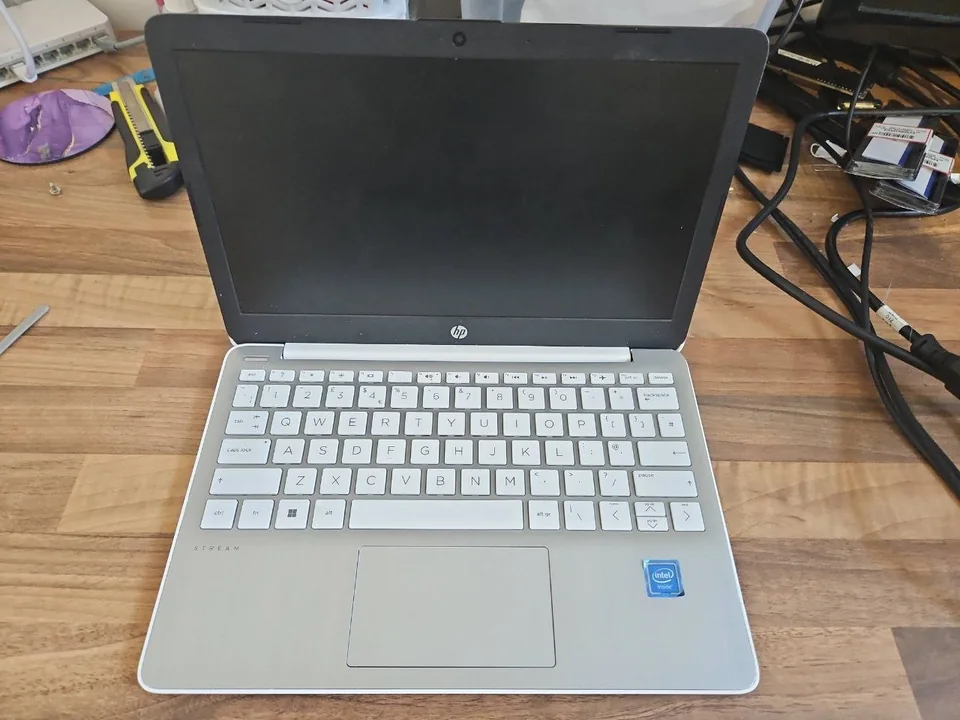
Laptop being diagnosed on a computer repair bench in Birmingham
Free general diagnosisSpecialist data-recovery assessment may differ
Quote before workNo chargeable repair without approval
Typical turnaroundUsually 1 to 3 working days
Appointments onlySmall Heath workshop and Birmingham call-outs

Laptop repair Birmingham

Laptop faults need model-specific checks

The same model family can use different screens, chargers, batteries and internal boards. The exact model number and fault condition are checked before parts are ordered.

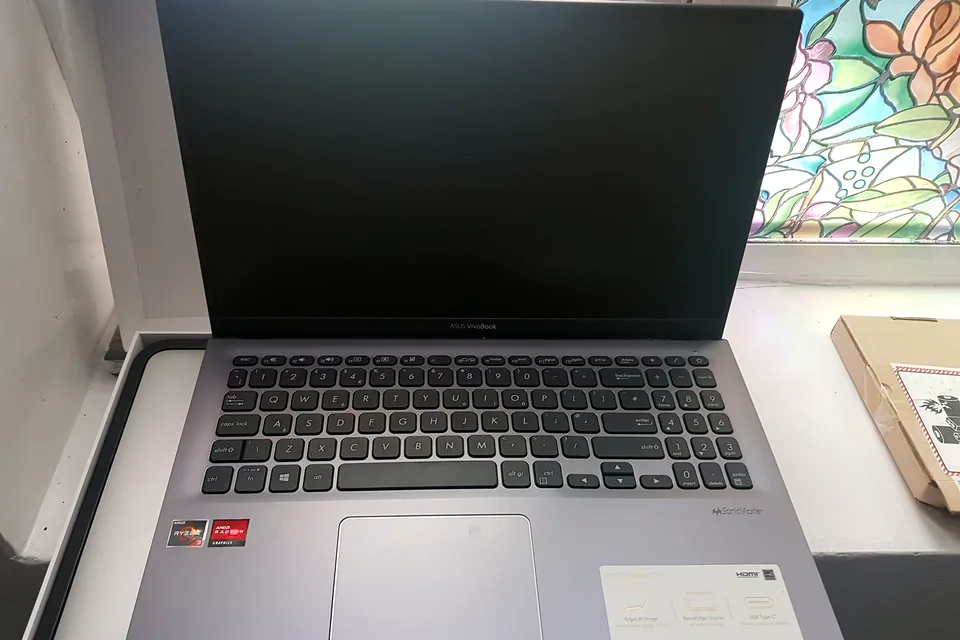
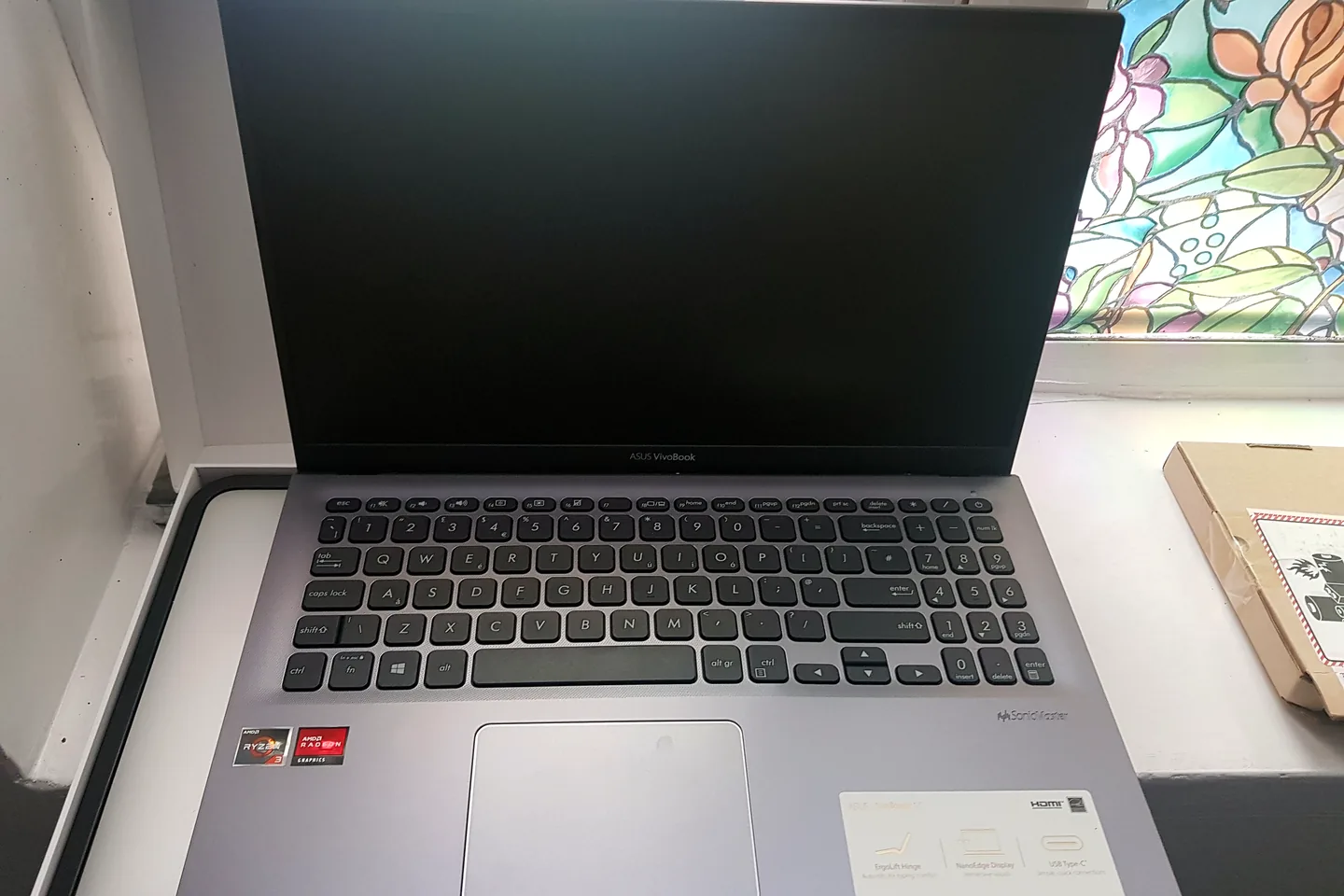
Laptop with a blank display awaiting screen diagnosis

Cracked or blank screen

Screen type, connector, backlight and graphics output are considered before replacement.

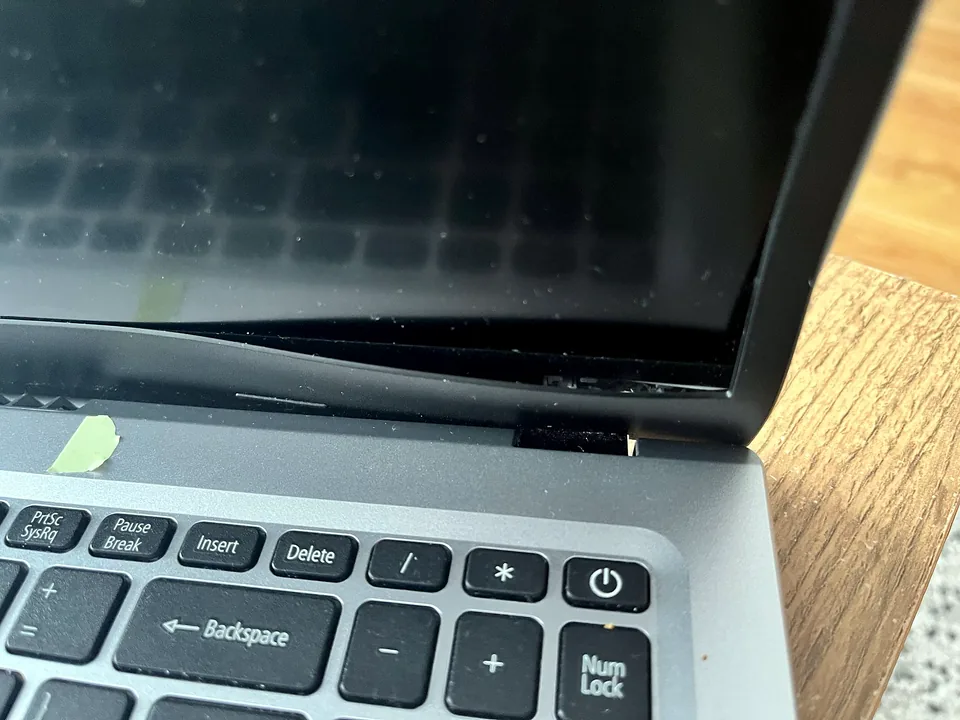
Loose or broken hinge

The hinge, casing mounts, bezel and nearby cables are inspected together.

Not charging

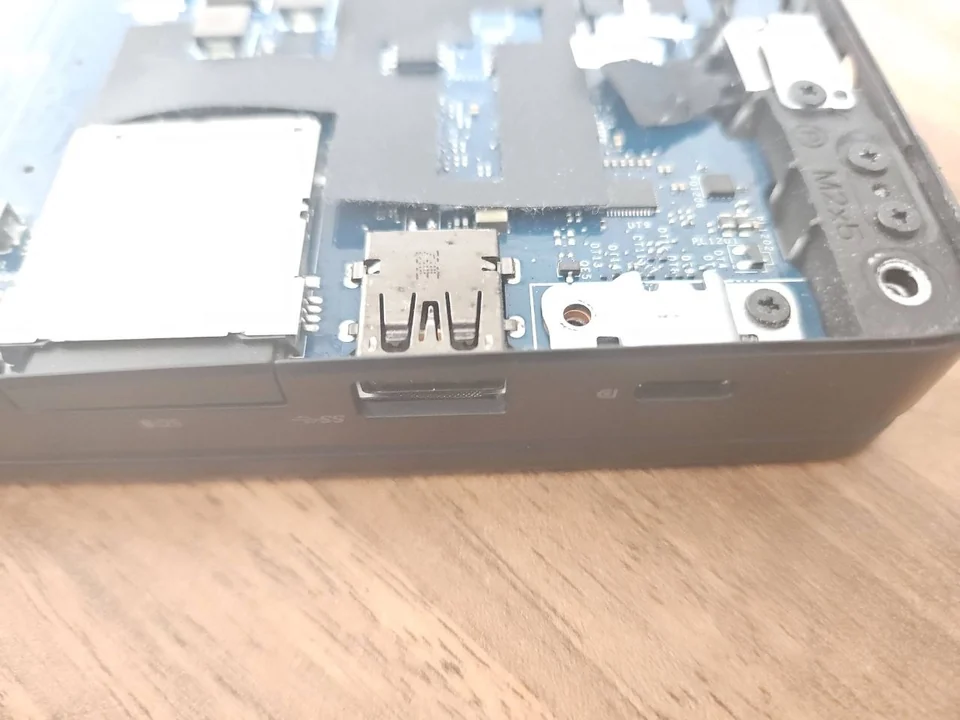
The charger, charging port, battery and motherboard charging circuit may all need testing.

No power or intermittent start

Power input, battery, board and connected components are checked in a safe order.

Slow or freezing laptop

Storage, memory, overheating, malware and Windows condition can all affect performance.

Keyboard, touchpad or casing damage

Part compatibility and the condition of the surrounding chassis determine the repair route.

Diagnosis before replacement

Bring the charger and stop using a physically damaged laptop

A damaged hinge, swelling battery, loose charging port or cracked casing can become worse with continued movement or pressure. Leave the laptop in the safest position and disconnect it if there is heat, swelling or a burning smell.

Bringing the original charger helps separate a charger fault from a port, battery or motherboard problem. Where the device contains important files, mention that before testing begins.

  • Exact model and serial details
  • Charger and charging input
  • Screen and display cable
  • Battery condition
  • Storage, memory and temperatures
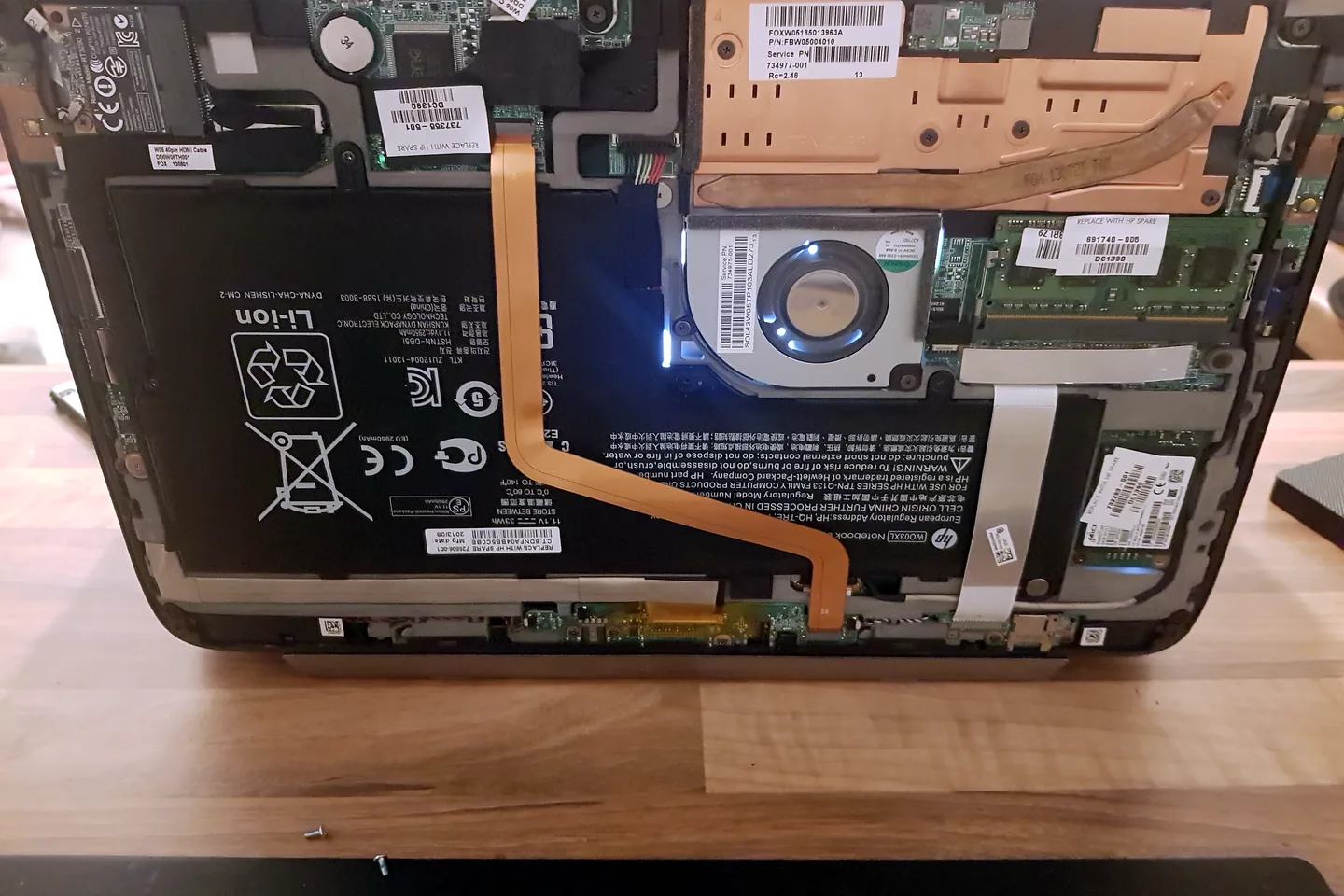
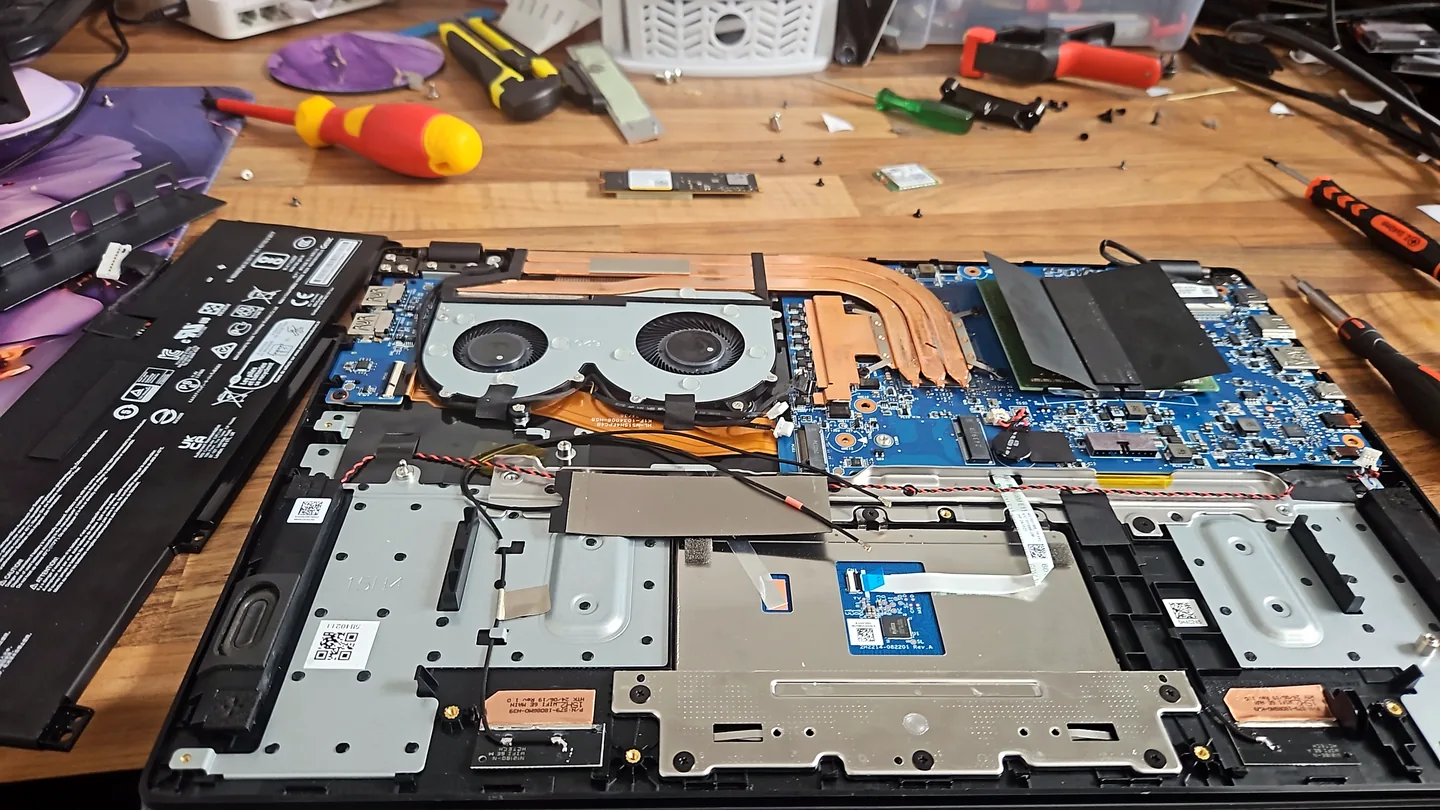
Laptop motherboard, battery and cooling system exposed for diagnosis

What affects the repair

Why laptop repair prices vary

A useful quote depends on the exact model, fault and condition rather than a headline price alone.

1

Exact part number

Screens, batteries and keyboards often look similar but use different connectors or mounting points.

2

Extent of physical damage

A cracked mount or bent casing can require more than replacing the visible broken part.

3

Board-level involvement

Charging and power faults may sit on the motherboard rather than the external socket.

4

Data and encryption

Access to important files can change the safest order of work, especially on a failing drive.

How repairs are handled

From first call to final testing

  1. 1

    Call or WhatsApp

    Tell us the device model, symptoms and whether you need a workshop appointment or call-out.

  2. 2

    Diagnosis

    We inspect the fault and identify the likely repair route. General fault diagnosis is free.

  3. 3

    Clear quote

    You receive the options and price before chargeable work begins.

  4. 4

    Repair and testing

    Approved work is completed and the relevant functions are checked before return.

Related repair services

More help for the same device or fault

Repair guides

Useful checks before booking

Frequently asked questions

Before you arrange the repair

Do you repair all laptop brands?

Repairs are available for many Windows laptop brands and models, subject to diagnosis and parts availability.

Can you repair a laptop the same day?

Selected repairs may be completed the same day when the fault is confirmed and the correct part is available. The usual turnaround is one to three working days.

Should I buy a screen or battery before diagnosis?

No. The exact part must match the model and configuration, so compatibility should be confirmed first.

Can you recover files from a laptop that will not start?

Often, but the approach depends on the storage device, encryption and whether the drive itself has failed.

Speak to a technician

Arrange a laptop assessment

Call with the make, exact model and symptoms. Bring the charger where possible and do not force a damaged hinge or port.

WhatsApp PC Repair Guru