Slow startup and loading
Storage health and SSD compatibility are checked.

Computer upgrades Birmingham
SSD, memory, graphics, power and cooling upgrades based on compatibility, measurable need and the condition of the existing computer.
Free general diagnosis · Quote before work · No Fix, No Fee on repair labour
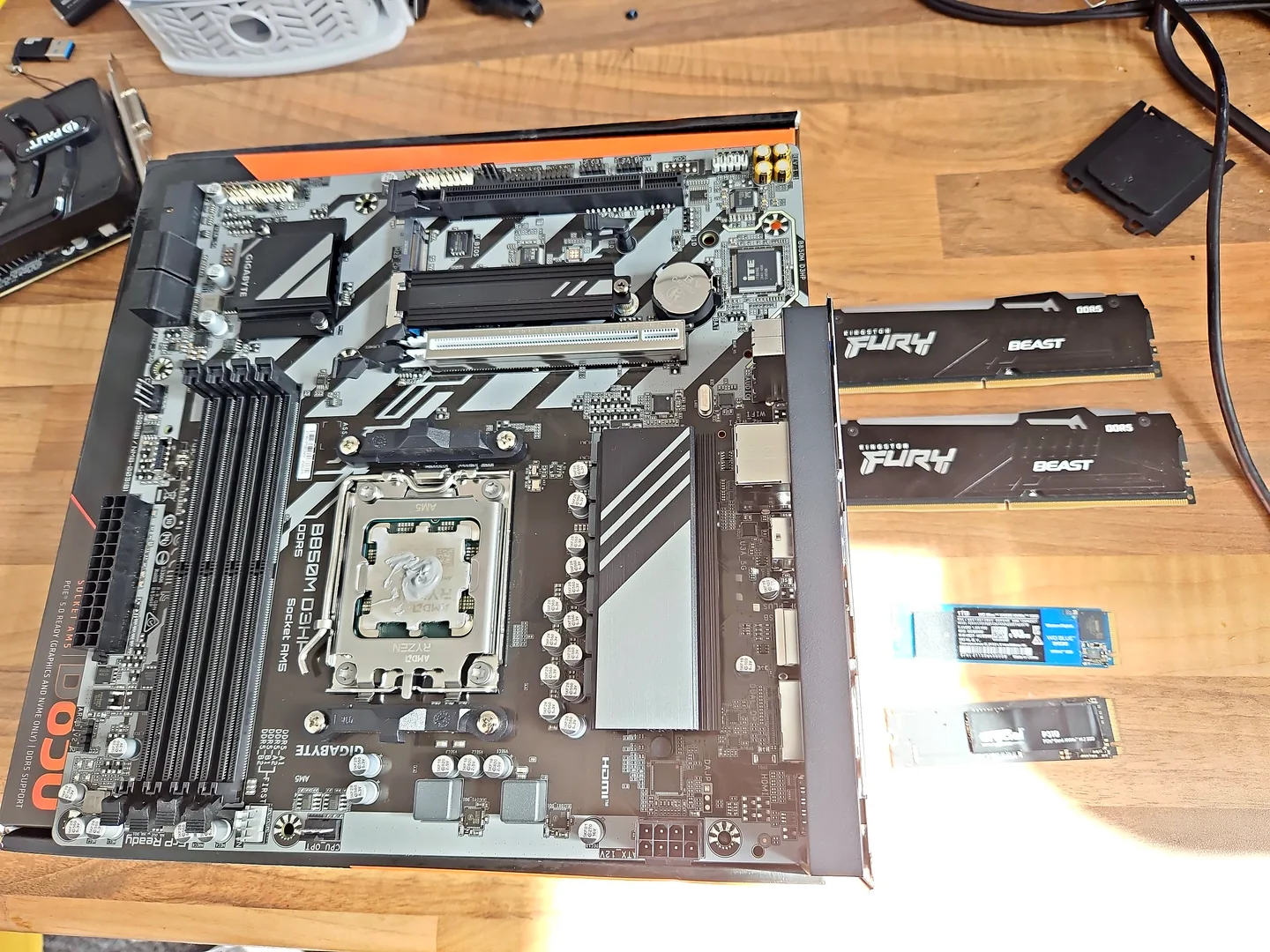
Computer components being checked for a compatible upgrade in Birmingham.
Computer upgrades Birmingham
A faster graphics card cannot fix a failing drive, and more memory will not solve overheating. The current workload and limiting component should be identified first. If storage is the limiting factor, the dedicated SSD upgrade in Birmingham page covers compatibility, cloning and data.
Motherboard, memory and SSD components arranged for compatibility checks.
Storage health and SSD compatibility are checked.
Capacity, slot availability and supported memory type are considered.
GPU, CPU, power, cooling and monitor resolution are assessed together.
Capacity can be expanded with a migration or clean-install plan.
Cooling upgrades should follow temperature and airflow checks.
Video, design, gaming or business applications may justify a balanced upgrade.
Diagnosis before replacement
Task Manager, temperatures, storage health and application requirements can reveal whether storage, memory, graphics or the processor is limiting the system.
Check motherboard support, power connectors, case clearance and firmware before purchasing. Customer-supplied parts are still subject to compatibility and condition.
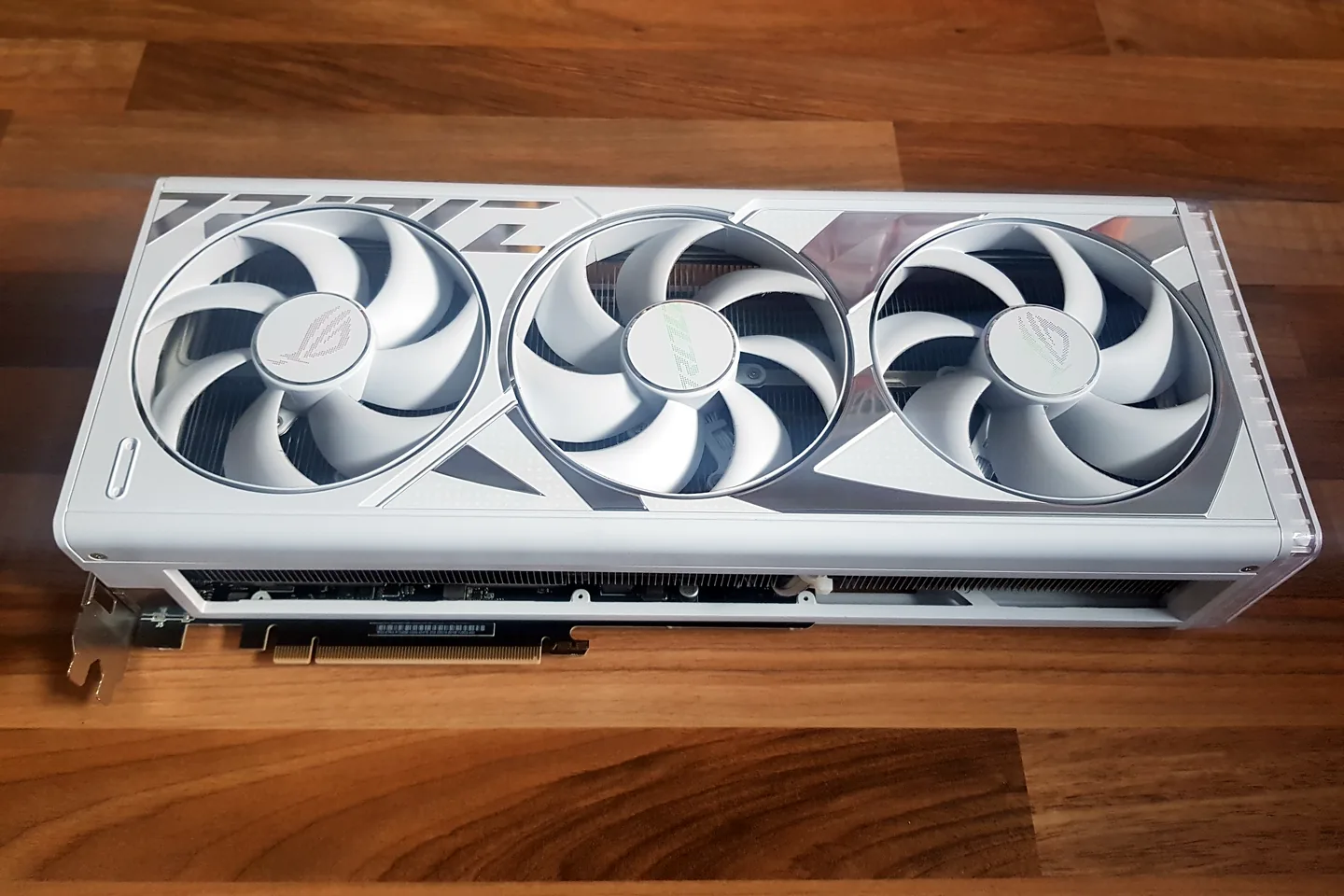
White graphics card photographed before installation and testing.
What affects the repair
A useful quote depends on the exact model, fault and condition rather than a headline price alone.
Office work, gaming and content creation need different component balances.
A major upgrade on an old platform may be less sensible than replacement.
Higher-performance parts may require stronger supporting hardware.
Existing parts may still have value or a role in a staged upgrade.
Computer upgrades Birmingham
The best upgrade is the part that removes the real limitation, not necessarily the most expensive component.
When people search for a computer upgrade service near me, common requests include SSDs, RAM, graphics cards, cooling and power supplies. We first check compatibility and the workload before recommending a part.
How repairs are handled
Tell us the device model, symptoms and whether you need a workshop appointment or call-out.
We inspect the fault and identify the likely repair route. General fault diagnosis is free.
You receive the options and price before chargeable work begins.
Approved work is completed and the relevant functions are checked before return.
Related repair services
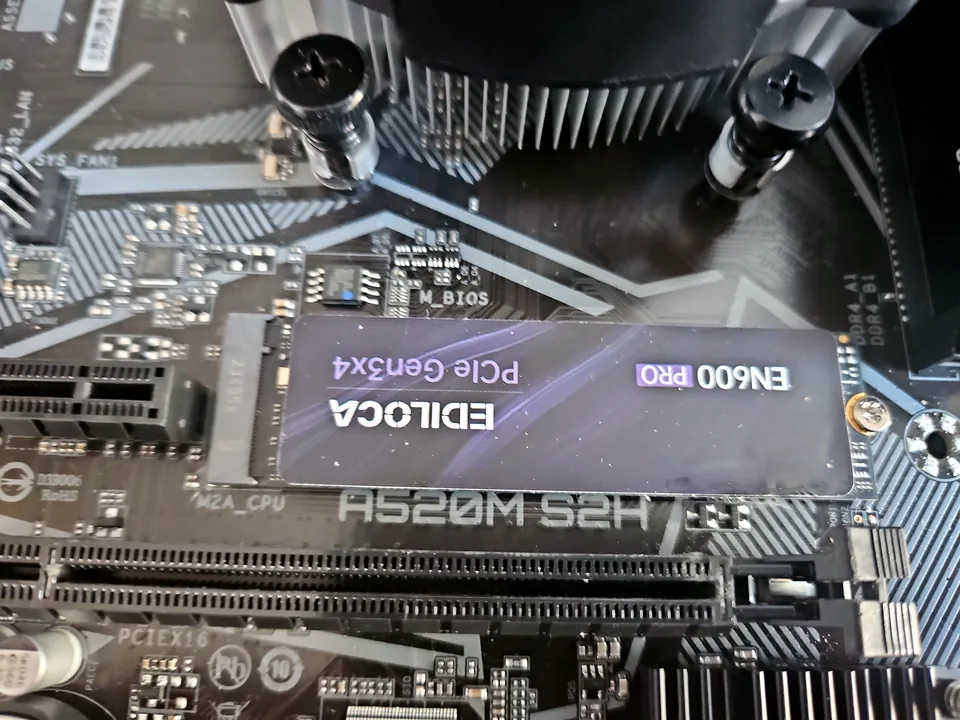
SSD replacement, capacity upgrades, Windows migration and storage-health checks for laptops and desktops.
View service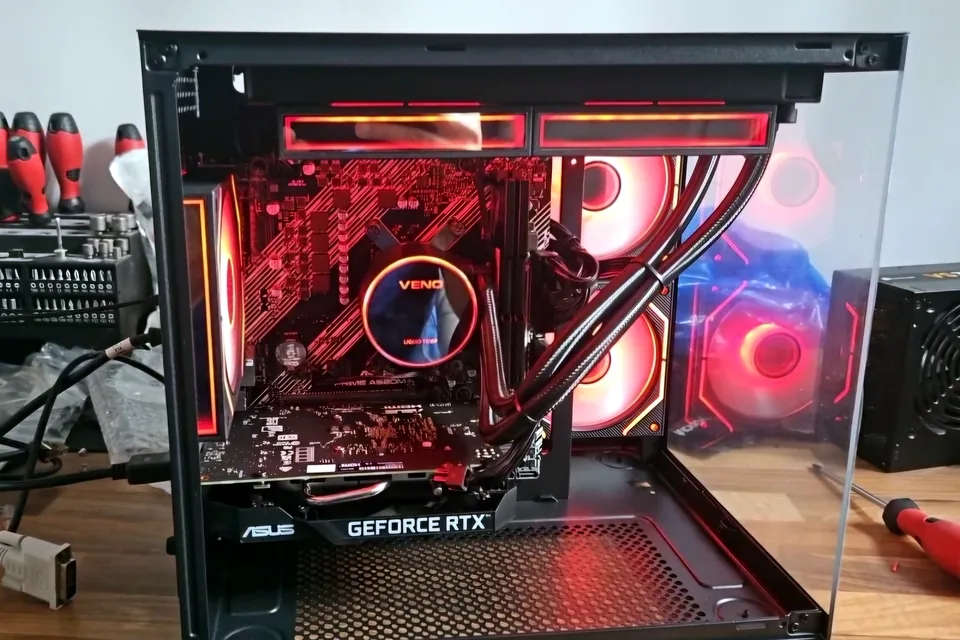
Crashes, overheating, poor performance, no display, boot faults and unstable gaming hardware.
View service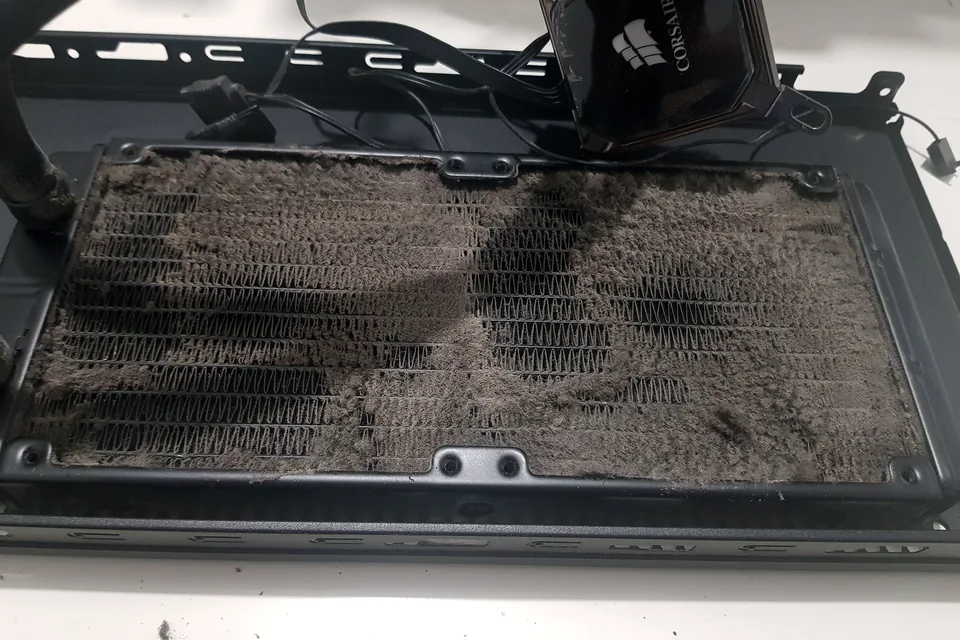
Cooling diagnosis for high temperatures, loud fans, thermal throttling and shutdowns.
View serviceRepair guides

Repair guide
Laptop running slow in Birmingham? Separate storage, RAM, heat, Windows and software bottlenecks before paying for an SSD, memory upgrade or repair.
Read guide
Repair guide
Gaming PC slower or unstable after an upgrade? Check compatibility, power, BIOS, memory, cooling and drivers before buying more parts in Birmingham.
Read guide
Repair guide
Upgrade your PC or buy a new computer? Compare SSD, RAM, graphics, CPU and platform upgrades, costs and limits before spending money in Birmingham.
Read guideFrequently asked questions
It depends on the measured bottleneck. An SSD often improves an HDD-based system, while gaming may be limited by graphics, processor or memory.
Yes, but compatibility and condition must be checked. A supplied part cannot be assumed suitable.
Many upgrades do, but storage and Windows work always require a backup plan.
Often, but the cost should be compared with the age, condition and future support of the platform.
Speak to a technician
A sensible recommendation starts with the workload, current specification and budget rather than a generic parts list.