Old mechanical hard drive
Replacing an HDD can greatly improve boot and application load times on a suitable system.

SSD upgrade Birmingham
Compatibility checks, storage-health assessment, cloning and clean-install options for laptops and desktop PCs.
Free general diagnosis · Quote before work · No Fix, No Fee on repair labour
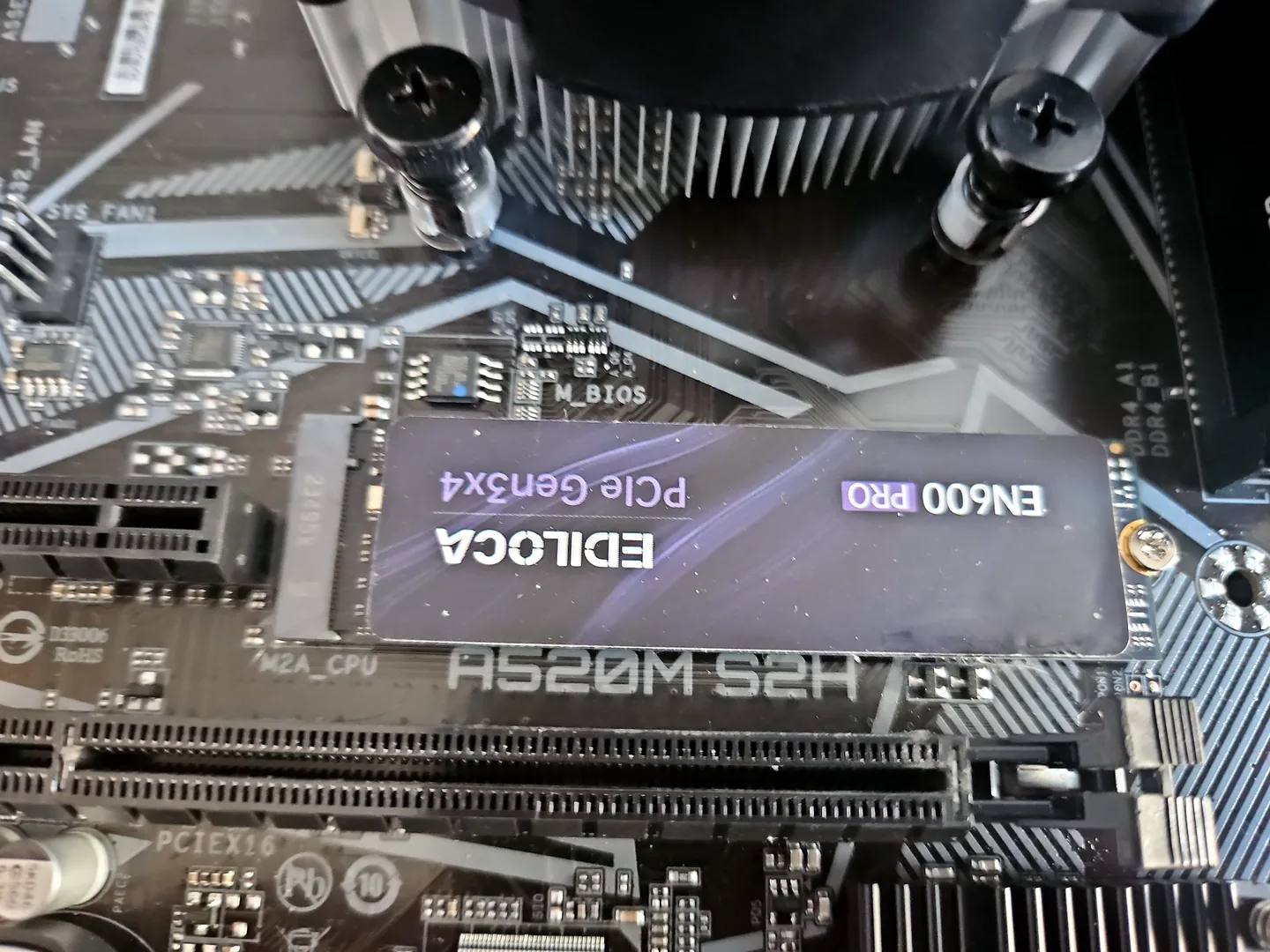
SSD installed in a desktop computer during an upgrade at PC Repair Guru in Birmingham.
SSD upgrade Birmingham
A slow computer may also suffer from low memory, overheating, malware or a damaged Windows installation. The existing drive and overall system should be checked before an upgrade is sold. For RAM, GPU, power or cooling changes, see computer upgrades in Birmingham.
SSD fitted to a desktop motherboard during an upgrade.
Replacing an HDD can greatly improve boot and application load times on a suitable system.
Capacity can be increased where the laptop or desktop supports the required drive type.
Important files should be protected before a deteriorating drive becomes unreadable.
Storage performance is checked alongside startup programs and Windows health.
Cloning may preserve applications and settings if the old drive is healthy enough.
A fresh Windows installation can avoid carrying old faults into the new drive.
Diagnosis before replacement
Cloning is convenient, but it can copy corrupted files, malware or a poor partition layout. A clean installation takes more setup but may be the better route for a damaged system.
Back up important files before any storage work. Where the existing drive is failing, recovery and migration are treated cautiously.
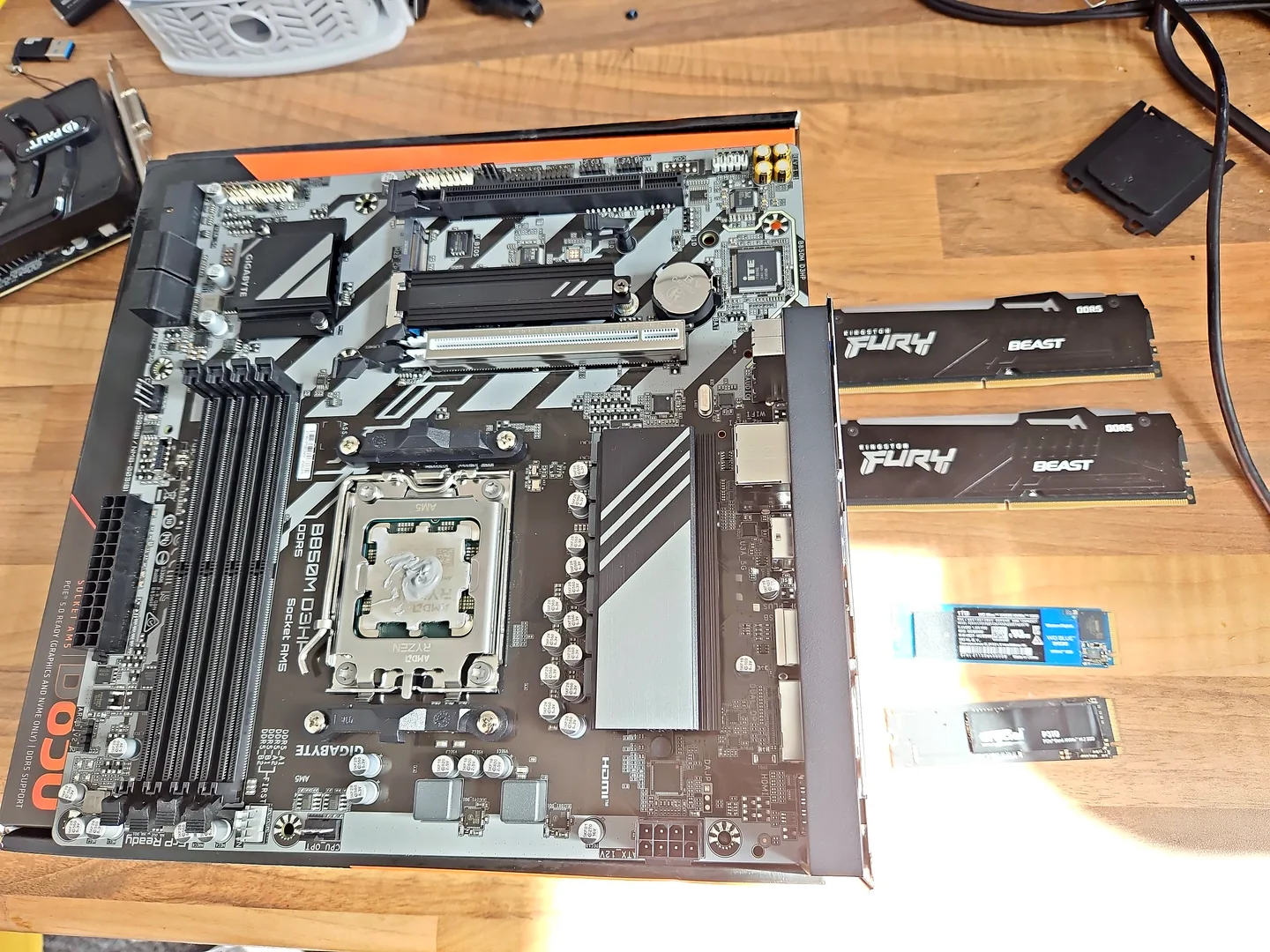
Motherboard, memory and SSD components arranged for compatibility checks.
What affects the repair
A useful quote depends on the exact model, fault and condition rather than a headline price alone.
A laptop may use 2.5-inch SATA, M.2 SATA or NVMe storage.
A healthy drive is easier to clone than one with bad sectors or read errors.
The right size depends on current use, growth and available backup storage.
Activation and account access should be considered before a clean installation.
SSD upgrade Birmingham
An SSD can make a major difference when storage is the bottleneck, but it will not fix every slow-computer problem.
A search for an SSD upgrade near me is often driven by slow startup, long application loads or an ageing mechanical hard drive. Before replacing storage, check drive health, free space, Windows condition and whether the CPU or memory is actually limiting the system.
How repairs are handled
Tell us the device model, symptoms and whether you need a workshop appointment or call-out.
We inspect the fault and identify the likely repair route. General fault diagnosis is free.
You receive the options and price before chargeable work begins.
Approved work is completed and the relevant functions are checked before return.
Related repair services
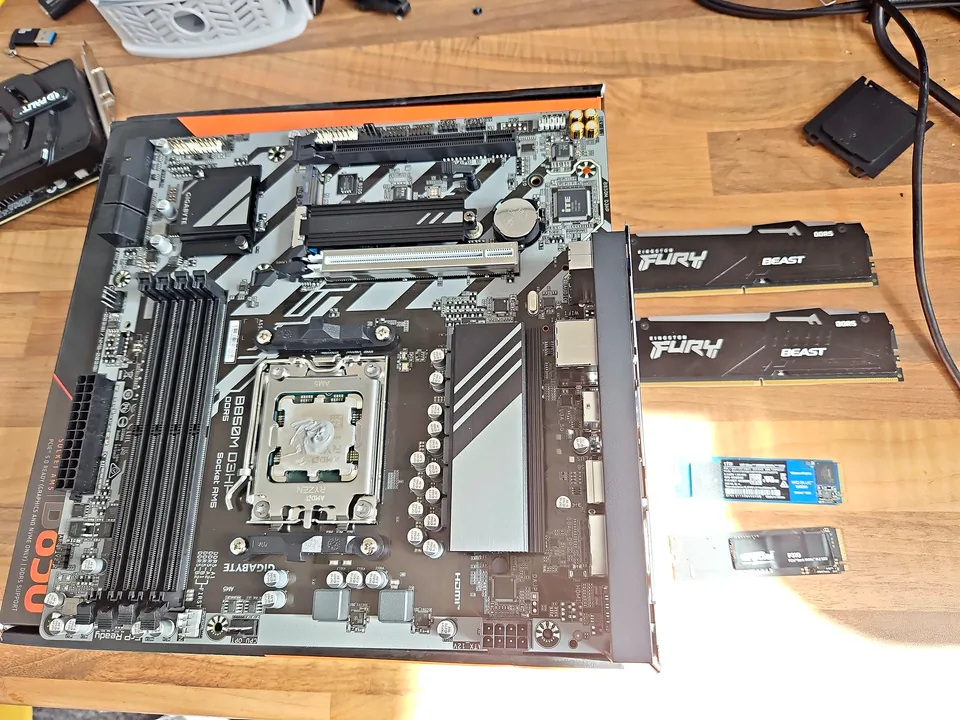
SSD, memory, graphics, power and cooling upgrades based on compatibility and an actual performance need.
View service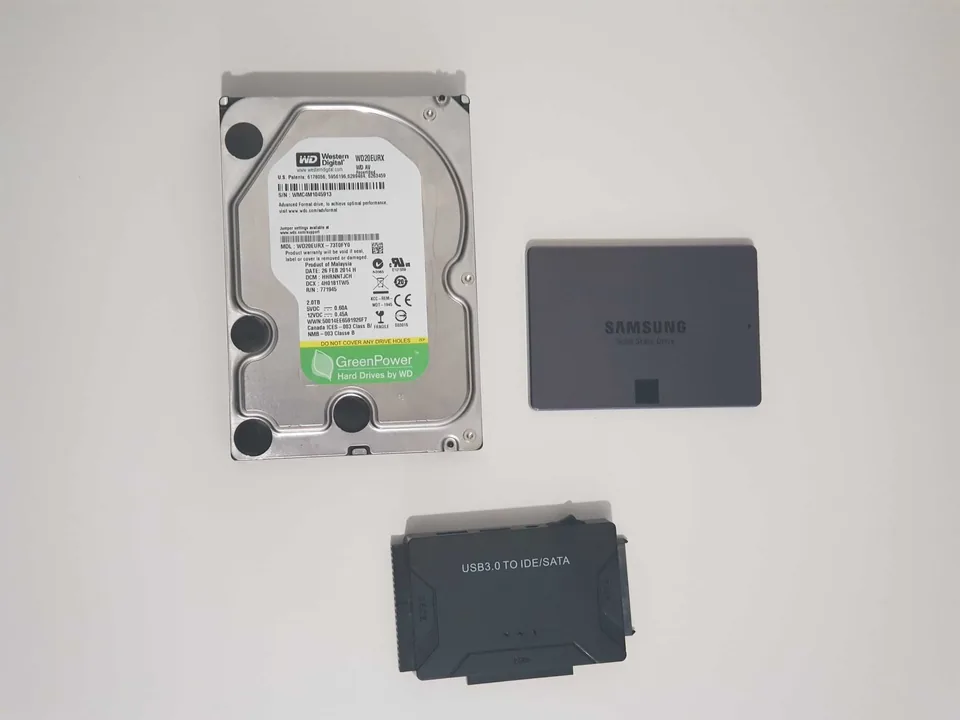
Assessment for deleted files, corrupted storage and failed hard drives or SSDs.
View service
Help with failed updates, boot loops, corrupt Windows, driver faults, account access and clean installations.
View serviceRepair guides

Repair guide
Laptop running slow in Birmingham? Separate storage, RAM, heat, Windows and software bottlenecks before paying for an SSD, memory upgrade or repair.
Read guideRepair guide
SSD upgrade in Birmingham: check interface, capacity, source-drive health, cloning and Windows setup before buying a drive for a laptop or desktop.
Read guide
Repair guide
Gaming PC slower or unstable after an upgrade? Check compatibility, power, BIOS, memory, cooling and drivers before buying more parts in Birmingham.
Read guideFrequently asked questions
No. It helps storage-related delays, but memory, cooling, malware and processor limits may still matter.
Often, if the old drive is healthy and the new drive has suitable capacity. A clean installation may be safer in other cases.
Important files should be backed up before work. The chosen migration route is explained first.
Many older laptops support an SSD, but compatibility and overall condition should be checked.
Speak to a technician
We will check compatibility and explain whether cloning, a clean installation or data recovery is the appropriate route.