Automatic repair loop
Boot files, updates, storage and hardware health may be involved.

Windows repair Birmingham
Help with boot loops, failed updates, corrupted Windows files, driver faults, account access and clean installation options.
Free general diagnosis · Quote before work · No Fix, No Fee on repair labour
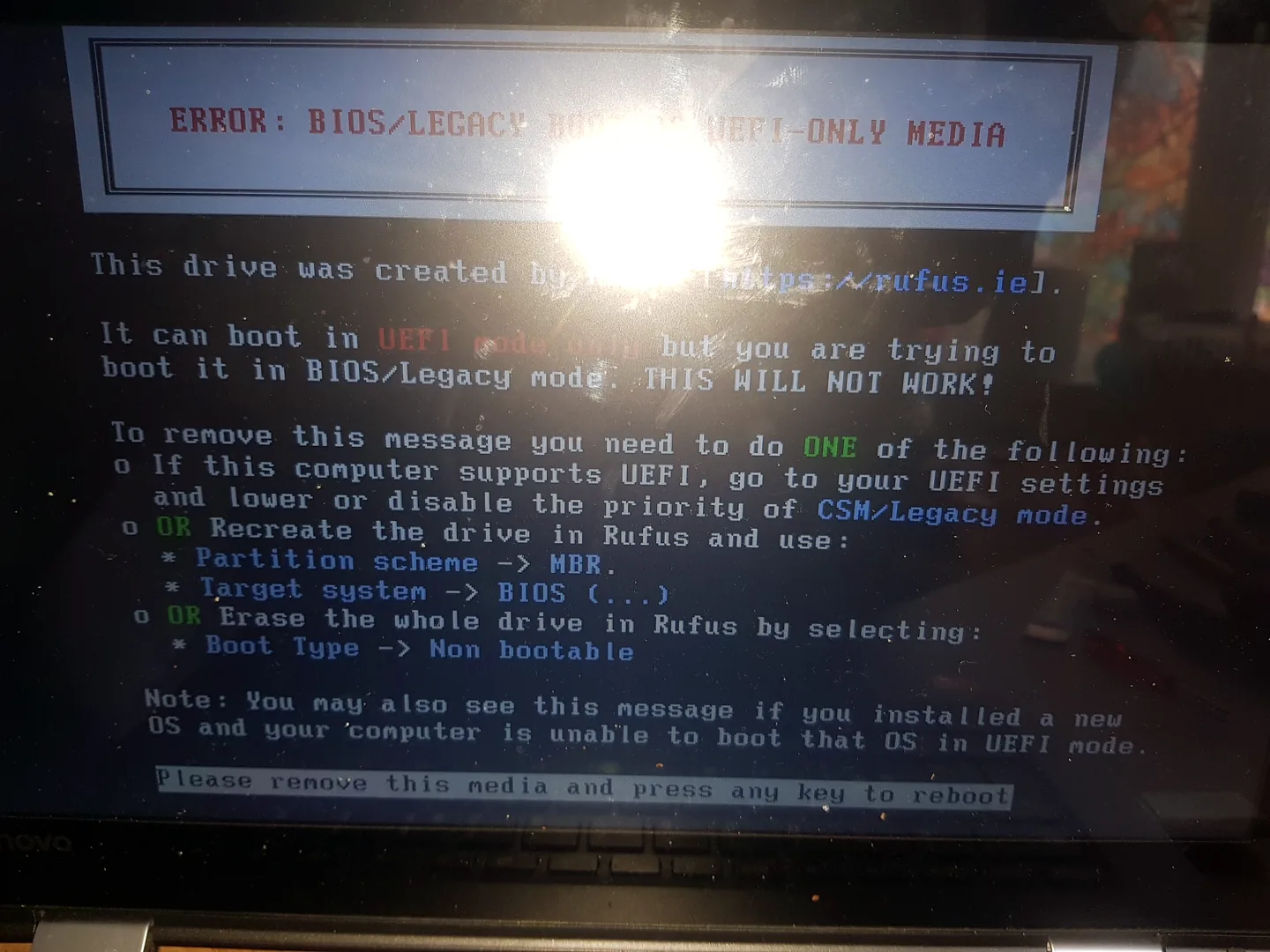
Windows boot error displayed during computer repair diagnosis in Birmingham.
Windows repair Birmingham
A damaged operating system can be the result of a failing drive, unstable memory, forced shutdowns or malware. Repairing Windows without checking the cause can lead to repeat failure. For wider hardware or operating-system diagnosis, start with our computer and PC repairs in Birmingham service.
Windows boot error shown during operating-system diagnosis.
Boot files, updates, storage and hardware health may be involved.
Rollback, repair or reinstall options depend on the error and system state.
File repair can help when the storage remains healthy.
Compatibility, firmware and recent changes are checked.
Microsoft and local accounts follow different recovery routes and ownership must be verified.
Backups, activation, drivers and application setup should be planned first.
Diagnosis before replacement
Reset and clean-install options can remove applications and data. Where the computer still starts, back up important files and record account details before making changes.
If Windows errors follow storage noises, extreme slowness or repeated corruption, stop and check the drive before more repair attempts.
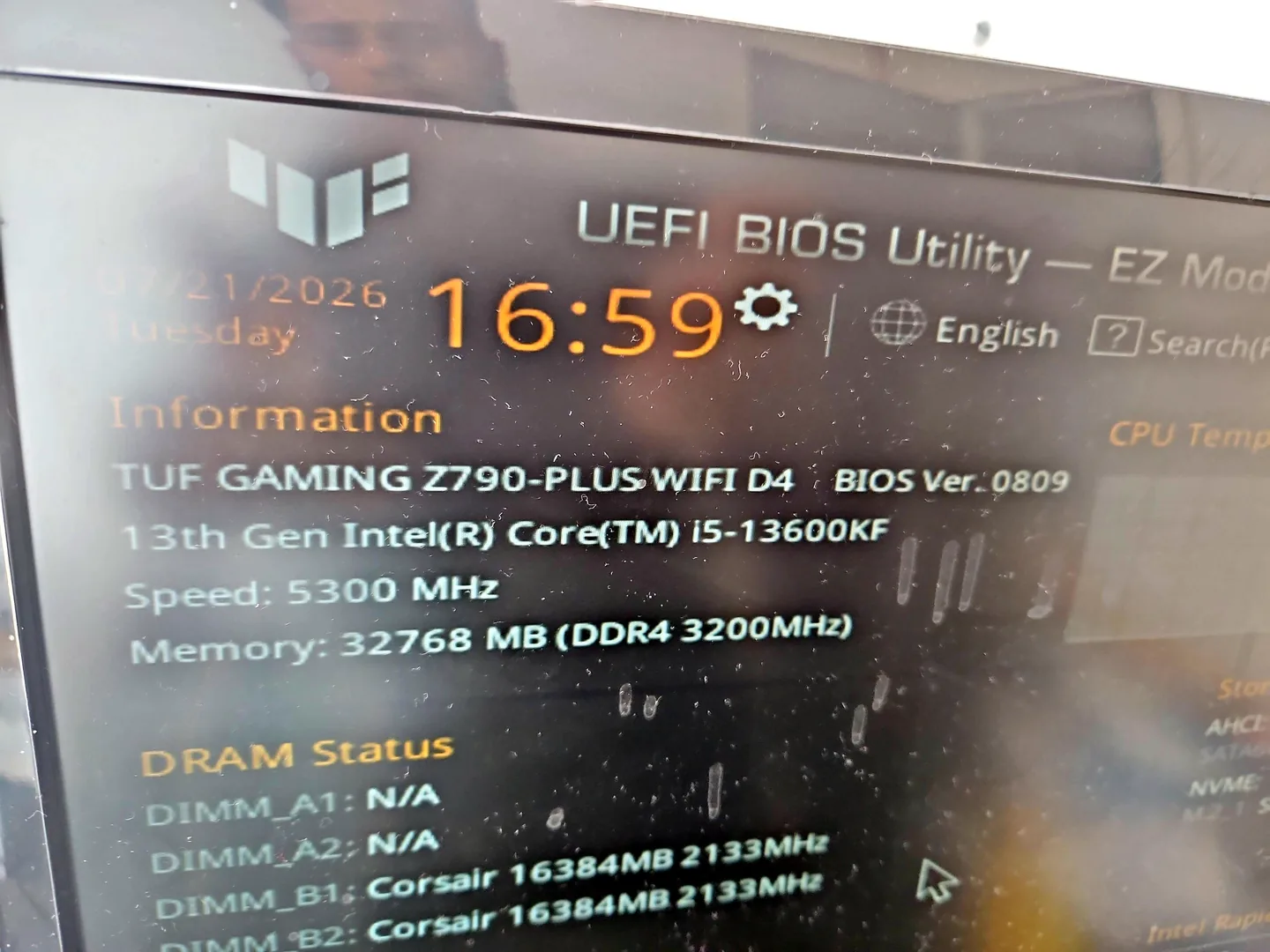
Desktop PC displaying BIOS information during hardware testing.
What affects the repair
A useful quote depends on the exact model, fault and condition rather than a headline price alone.
Windows repair will not remain stable on failing storage or memory.
The value of the current setup affects whether repair or a clean installation is preferable.
Licensing, Microsoft account access and encryption should be confirmed.
Malware, power loss and disk errors require different follow-up work.
Windows repair Birmingham
Not every Windows problem needs a clean installation. The correct route depends on the last stage Windows reaches and whether the storage and memory are healthy.
For people searching for Windows repair near me, useful checks include Startup Repair, recent update history, storage health, memory stability, drivers and the Windows Recovery Environment. Back up important files before resets or reinstallations where possible.
How repairs are handled
Tell us the device model, symptoms and whether you need a workshop appointment or call-out.
We inspect the fault and identify the likely repair route. General fault diagnosis is free.
You receive the options and price before chargeable work begins.
Approved work is completed and the relevant functions are checked before return.
Related repair services
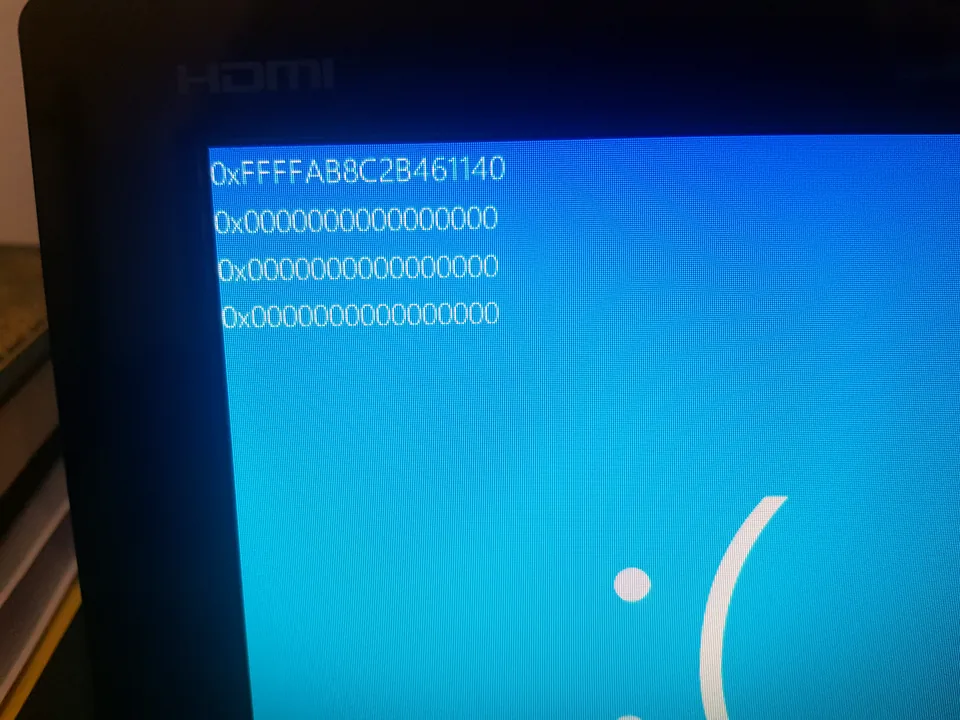
Diagnosis for repeated Windows stop errors, crashes, update failures, memory and storage faults.
View service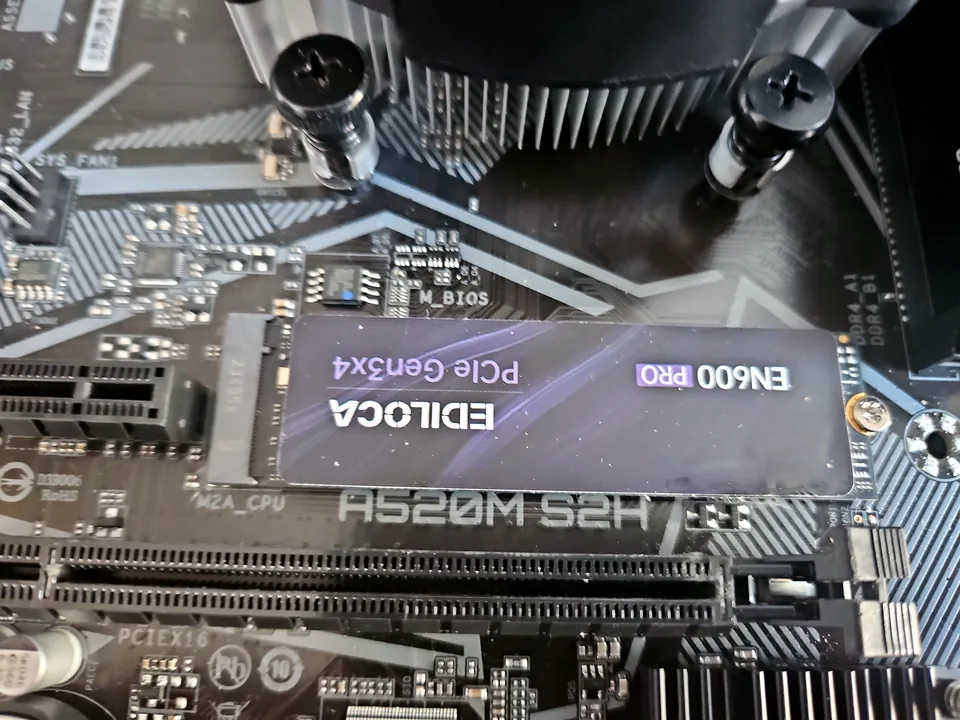
SSD replacement, capacity upgrades, Windows migration and storage-health checks for laptops and desktops.
View service
Investigation and cleanup for malware, unwanted software, browser redirects and fake alerts.
View serviceRepair guides

Repair guide
Laptop running slow in Birmingham? Separate storage, RAM, heat, Windows and software bottlenecks before paying for an SSD, memory upgrade or repair.
Read guide
Repair guide
Seven common computer problems in Birmingham and the safe checks to make before repair, covering freezing, no power, blue screens, heat and slow performance.
Read guide
Repair guide
Nine Windows malware warning signs, including redirects, fake alerts, unknown remote tools, disabled security and suspicious account activity.
Read guideFrequently asked questions
It can. The chosen option and backup plan must be explained before work begins.
Sometimes. The condition of the operating system and storage determines whether repair is reliable.
Many systems activate digitally, but activation and account details should still be checked before a clean installation.
Yes. Storage health should be checked when errors, slowness or corruption repeat.
Speak to a technician
Mention the error, recent update and whether important files or specialist applications must be preserved.