Crashes while gaming
Load-related crashes can involve the GPU, CPU, memory, power supply, drivers or temperatures.

Gaming PC repair Birmingham
Fault finding for gaming PCs that crash, overheat, fail to boot, lose display or perform below expectation.
Free general diagnosis · Quote before work · No Fix, No Fee on repair labour
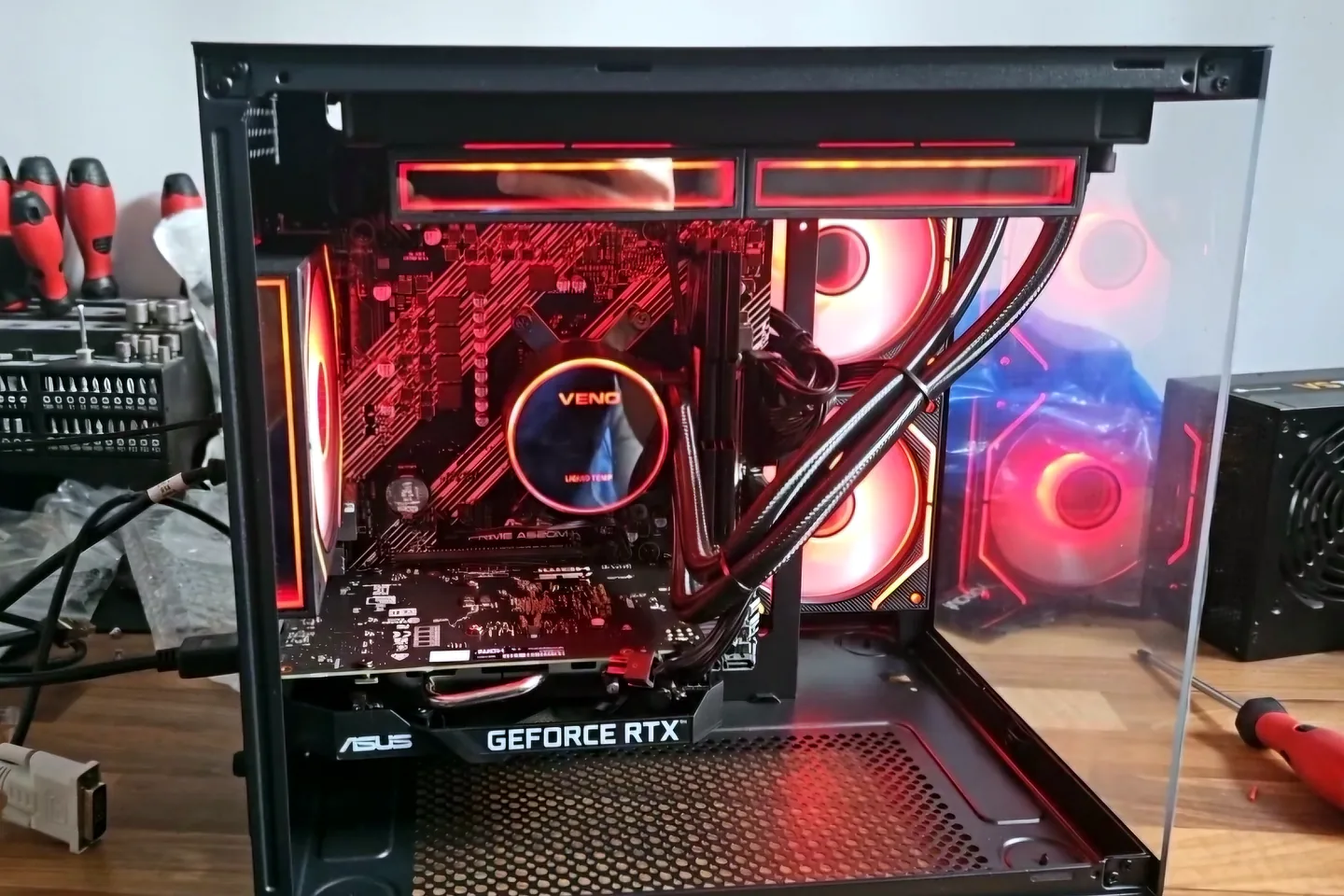
Gaming PC undergoing temperature and stability testing in Birmingham.
Gaming PC repair Birmingham
A PC may appear normal on the desktop and fail only when the graphics card, processor or power supply is under load. Temperatures, voltages, drivers and component stability are considered together. If symptoms point to the GPU, use our graphics card repair in Birmingham service; persistent temperature faults can be checked through PC overheating repair.
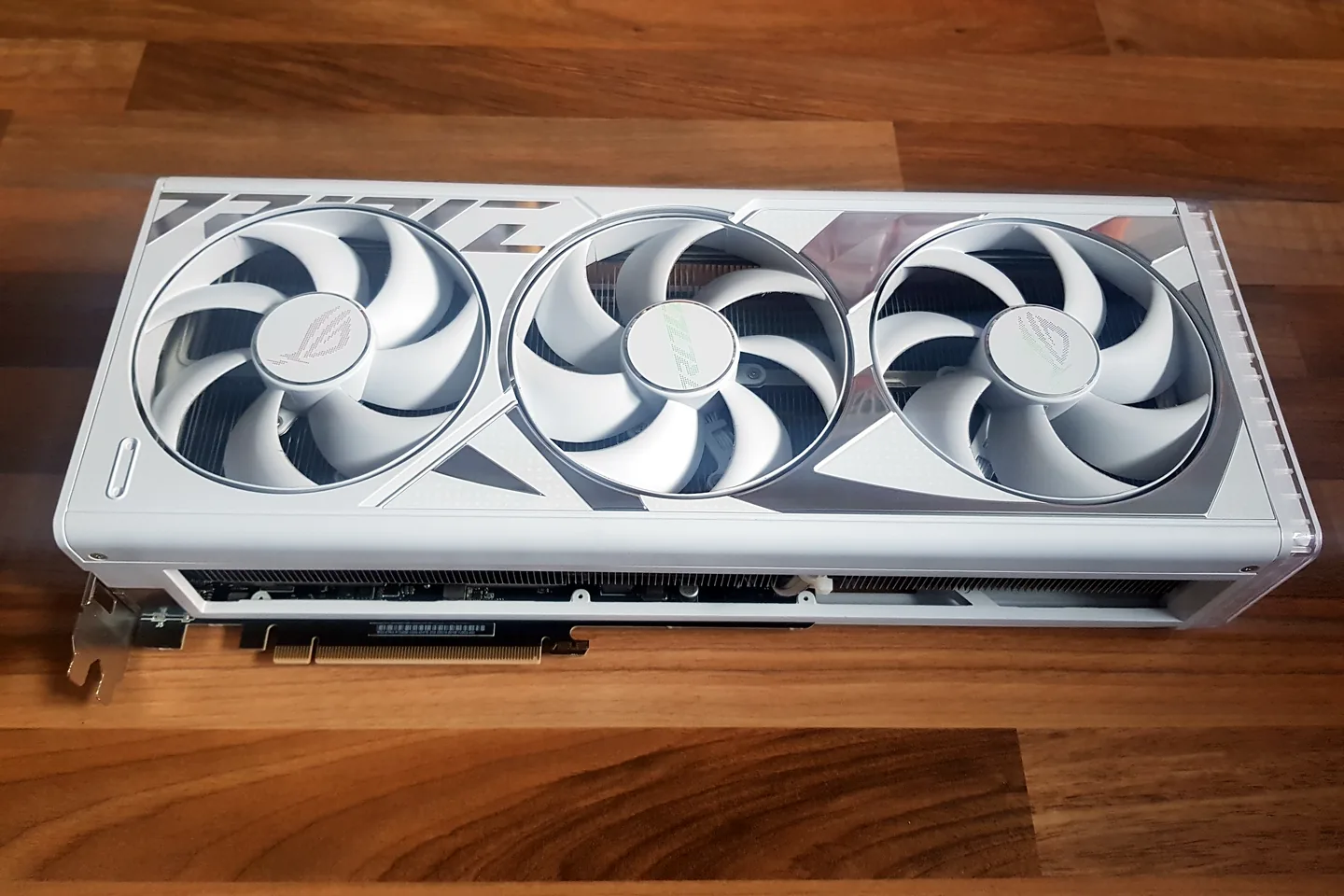
White graphics card photographed before installation and testing.
Load-related crashes can involve the GPU, CPU, memory, power supply, drivers or temperatures.
Dust, airflow, fan curves, thermal contact and cooler performance are checked.
Graphics output, cable, monitor, GPU power and driver behaviour may all be relevant.
Hardware limits, storage, memory, background load and thermal throttling are investigated.
Compatibility, BIOS settings, power connections and installation issues are checked.
Power delivery, temperatures and component protection behaviour are tested before parts are blamed.
Diagnosis before replacement
The game, workload and time taken before a crash are useful clues. Note any error message, whether audio continues and whether the PC restarts or remains powered with no display.
Repeatedly forcing an unstable PC through heavy benchmarks can make a cooling or power fault worse. Save important data and arrange testing when the failure is repeatable.
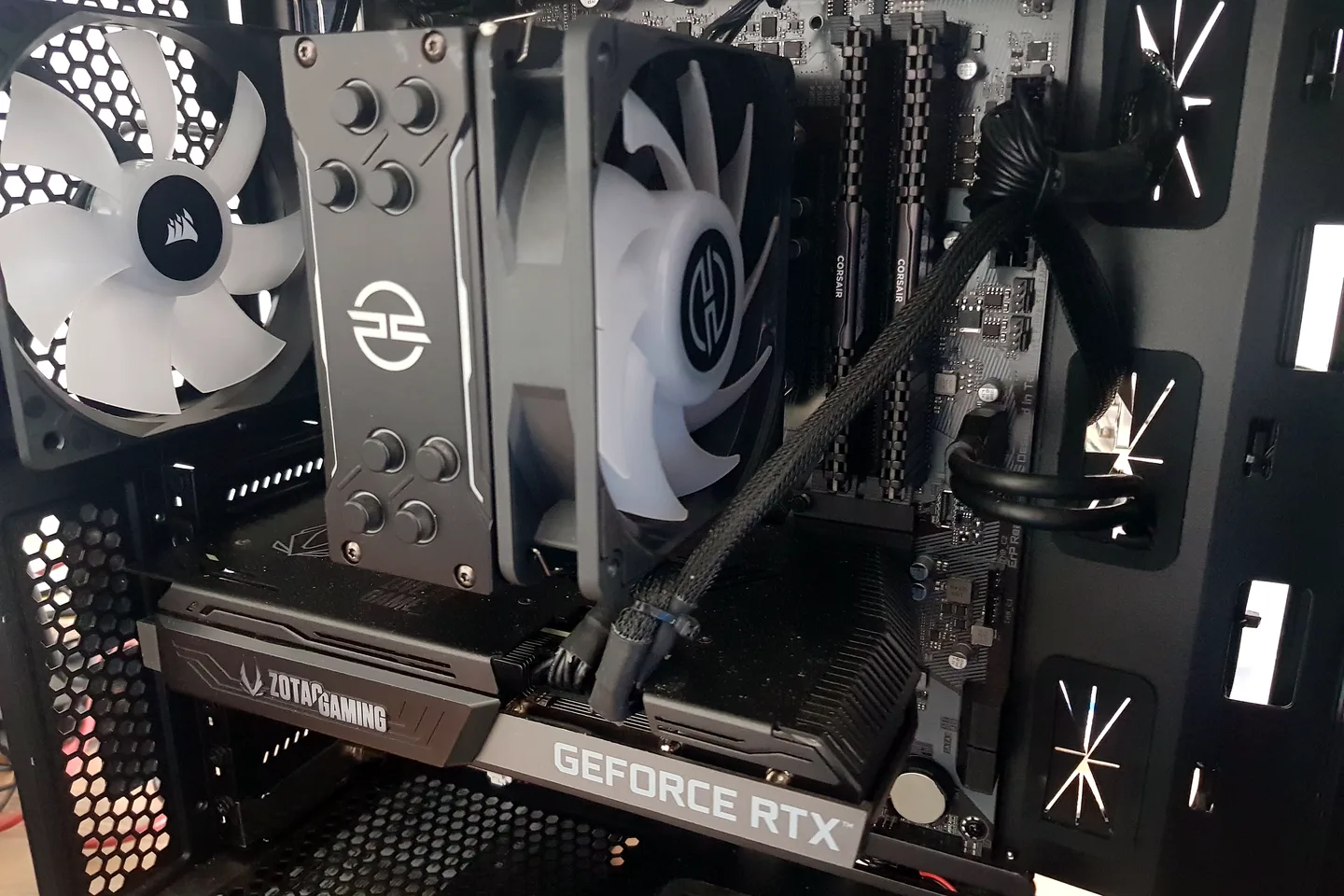
Gaming PC air cooler and graphics card checked inside the case.
What affects the repair
A useful quote depends on the exact model, fault and condition rather than a headline price alone.
Cases, motherboards, coolers and power supplies vary widely, so the whole build must be considered.
Intermittent failures can require controlled testing rather than a quick visual check.
New hardware, BIOS changes, overclocking and driver updates can alter stability.
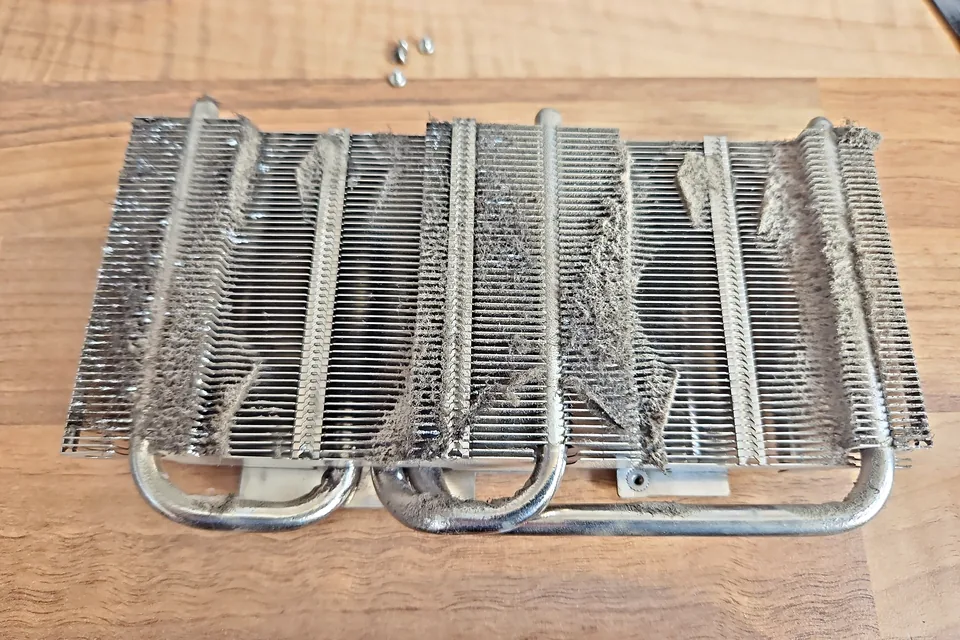
Dust, airflow restrictions and poor thermal contact can reduce performance or trigger shutdowns.
Gaming PC repair Birmingham
Gaming PC faults are easier to diagnose when the exact load, game and failure pattern are known.
A search for gaming PC repair near me can cover very different problems: crashes only under load, low FPS, no display, overheating, random restarts or a GPU that stops responding. Those symptoms can involve the graphics card, CPU cooling, RAM, drivers, BIOS, storage or power supply.
How repairs are handled
Tell us the device model, symptoms and whether you need a workshop appointment or call-out.
We inspect the fault and identify the likely repair route. General fault diagnosis is free.
You receive the options and price before chargeable work begins.
Approved work is completed and the relevant functions are checked before return.
Related repair services
Diagnosis for no display, artefacts, crashes, overheating, fan faults and unstable graphics cards.
View service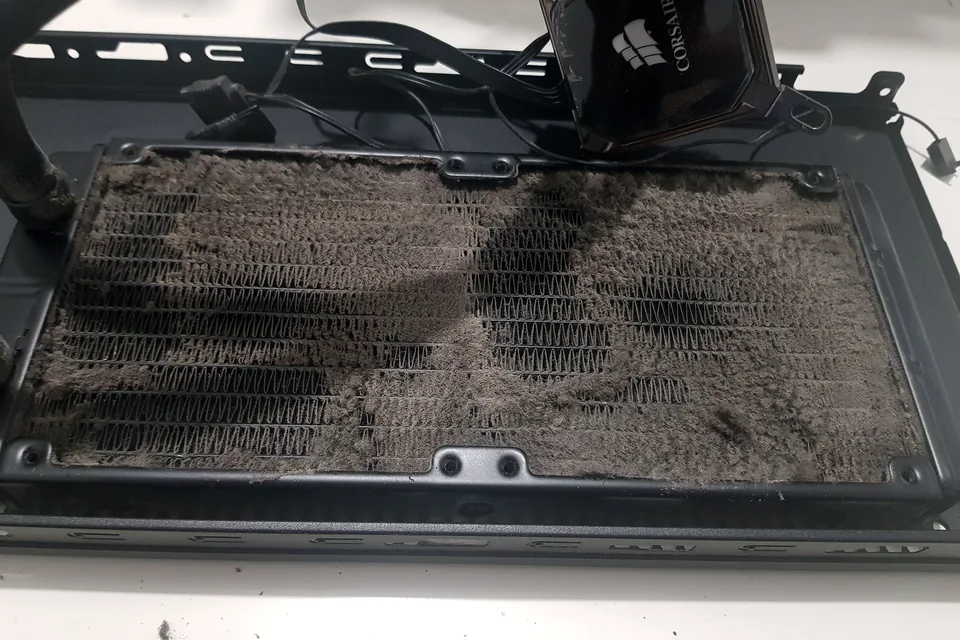
Cooling diagnosis for high temperatures, loud fans, thermal throttling and shutdowns.
View service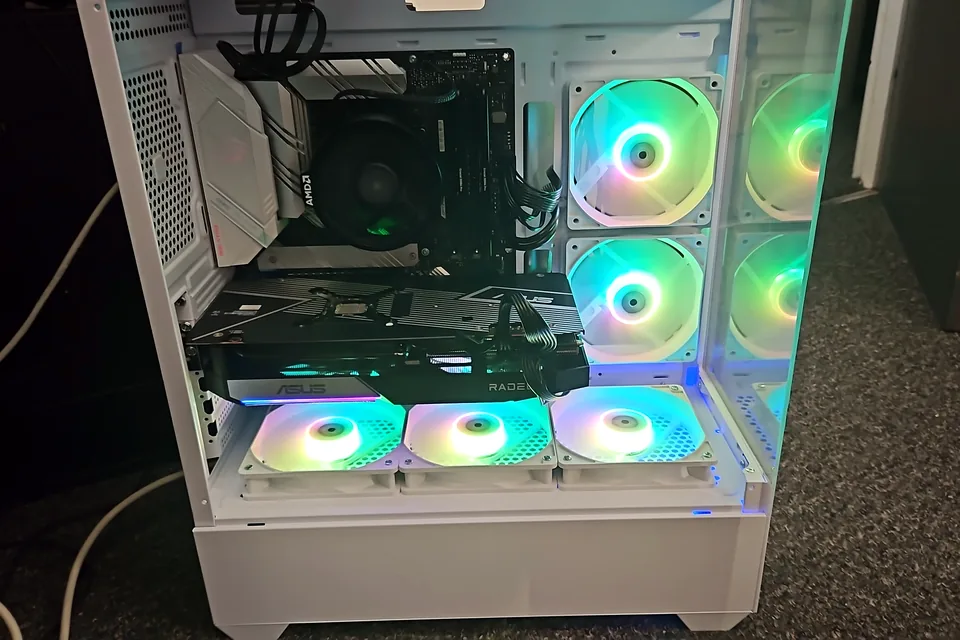
Parts planning, assembly, cable management, Windows setup and stability testing.
View serviceRepair guides
Repair guide
Gaming PC crashes and overheating can involve cooling, power, memory, drivers or graphics. Learn what to record before Birmingham repair diagnosis.
Read guide
Repair guide
Gaming laptop FPS starts normally then drops? Learn how heat, power limits, charger issues, software and storage are separated before repair in Birmingham.
Read guide
Repair guide
Gaming PC overheating? Learn when thermal paste helps, when a CPU cooler upgrade is needed, and how airflow, dust and temperatures reveal the real cause.
Read guideFrequently asked questions
Yes. The game, driver, temperatures and system stability can be compared to determine whether the issue is software-specific or wider.
Graphics cards can be diagnosed and board-level repair may be considered where appropriate. Some failures are more economical to replace.
Yes. Compatibility, power, cooling and expected performance are checked before recommending parts.
Not usually. Resetting can remove useful evidence and risks data loss, so describe the fault first.
Speak to a technician
The more precisely the crash can be reproduced, the more useful the diagnosis. Call before carrying the system to the workshop.