Last reviewed:


Reviewed by

The cost of repairing a laptop in Birmingham depends on the exact fault,
the laptop model, the replacement part required and how difficult the
machine is to dismantle. A slow Windows laptop may only need software work
or an SSD upgrade, while a cracked touchscreen, damaged charging circuit or
motherboard fault can cost considerably more.

This guide explains the typical price bands customers may encounter and
what should be included in a proper repair quote. For a model-specific
assessment, view our

laptop repairs in Birmingham

or request an estimate before authorising any work.

Quick answer: how much does laptop repair cost in Birmingham?

As a broad planning guide, many straightforward laptop repairs fall
between £45 and £200. Screen replacement, hinge damage,
motherboard faults, premium parts and data recovery can cost more.

The price should be confirmed after the laptop model and fault have
been checked. The written quote should explain what is included and show
the total amount payable before work begins.

Typical laptop repair costs in Birmingham

The following figures are broad guide ranges rather than fixed
quotations. The final cost can only be confirmed after the exact model,
symptoms and required parts have been identified.

How these guide prices were prepared:
These are broad planning ranges, not fixed PC Repair Guru prices.
Unless a row says otherwise, a range is intended to reflect the
typical combination of labour and replacement-part costs for that
kind of repair. Before work begins, your written quotation will
confirm what is included, identify any applicable VAT and show the
total amount payable.

We also sense-checked the ranges against recent UK market research
published by


Which? on laptop and computer repair costs

.
Its November 2025 research surveyed 10 Trusted Traders and states
that its published ranges generally include labour and materials
but exclude VAT unless otherwise specified.

Guide price ranges for common laptop repairs in Birmingham
Repair or serviceTypical guide rangeWhat affects the price?
Initial assessment and repair estimateFree estimate The laptop may still need hands-on testing before a
final repair price can be confirmed.
Windows or software repair£45–£90 Operating-system condition, update failures, startup
faults and whether data must be retained.
Virus and malware removal£50–£100 Severity of the infection, file damage and whether
Windows needs to be repaired or reinstalled.
Internal cleaning and thermal service£50–£110 Laptop construction, fan access, dust build-up and
whether thermal materials need replacing.
RAM or memory upgrade£50–£130 Memory capacity, DDR generation, available slots and
whether the memory is soldered.
SSD replacement or storage upgrade£80–£200 SSD capacity, drive type, Windows installation and
whether existing files must be transferred.
Laptop battery replacement£70–£180 Battery availability, original or compatible part and
how much dismantling is required.
Keyboard replacement£80–£180 Some keyboards are separate parts; others are built
into the full palm-rest assembly.
Charging port or DC-jack repair£80–£200 Whether the port uses a cable, is soldered to the board,
or has caused additional motherboard damage.
Laptop screen replacement£90–£300 Screen size, resolution, connector, refresh rate,
touchscreen layer and panel availability.
Hinge or damaged casing repair£90–£250 Whether only the hinge is damaged or the screen lid,
palm rest and internal mounts have also broken.
Motherboard or board-level repair£120–£350+ Diagnostic time, component damage, liquid exposure and
replacement-board availability.
Data recovery£80–£500+ Drive health, encryption, physical failure and whether
specialist laboratory recovery is required.
Important:
OLED screens, high-refresh gaming panels, touchscreens, MacBook
assemblies, rare parts and serious liquid damage may exceed the guide
ranges above.
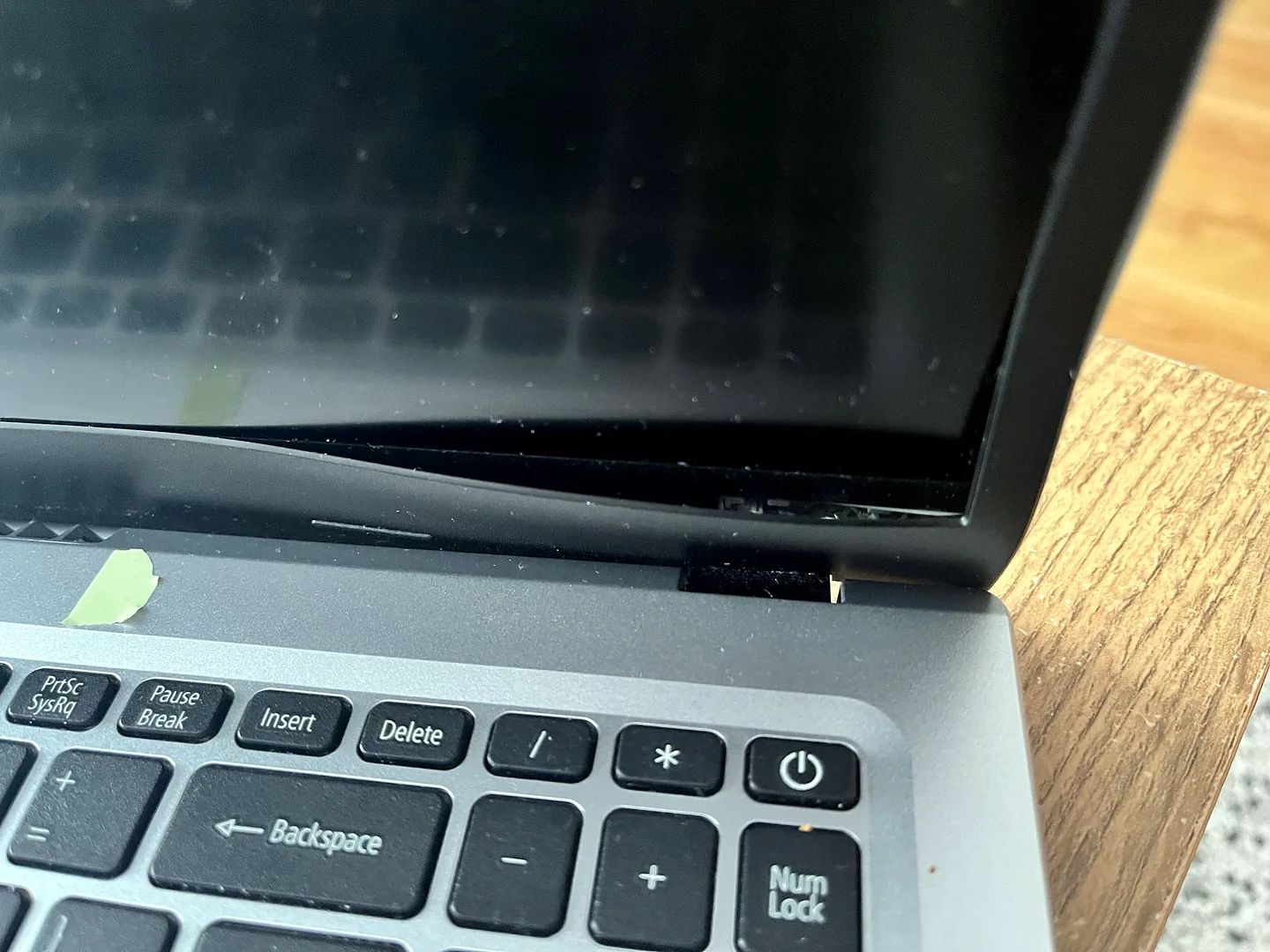
Illustration of a cracked laptop beside a replacement display panel during a screen repair
Illustrative image created for this guide. Actual replacement
panels, parts and fitting methods vary by laptop model.

For details of the faults we handle, see our complete

laptop repair services
.

What affects the cost of a laptop repair?

1. The exact laptop model

Two laptops with the same screen size can use completely different
panels, cables, batteries and keyboard assemblies. The full model
number is therefore more useful than the brand name alone.

2. Replacement-part availability

Common Dell, HP, Lenovo, Acer and Asus parts may be easier to source.
Rare models, premium displays and older machines can require special
ordering, which can affect both price and turnaround time.

3. How difficult the laptop is to open

Some laptops provide straightforward access to the SSD, RAM and
battery. Others require the motherboard, cooling system or complete
upper casing to be removed before the faulty part can be reached.

4. Whether the fault has caused further damage

A loose hinge can damage the screen cable and casing. A damaged
charging port can affect the motherboard. Liquid exposure can damage
several circuits rather than one replaceable part.

5. Data transfer and software work

Replacing a failed drive is only one part of the job. Windows,
applications, drivers and personal files may also need to be restored
or transferred to the new storage device.

6. The quality of the replacement part

Original manufacturer parts, high-quality compatible parts and
unbranded low-cost parts do not always offer the same fit, performance
or warranty. Ask what type of part is included in the quote.

Common laptop repairs explained

Laptop screen replacement

Screen prices vary because laptops can use standard LCD panels,
high-resolution displays, high-refresh gaming screens, touch panels or
complete display assemblies.

Before ordering a replacement, the technician should confirm whether
the fault is the panel itself, the display cable, the backlight circuit
or the graphics hardware. A black screen does not automatically mean
that the display panel has failed.

Battery replacement

A worn battery may cause short running time, sudden shutdowns or
charging warnings. Before replacing it, the charging adapter, charging
port and battery health should be checked so that a power fault is not
mistaken for a bad battery.

SSD and memory upgrades

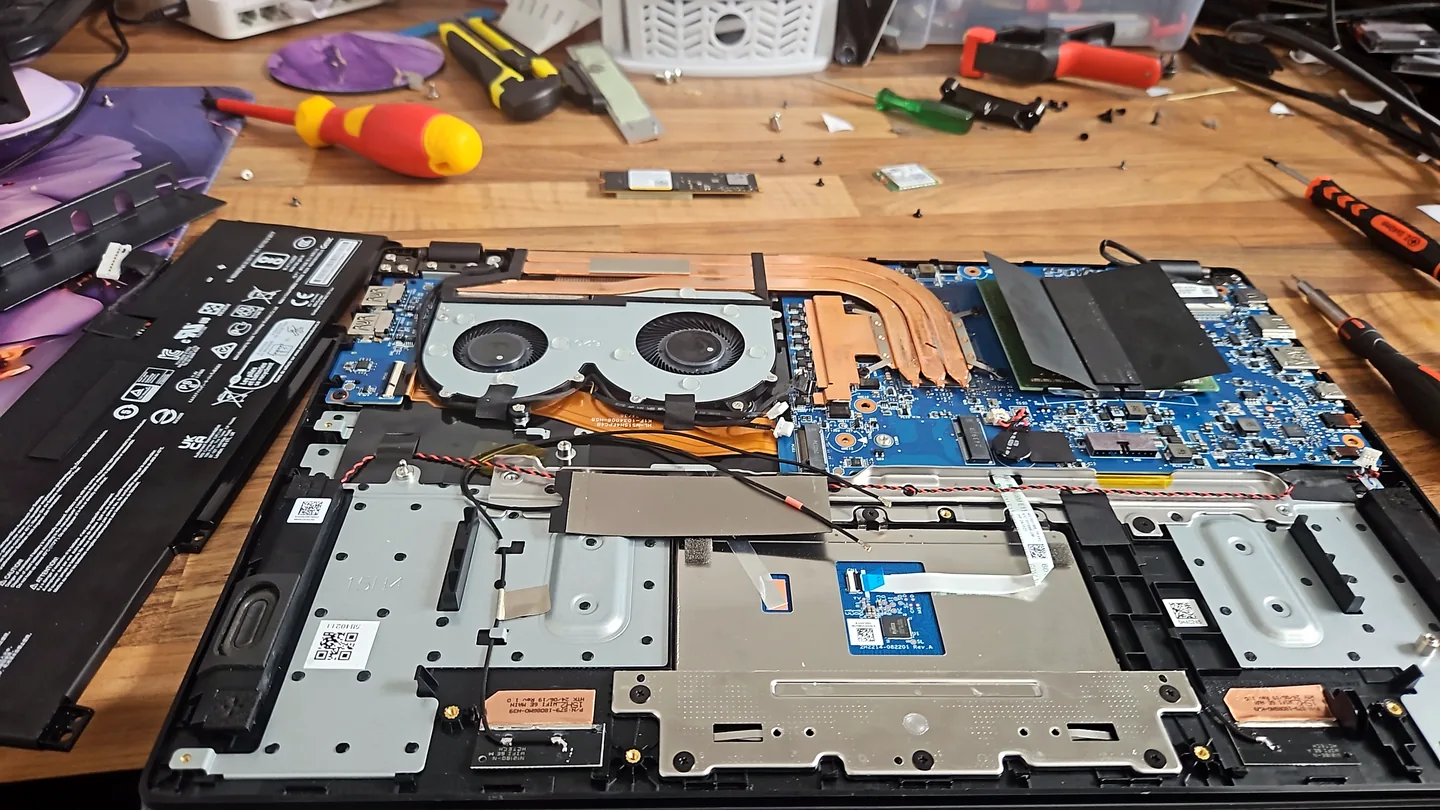
Illustration of an open laptop prepared for an SSD and memory upgrade
Illustrative image. Some laptops have upgradeable RAM and storage;
others use soldered memory or model-specific parts.

An SSD upgrade can make an older laptop start and load applications
considerably faster. The price depends on storage capacity and whether
Windows and existing files need transferring.

Memory upgrades are only possible when the laptop has replaceable RAM.
Some modern laptops use memory soldered directly to the motherboard.
Learn more about our

SSD and memory upgrade services
.

Charging-port repair

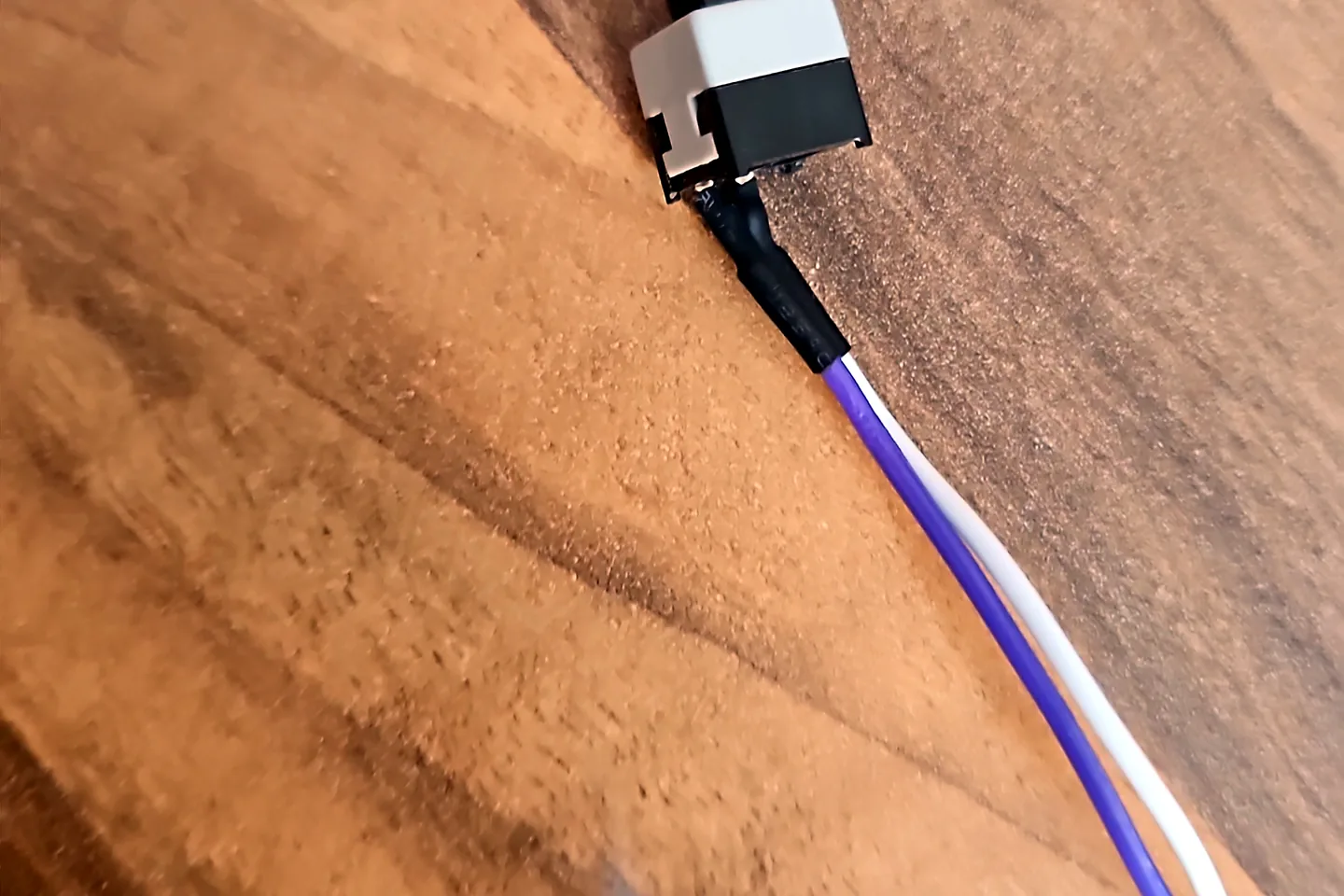
Illustration of a laptop motherboard and charging port being inspected during fault diagnosis
Illustrative image. Charging faults can originate from the adapter,
port, battery, cable or motherboard power circuit.

Charging only when the cable is held at an angle can indicate a damaged
port, adapter plug or motherboard connection. Continuing to force the
cable can make a small repair more expensive.

Virus and Windows repair

Slow performance, browser redirects, unexpected pop-ups and repeated
crashes can be caused by malware, damaged Windows files, failing
storage or unwanted startup applications.

The underlying cause should be checked before Windows is reinstalled.
For security-related faults, see our

Birmingham virus and malware removal service
.

Motherboard repair

Motherboard faults usually require more diagnostic time than a simple
part replacement. The repair may involve power circuits, charging
circuits, damaged connectors, corrosion or failed board-level
components.

A proper diagnosis is important because symptoms such as no power, no
display or random shutdowns can also be caused by the charger, battery,
RAM, storage or cooling system.

Should you repair or replace the laptop?

A repair may make sense when:

  • The laptop still meets your work or study needs.
  • The fault is limited to one replaceable part.
  • The screen, battery, keyboard or SSD is the main issue.
  • Your applications and files are already set up on it.
  • The laptop is otherwise in good physical condition.

Replacement may make more sense when:

  • Several major components have failed.
  • The motherboard, display and battery all need work.
  • Replacement parts are unavailable or disproportionately expensive.
  • The laptop no longer supports the software you require.
  • The repair would not provide a useful remaining lifespan.
Workshop rule:
the first question is not only whether the laptop can be repaired.
It is whether repairing it represents good value compared with
replacing it.

How to get an accurate laptop repair quote

Providing the right information helps a repair shop identify likely
parts and avoid giving an unreliable estimate.

  1. Find the complete model number from the base of the laptop or
    Windows system information.
  2. Describe exactly what happens, including error messages, warning
    lights, unusual sounds and when the fault began.
  3. Explain whether the laptop was dropped, exposed to liquid or
    affected after an update or upgrade.
  4. State whether your files need to be preserved or transferred.
  5. Ask whether the quotation includes parts and labour and whether
    VAT applies.
  6. Ask what warranty is supplied with the completed repair.
  7. Do not approve replacement parts until the fault and total cost
    have been explained.

For a model-specific estimate, use our

laptop repair contact form

or call
0121 679 9865.

Laptop repairs in Birmingham

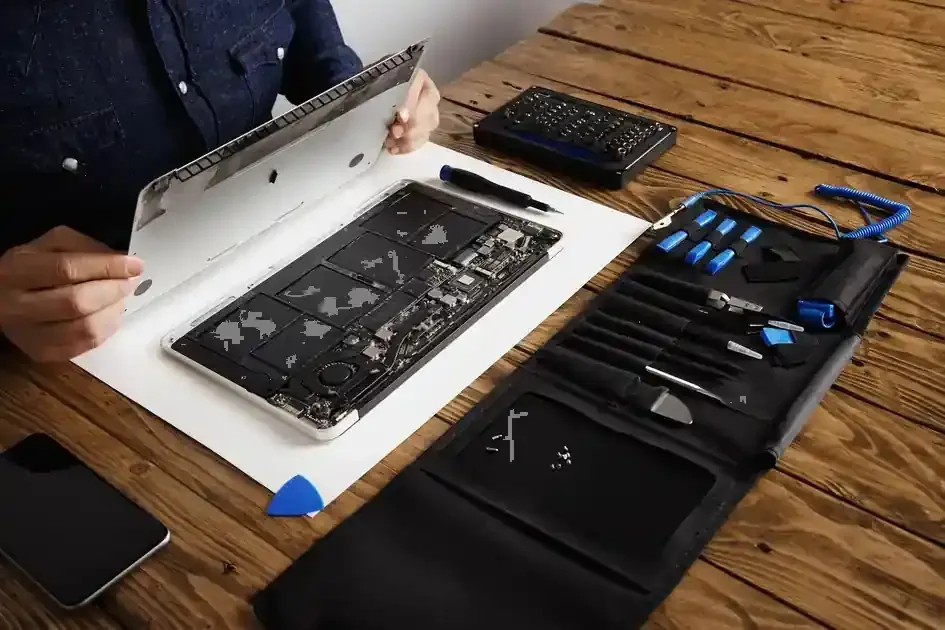
Illustration of a technician repairing an open laptop at a computer repair bench
Illustrative image created for this guide. It is not a photograph
of a specific PC Repair Guru branch or employee.

PC Repair Guru provides computer and laptop repair services from two
Birmingham locations:

Small Heath

9A Hob Moor Road
Bordesley Green, Small Heath
Birmingham
B10 9AY

Shard End

64 Brook Meadow Road
Shard End, Hodge Hill
Birmingham
B34 6QP

We provide an estimate before work begins and explain the likely costs
before replacement parts are fitted. Our No Fix, No Fee policy is
subject to the applicable service terms.

Read more about our wider

computer and laptop repairs in Birmingham

or review our

service terms and No Fix, No Fee policy
.

Frequently asked questions

What is the average laptop repair cost in Birmingham?

Many straightforward software, cleaning and upgrade jobs fall
within approximately £45 to £200. Screens, hinges, charging
circuits, motherboards and data recovery may cost more because the
replacement parts and labour vary significantly between models.

Can I get a repair price without bringing the laptop in?

A provisional estimate may be possible when you provide the exact
model and a clear description of the fault. A final quotation may
require hands-on testing because similar symptoms can have
different causes.

How long does a laptop repair normally take?

Turnaround depends on the diagnosis, whether the correct part is in
stock and how much dismantling or testing is required. Straightforward
repairs may be completed quickly, while liquid damage, board-level
faults and special-order parts take longer. The expected timescale
should be confirmed with the quotation.

Does a laptop screen repair include the replacement screen?

The written quotation should state whether the display panel,
fitting, testing and any applicable VAT are included. Touchscreens
and complete display assemblies normally cost more than standard
non-touch panels.

Is an old laptop worth repairing?

It depends on the laptop’s condition, performance, current value
and the cost of the fault. A battery, SSD or screen replacement can
extend the life of an otherwise useful laptop. Multiple major
faults may make replacement better value.

Should I back up my files before a repair?

Back up important files whenever the laptop still operates.
However, if the storage drive is clicking, disappearing or causing
repeated crashes, stop using it and ask about data recovery before
attempting further repairs.

Need a laptop repair estimate in Birmingham?

Send us the laptop brand, full model number and a description of the
fault. We will explain the next step before any repair work begins.


Call 0121 679 9865


Request an estimate

About PC Repair Guru:
PC Repair Guru provides laptop, desktop and gaming-PC repairs in
Birmingham. Our technicians diagnose the fault before recommending
replacement parts and explain whether a repair represents good value.
Learn more
.