

Does a black screen mean the laptop needs a new screen?
A laptop that powers on but shows a black screen does not automatically need a new panel. The fault may be brightness or display output, Windows, the screen cable, backlight, memory, BIOS, graphics hardware or the motherboard. The startup pattern and external-monitor result help narrow the cause.
A black laptop display is a symptom, not a diagnosis. Two laptops can look identical from the outside while one has a damaged panel and the other has a Windows startup fault. The first job is to establish whether the laptop has no power, fails its initial hardware checks, produces video only on another display, or reaches Windows and then goes blank.
Laptop powers on but has no picture: identify the stage
| What you observe | What it may indicate | Sensible next step |
|---|---|---|
| No lights, fan or charging indication | A no-power problem rather than a screen fault | Check the charger and use the no-power diagnosis guide |
| Lights or fan, but no manufacturer logo | No-display or failed hardware startup checks | Record any flashing lights or beep pattern and arrange diagnosis |
| Logo appears, then the display goes black | Windows, a display driver, storage or startup fault | Use safe Windows checks before ordering a screen |
| External monitor works but the laptop screen stays black | Internal panel, backlight or display-cable fault is more likely | Inspect the internal display route and model-specific parts |
| A very faint image is visible | The panel may be producing an image without normal illumination | Test the backlight, cable and related power circuit |
| Cracks, ink-like marks or coloured lines are visible | Physical panel damage | Check the exact panel specification and hinge condition |
Safe checks before booking a repair
Start with checks that do not require dismantling the laptop:
- Increase the brightness using the correct function key for the model
- Disconnect docks, USB devices, memory cards and unnecessary accessories
- Listen for Windows sounds and check whether Caps Lock or keyboard lights respond
- If Windows appears to have loaded, press Windows + Ctrl + Shift + B once to reset the graphics driver
- Check the display-output mode with Windows + P if an external screen was recently used
- Test one known-good monitor or television with the correct input and cable
Do not repeatedly force the laptop off and on. Stop using it if there is a burning smell, unusual heat, liquid exposure, a swollen battery or damage around the hinge and screen cable route.
What an external monitor test can and cannot prove
An external display is useful because it bypasses the laptop's internal panel. If Windows appears normally on the external screen, the internal panel, backlight or cable becomes more likely. It still does not prove that the panel alone has failed. Some laptops switch between integrated and dedicated graphics, use model-specific output modes, or have cable and firmware faults that change the result.
If neither display shows a manufacturer logo or setup screen, the fault may be earlier in the startup process. Memory, firmware, graphics or motherboard diagnosis may be required rather than a screen replacement.
Internal screen and backlight faults
For laptop black screen repair in Birmingham, the safest route is to confirm which part of the display system has failed before ordering a panel.
A physically intact screen can remain black when the backlight, panel electronics or screen power path fails. A very dim image, a brief flash at startup or a picture that appears only at certain lid angles are useful clues. The replacement must match more than the diagonal size. Resolution, connector position, refresh rate, touch support, mounting points and panel revision can all matter.
Display-cable and hinge-area damage
The display cable runs through the hinge area and flexes whenever the lid is opened. Loose hinges, previous screen work, casing damage or a trapped cable can cause an intermittent or completely black display. Symptoms may change when the lid moves, but repeatedly flexing a damaged hinge can worsen the cable or mounting damage.
Where the screen casing separates or the hinge feels tight, stop opening and closing the lid. The screen, cable and hinge assembly should be assessed together rather than treating them as unrelated faults.
RAM, BIOS and motherboard no-display faults
If the laptop shows power but never displays its manufacturer logo, it may not be completing its initial hardware checks. Memory problems, interrupted firmware updates, graphics faults, corrosion or motherboard power faults can all produce a no-display symptom. Flashing LEDs or beep codes should be recorded because their meaning varies by manufacturer and model.

Do not remove memory or disconnect an internal battery unless you understand the model-specific procedure. Modern laptops may hide screws, use fragile clips or store encryption keys that affect later access.
When Windows or a display driver causes the blank screen
If the manufacturer logo appears and the screen goes black only as Windows loads, the panel may be working. Microsoft identifies blank screens with a cursor, after login or after an update as situations that can involve a stalled process, display-output setting or driver. Its current Windows blank-screen guidance includes the graphics reset shortcut, display-mode checks, Task Manager and recovery options.
Advanced recovery steps should be used carefully when files are important. A failed drive, BitLocker prompt or interrupted update may need a different route. PC Repair Guru can assess the wider Windows repair problem without assuming the screen is faulty.
Are the files still recoverable?
A black screen does not normally erase files. If the laptop still starts, the storage may be healthy even though there is no usable picture. Data access depends on the condition of the drive, encryption, Windows account and whether the laptop is completing startup. Avoid random resets or reinstalling Windows before deciding what data must be protected.
How PC Repair Guru diagnoses a laptop black screen
The Birmingham workshop follows the symptom from power-on to the operating system rather than ordering a screen immediately.
- Confirm power, charging and startup indicators
- Check brightness, output mode and visible damage
- Compare the internal display with a known-good external screen
- Test whether the laptop reaches firmware or Windows
- Inspect the display cable, hinge route and board connections where needed
- Confirm the exact panel or repair route before quoting
Depending on the finding, the correct destination may be laptop screen repair in Birmingham, wider laptop repair or motherboard diagnosis. Customers travelling from the north of the city can also review the Sutton Coldfield repair information.
What affects price and turnaround
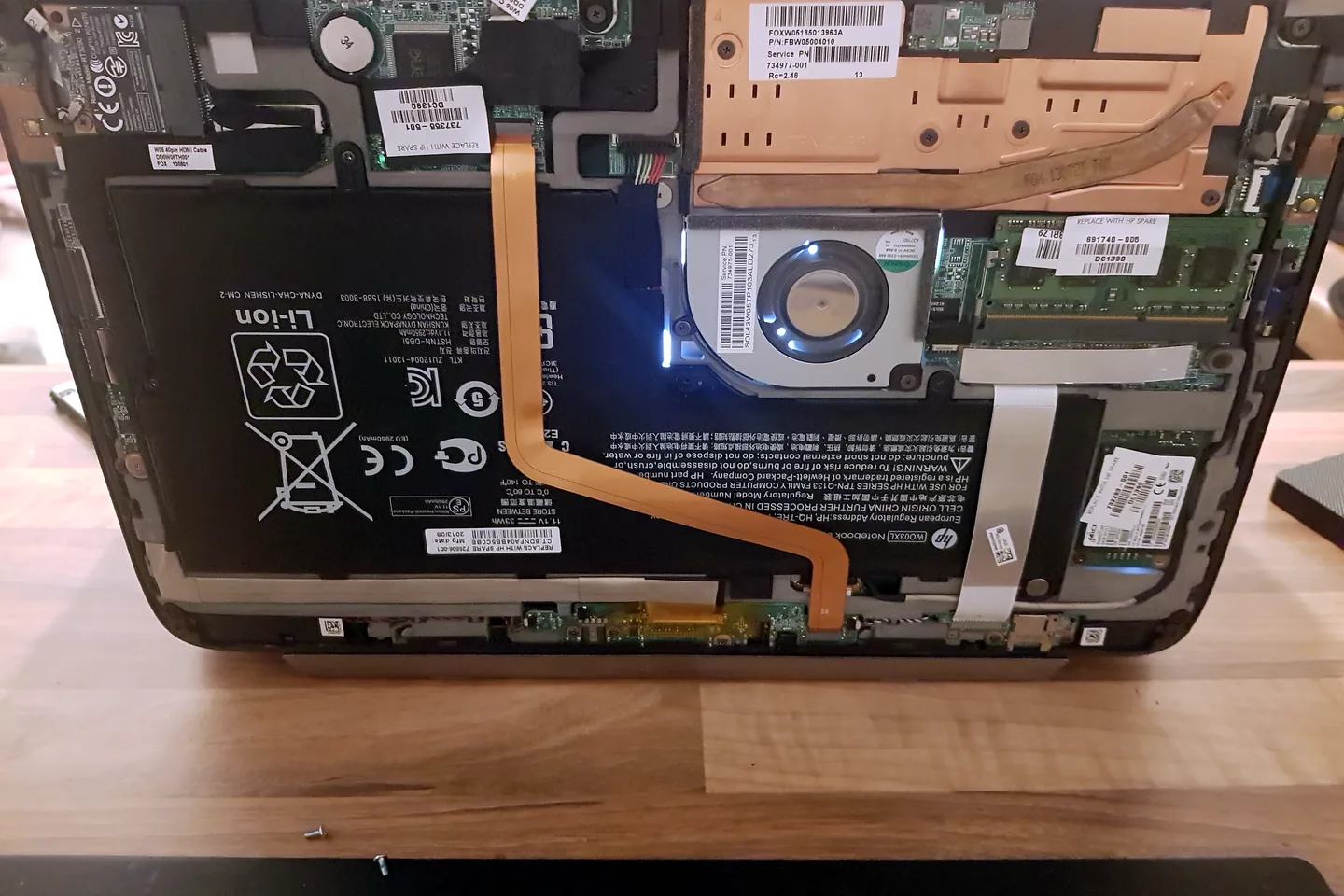
The quote depends on the laptop model and the actual failed part. A standard non-touch panel is different from a high-resolution, high-refresh or touchscreen assembly. Cable or hinge damage, firmware recovery, board-level work and parts availability also affect the repair. The fault and options are explained before chargeable work begins.
Arrange laptop black-screen diagnosis in Birmingham
Bring the laptop and its normal charger. Note whether a logo appears, whether Windows sounds can be heard, whether an external monitor works, and whether the fault followed an impact, update, liquid spill or repair. Call 0121 679 9865 or use WhatsApp to arrange an appointment at the Small Heath workshop.
If the laptop display works normally but only the camera image is missing, follow the webcam fault checks rather than treating that as a laptop-screen failure.
Frequently asked questions
Does an external monitor prove my laptop screen is faulty?
It is a useful clue, but it does not prove the panel is the only fault. The internal screen, display cable, backlight, firmware and graphics switching can affect the result.
Can a laptop backlight be repaired?
Sometimes. Depending on the model and fault, the repair may involve the screen assembly, display cable, backlight power circuit or motherboard.
Are my files lost when the laptop screen is black?
Not necessarily. The storage and files may be intact even when the display system has failed, although encryption and storage condition affect access.
Does every black-screen laptop need a new screen?
No. Windows, display drivers, RAM, BIOS, the display cable, graphics hardware and motherboard faults can all produce a black screen.
Can a Windows update cause a blank screen?
Yes. A driver, startup process or incomplete update can cause a blank screen after Windows begins loading.
What determines laptop black-screen repair cost?
The model, exact fault, panel specification, cable or hinge damage, parts availability and whether board-level work is required determine the quote.
If the laptop has no lights, fan activity or other signs of power, use our laptop won't turn on guide rather than treating it as a display fault.


