Plug feels loose
The socket, casing and internal mounting may be damaged.

Laptop charging port repair Birmingham
Testing for loose or damaged power sockets, intermittent charging, USB-C faults, battery issues and board-level power problems.
Free general diagnosis · Quote before work · No Fix, No Fee on repair labour
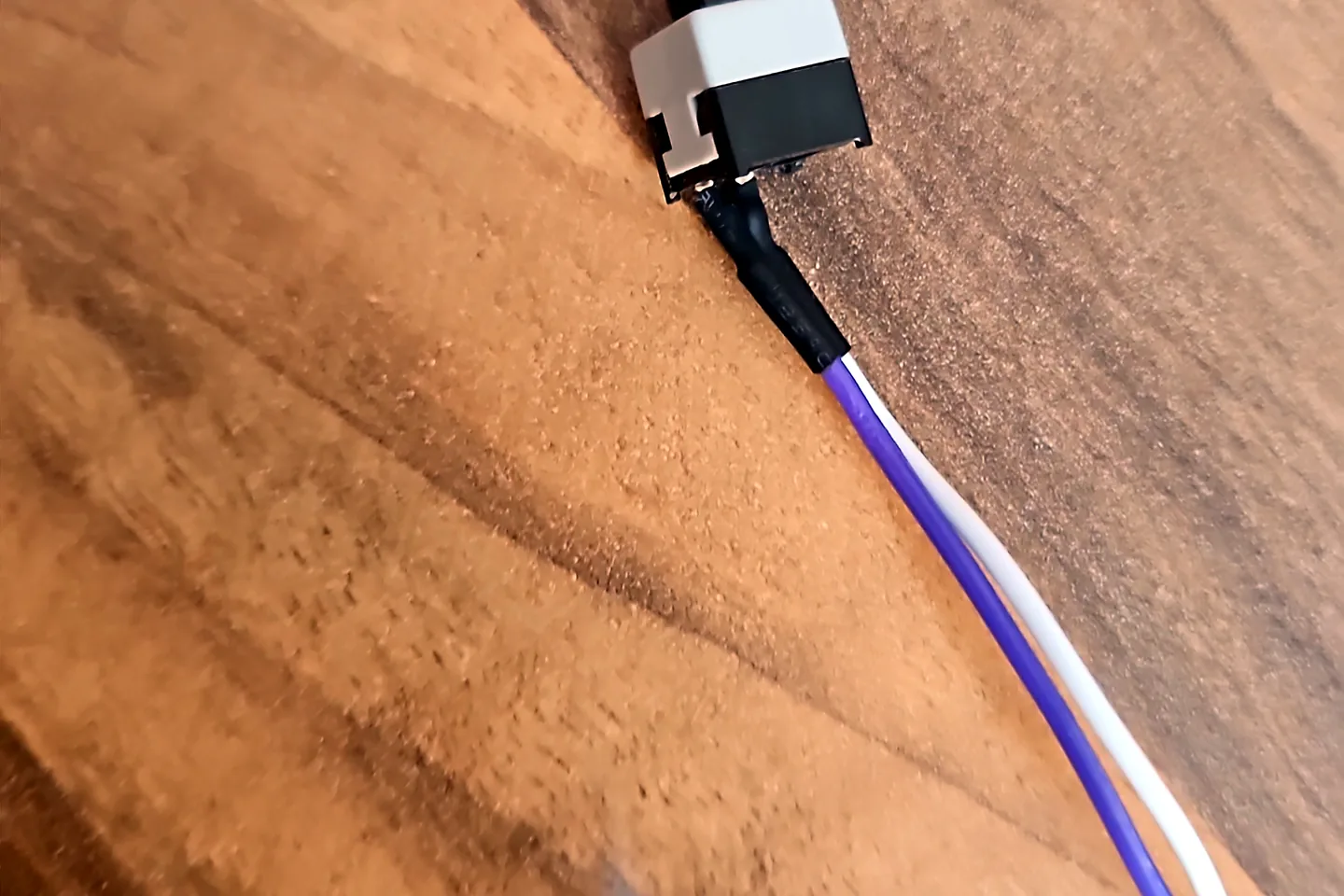
Laptop charging port and power input being inspected in Birmingham.
Laptop charging port repair Birmingham
Moving the plug may temporarily restore charging, but continued pressure can damage the socket, cable or board. The full charging path should be tested. For other laptop faults, start with our laptop repairs in Birmingham service.
Laptop charging lead and power connector prepared for testing.
The socket, casing and internal mounting may be damaged.
Movement can indicate socket wear, broken solder joints or cable damage.
Cable, charger capability, port condition, controller and board power path may be involved.
The charger may be detected while the battery or charging circuit remains faulty.
Disconnect power immediately and stop using the charger.
A charging-port symptom can overlap with battery, board or power-rail failure.
Diagnosis before replacement
Repeated movement can enlarge physical damage or cause heat at a poor connection. Use the laptop on battery only if safe, back up important files and arrange testing.
Bring the original charger and any alternative charger you have tried. That helps separate an adapter fault from the laptop.
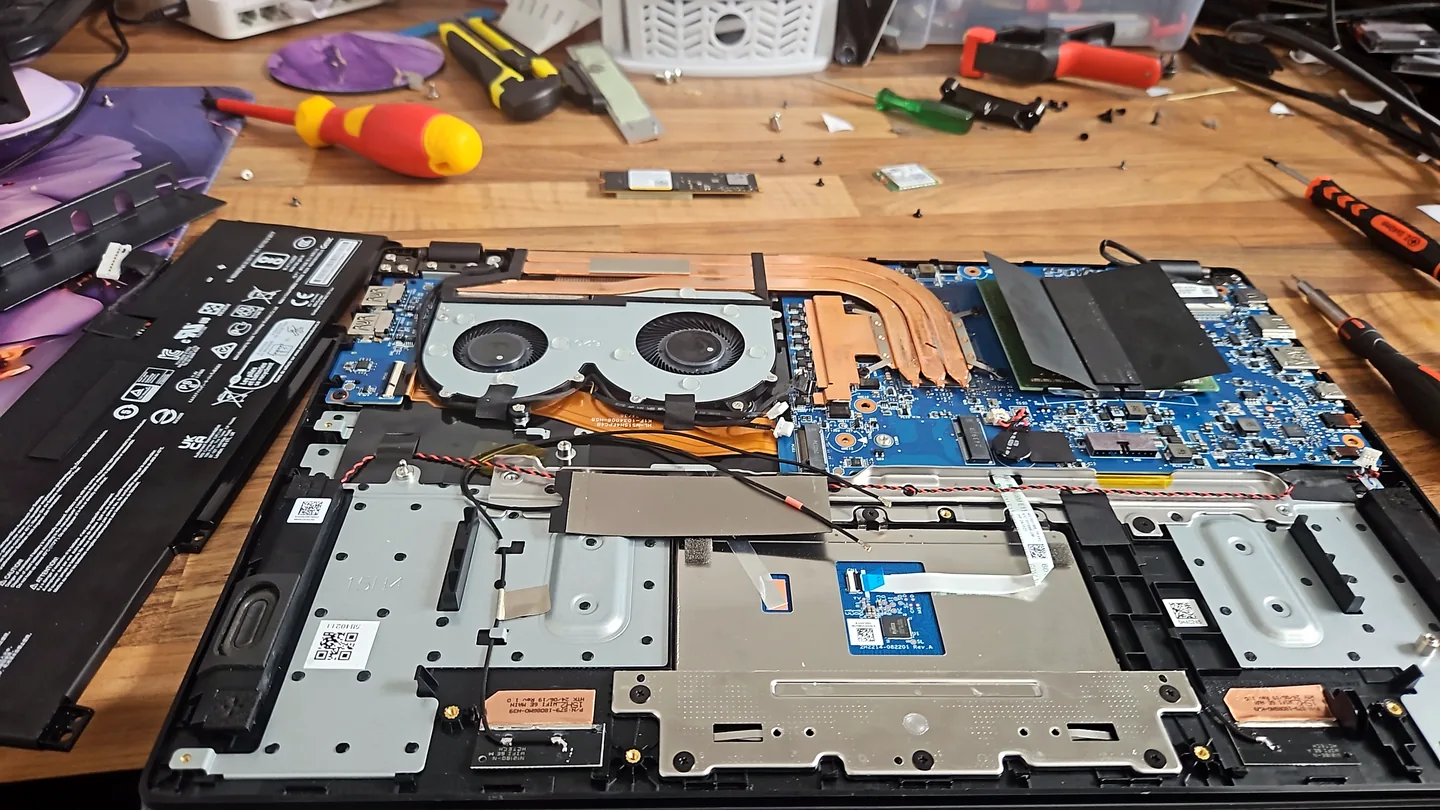
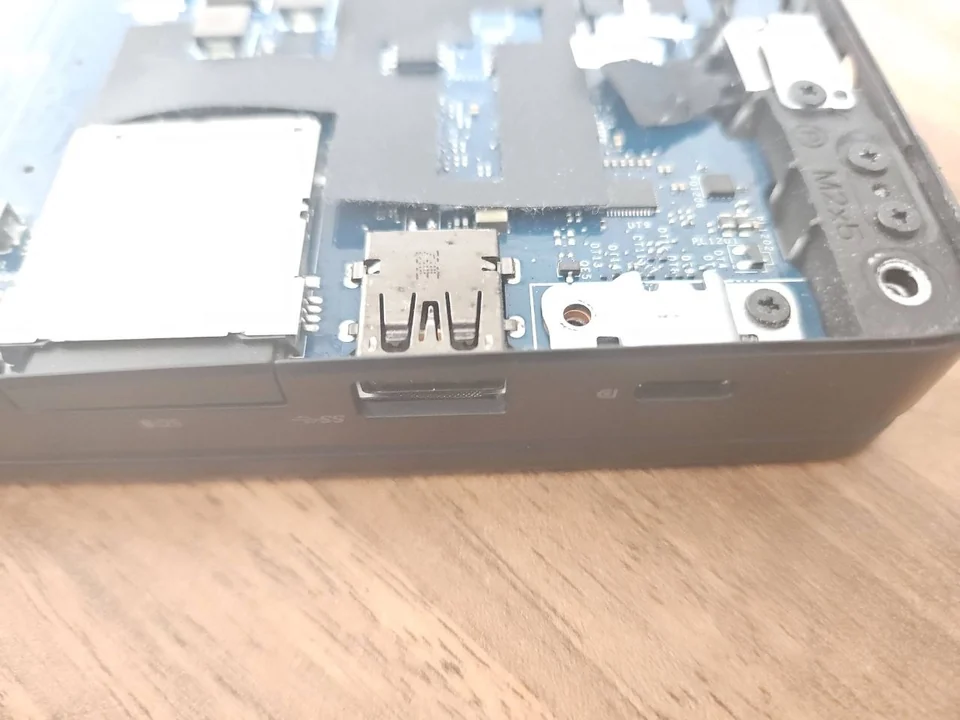
Laptop opened on a repair bench for internal diagnosis.
What affects the repair
A useful quote depends on the exact model, fault and condition rather than a headline price alone.
Some sockets use a cable while others are soldered directly to the motherboard.
Broken plastic, board pads or casing mounts can change the repair.
Power negotiation and controller faults can require board-level diagnosis.
A worn or failed battery can resemble a charging-port problem.
How repairs are handled
Tell us the device model, symptoms and whether you need a workshop appointment or call-out.
We inspect the fault and identify the likely repair route. General fault diagnosis is free.
You receive the options and price before chargeable work begins.
Approved work is completed and the relevant functions are checked before return.
Related repair services
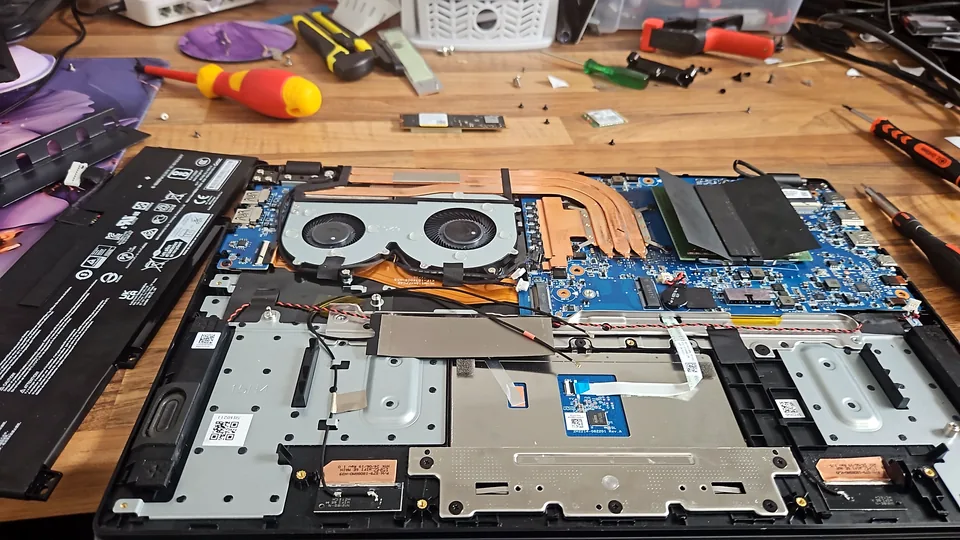
Screen, hinge, charging, battery, keyboard, storage, memory and motherboard fault diagnosis.
View service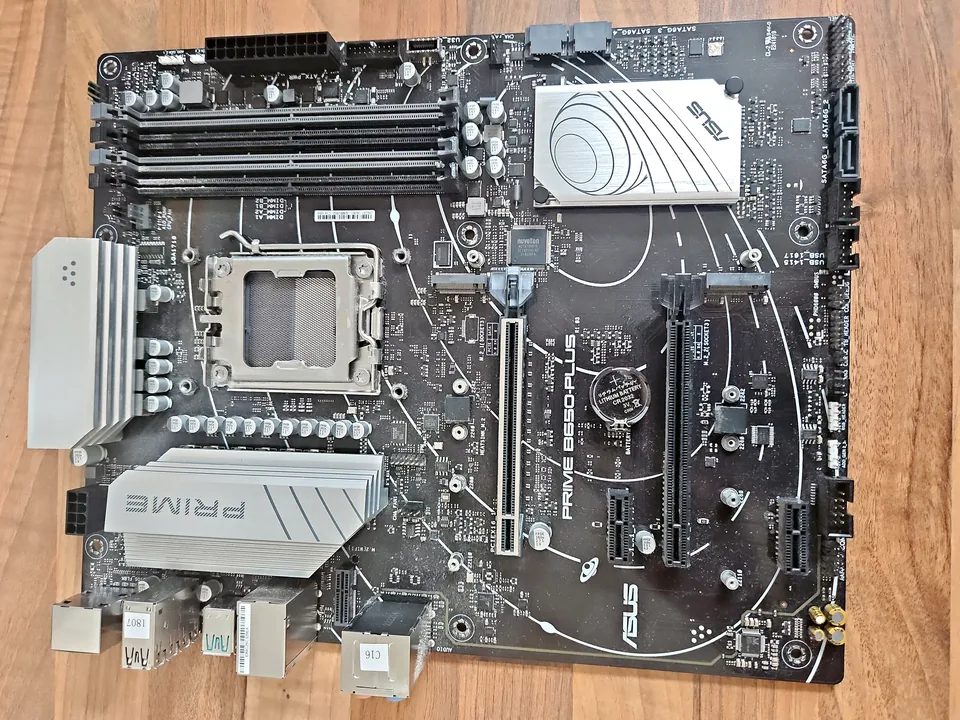
Board-level diagnosis for power, charging, liquid, short-circuit and component faults where repair is practical.
View service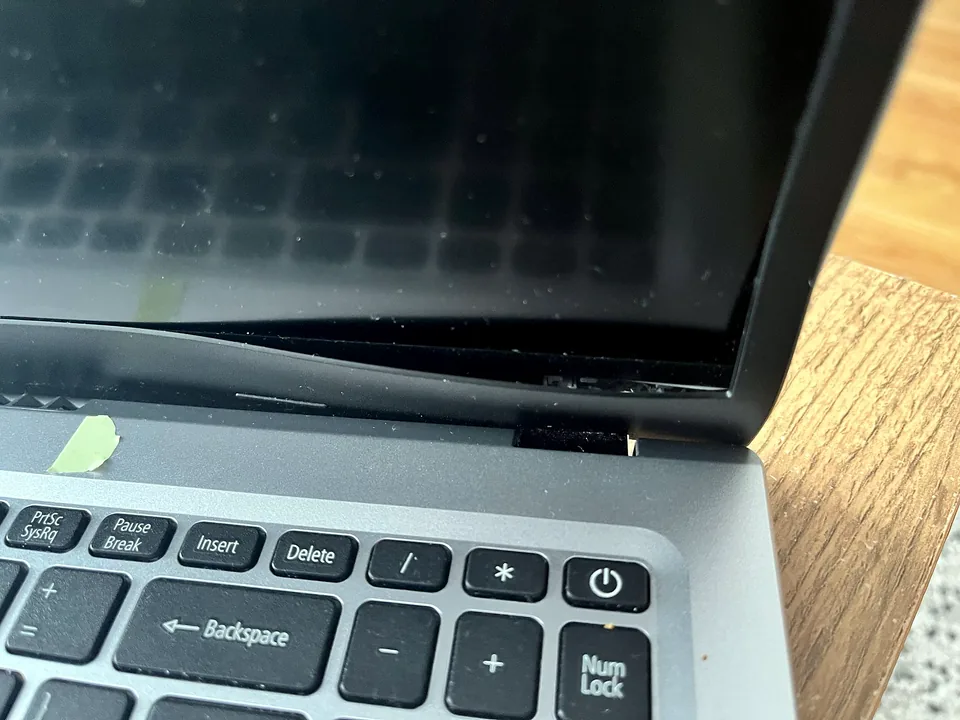
Repair assessment for loose hinges, lifting bezels, cracked mounts and damaged display casing.
View serviceRepair guides
Repair guide
Laptop USB-C not charging, showing a monitor or reading devices? Check port, cable and dock capabilities before arranging a repair in Birmingham.
Read guide
Repair guide
Laptop won't turn on? Separate charger, battery, charging-port, black-screen and startup faults safely before arranging laptop repair in Birmingham.
Read guide
Charging fault guide
Check the charger, battery, charging port, USB-C power and Windows battery status before replacing parts.
Read guideRepair guide
Signs a laptop charging port needs repair in Birmingham, how charger, battery and motherboard faults differ, and why wiggling the plug can cause more damage.
Read guideFrequently asked questions
Often, but the correct route depends on whether the port, cable, board soldering or casing is damaged.
Not unless compatibility is certain. Bring the existing charger so it can be checked with the laptop.
Assessment is available for supported models. USB-C faults can involve the port or board-level control circuitry.
No. Disconnect it and stop using the charger until the fault is assessed.
Speak to a technician
Describe whether charging changes when the plug moves and whether the laptop can still run from battery.