Deleted or formatted files
The device should be taken out of normal use to reduce the chance of overwriting recoverable data.

Data recovery Birmingham
Careful assessment for deleted files, failing hard drives, SSD faults and computers that will not start, with data protection considered before repair attempts.
Free general diagnosis · Quote before work · No Fix, No Fee on repair labour
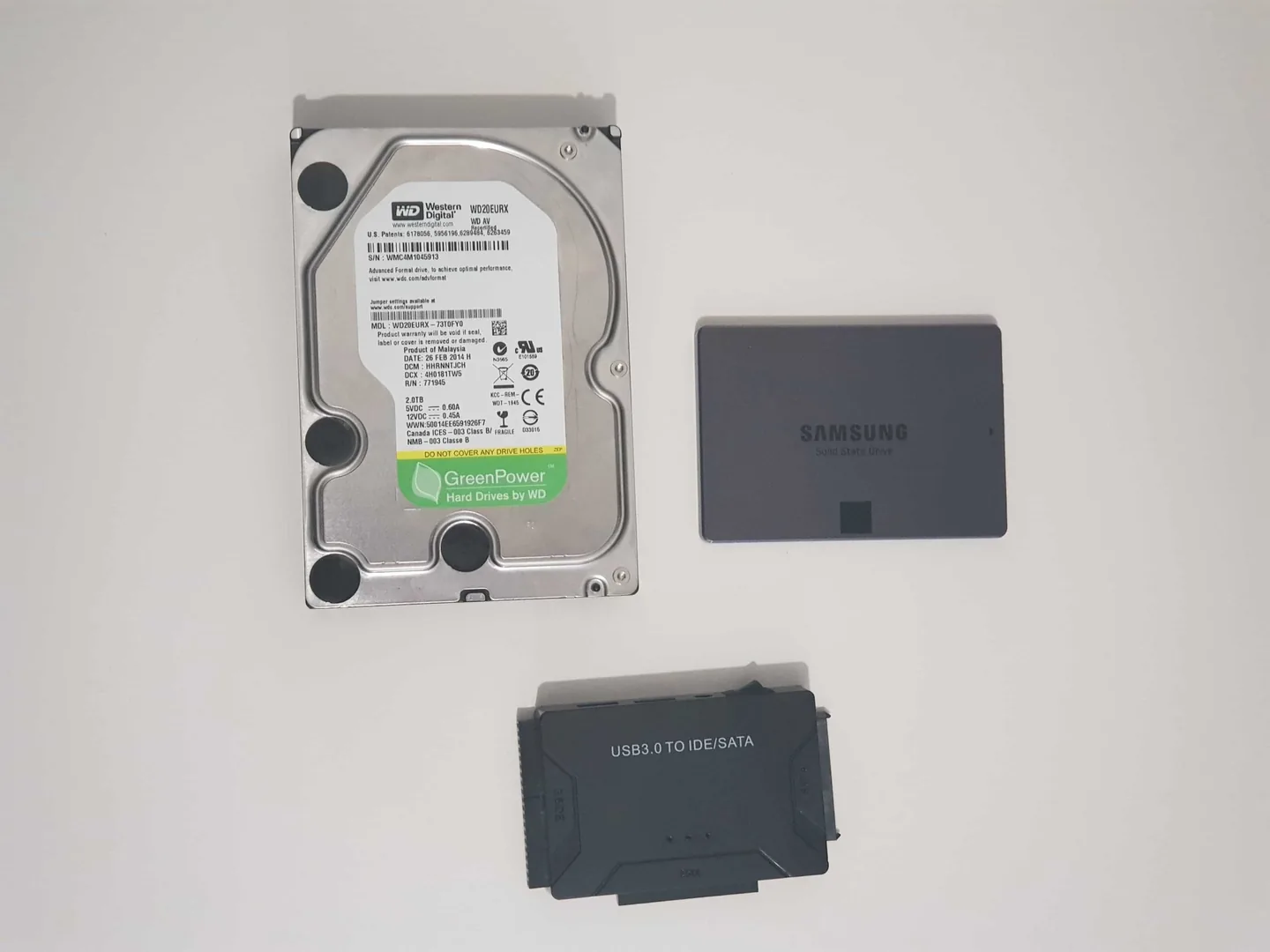
Storage device prepared for data recovery assessment in Birmingham.
Data recovery Birmingham
Recovery chances can fall when a failing or deleted drive continues to be used. The safest first step depends on whether the problem is accidental deletion, file-system corruption, electronics or mechanical failure.
Storage drives prepared for a data-recovery assessment.
The device should be taken out of normal use to reduce the chance of overwriting recoverable data.
Cables, enclosure, electronics and the drive itself may need separate assessment.
Mechanical symptoms require caution and may need specialist recovery rather than repeated power cycles.
The operating system can fail while the storage and personal files remain accessible.
File-system damage can make data appear missing even when parts remain recoverable.
Flash storage behaves differently from a hard drive and may require specialist methods.
Diagnosis before replacement
Do not install recovery software onto the same drive, copy new files to it or repeatedly restart a device that is clicking, disappearing or becoming unusually slow.
Explain what happened, the type of storage and which files matter most. Basic logical recovery and specialist failed-drive work follow different processes and can carry different charges.
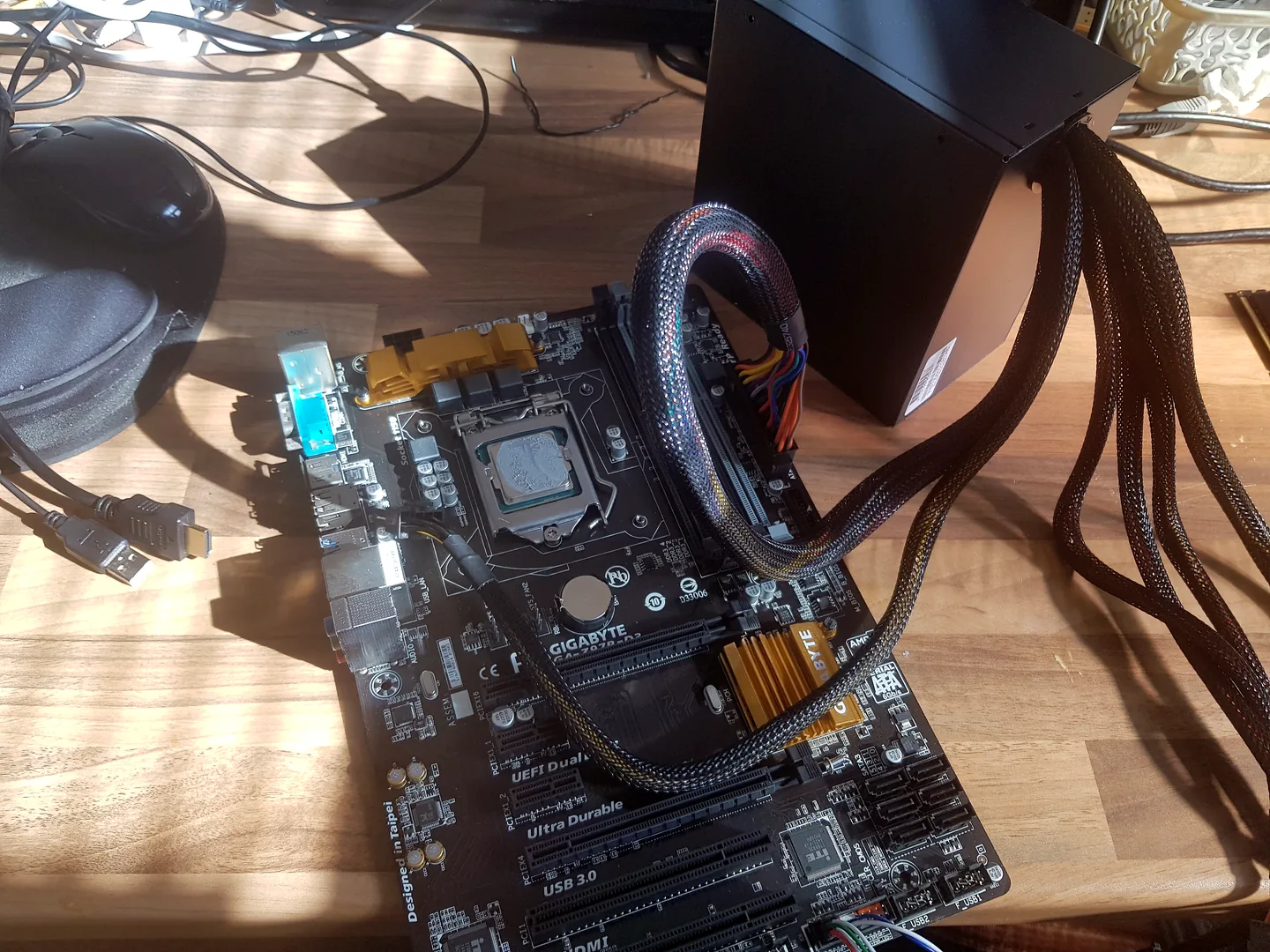
Desktop motherboard connected for computer fault diagnosis.
What affects the repair
A useful quote depends on the exact model, fault and condition rather than a headline price alone.
Deleted files and corrupted partitions differ from failed electronics or mechanical damage.
New writes can overwrite deleted data and reduce recovery prospects.
Recovery may require the correct account, key or recovery information.
Some failed-drive cases need clean-room or laboratory work with a separate assessment and quote.
How repairs are handled
Tell us the device model, symptoms and whether you need a workshop appointment or call-out.
We inspect the fault and identify the likely repair route. General fault diagnosis is free.
You receive the options and price before chargeable work begins.
Approved work is completed and the relevant functions are checked before return.
Related repair services
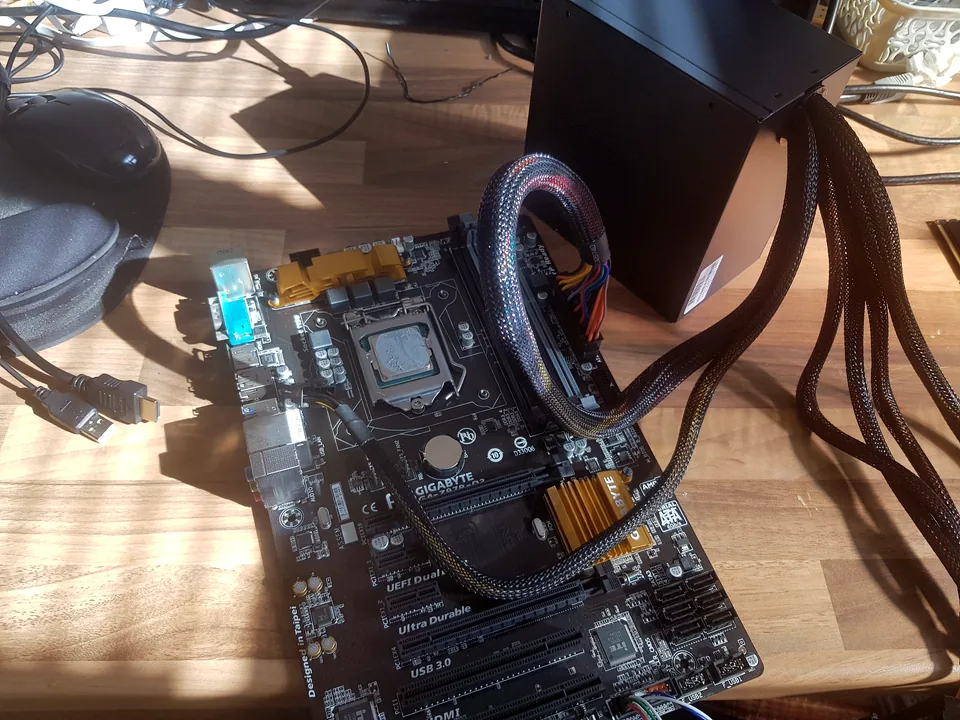
Diagnosis and repair for no power, no display, slow systems, Windows faults and failed components.
View service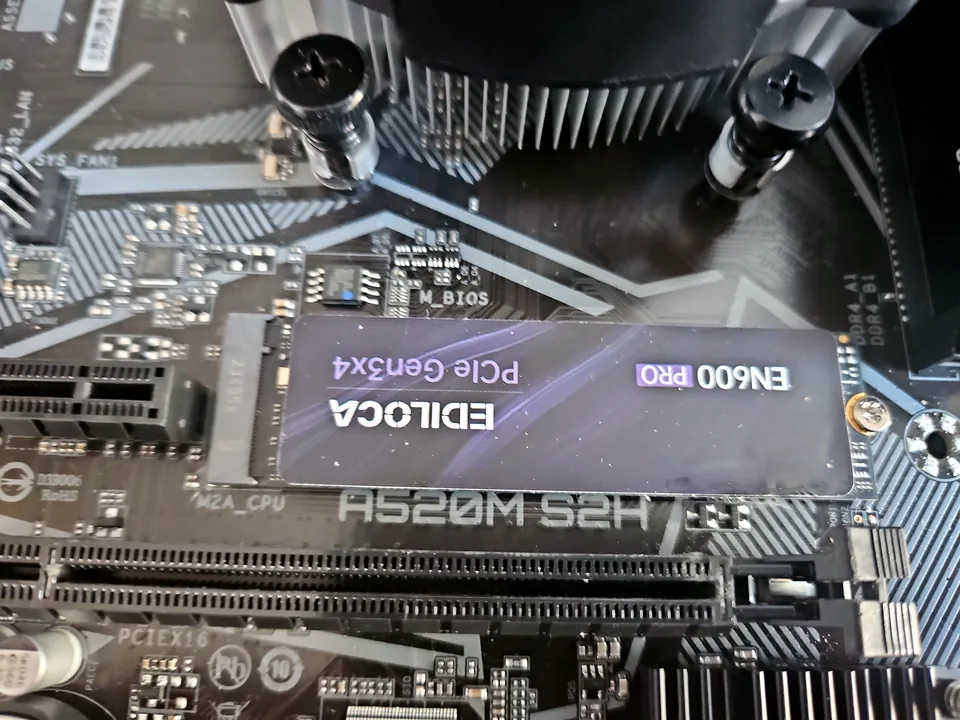
SSD replacement, capacity upgrades, Windows migration and storage-health checks for laptops and desktops.
View service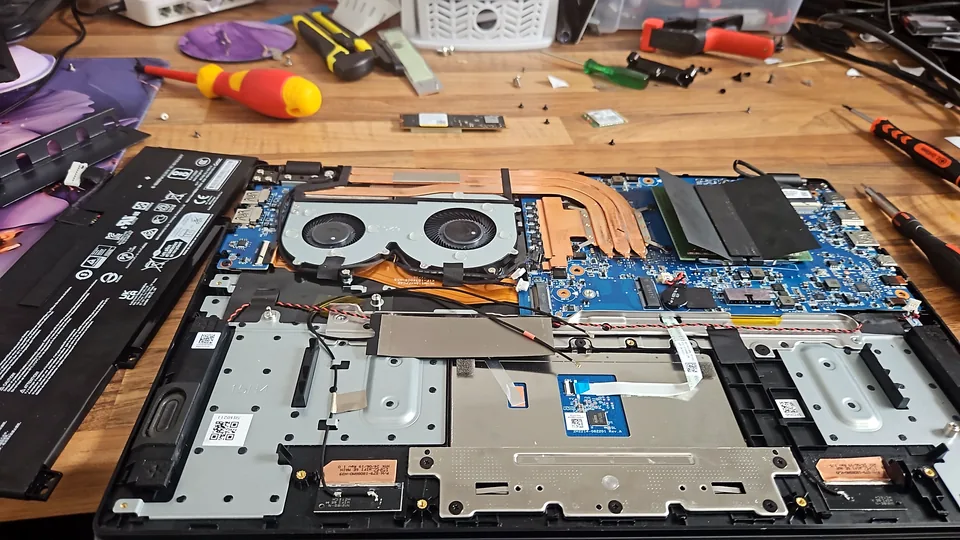
Screen, hinge, charging, battery, keyboard, storage, memory and motherboard fault diagnosis.
View serviceProtect the data first
A mechanically clicking hard drive and an SSD that disappears from the system are different failure patterns, but repeated repair attempts can make either situation worse when important files are involved.
| Symptom | Safer first step |
|---|---|
| Hard drive clicking or grinding | Stop unnecessary power cycles and assess recovery priority. |
| SSD intermittently disappears | Protect accessible data and check the drive, connection and system before writing more data. |
| Deleted files | Avoid installing software or saving new files to the affected drive. |
| Windows will not boot | Check whether the storage itself is healthy before assuming Windows alone is at fault. |
See the detailed hard drive and SSD failure warning signs before continuing to use questionable storage.
Repair guides
Repair guide
What to stop doing after accidental deletion, formatting or a missing folder, and how to avoid overwriting recoverable data.
Read guide
Repair guide
No Bootable Device or Boot Device Not Found? Check drive detection, boot order, Windows recovery and data risk safely before Birmingham repair.
Read guide
Repair guide
Hard drive clicking or beeping? Learn which noises are concerning, which checks are safe and when to stop before Birmingham data recovery.
Read guide
Repair guide
Can files be recovered from a dead laptop? Learn how storage condition, encryption and laptop design affect the safest data-recovery route in Birmingham.
Read guideFrequently asked questions
No responsible provider can guarantee recovery before assessment. The likely route, risk and cost are explained after the device is checked.
General diagnosis is free, but specialist data-recovery assessment or recovery work may have separate charges explained in advance.
No if it clicks, disappears, becomes extremely slow or is physically damaged. Repeated attempts can worsen some failures.
Possibly. The computer fault and the storage condition are assessed separately.
Speak to a technician
Describe what happened and the type of device. We will explain the safest assessment route and whether specialist recovery may be required.