Custom gaming PCs built properly, tested properly and planned around how you actually play.

Looking for a custom gaming PC build in Birmingham? We help you choose the right parts, avoid wasted money, build the system, install Windows, configure drivers and test stability before handover.

Whether you want a 1080p gaming PC, a stronger 1440p build, a streaming setup or a high-end custom build, we focus on balance, reliability, airflow and future upgrade options.

Birmingham local service • Custom gaming PCs • Upgrades • Diagnostics • Est. 2014

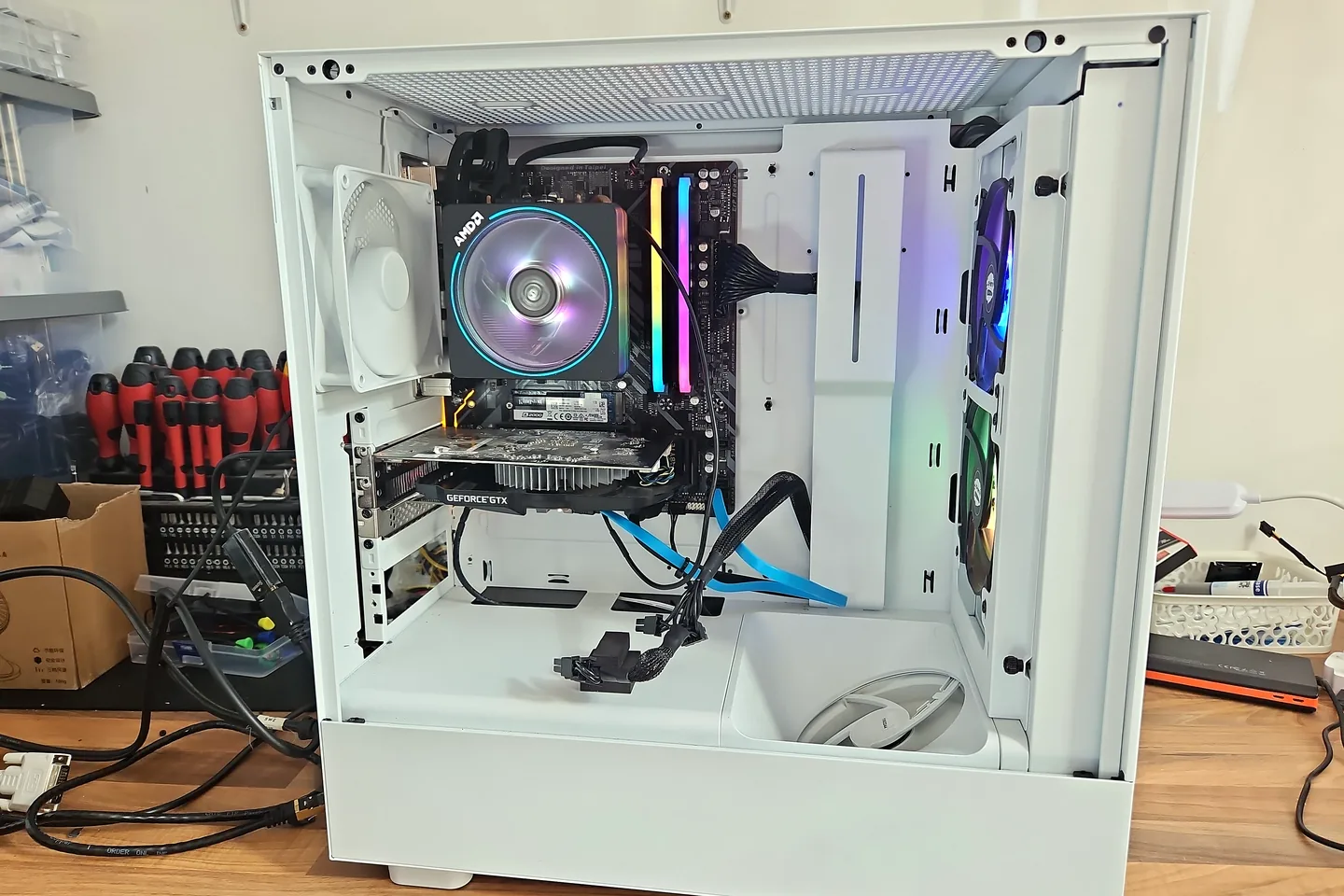
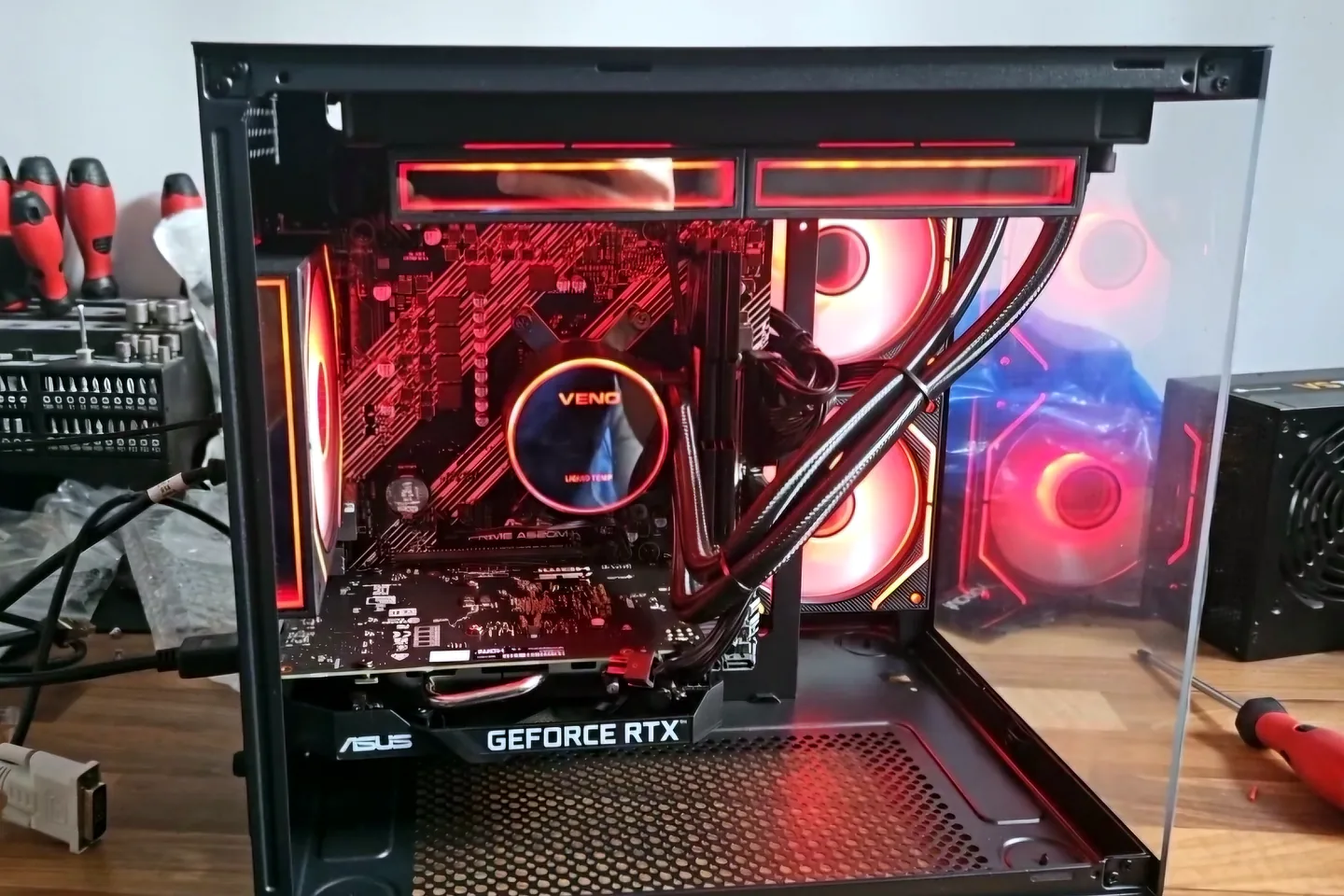
Custom gaming PC build in Birmingham with graphics card, RGB cooling, clean cable routing and testing by PC Repair Guru

Built around your use

We plan around your games, monitor, budget and upgrade path.

Parts advice first

We help avoid overspending on parts that do not improve your actual setup.

Windows and drivers

We install Windows, configure drivers and check the system after the build.

Tested before handover

Temperatures, drivers and stability are checked before collection.

Custom gaming computer builds in Birmingham

A good gaming PC is not just a list of expensive parts. The right build depends on the games you play, your monitor resolution, your target frame rate, your budget and whether you want room for future upgrades.

PC Repair Guru builds custom gaming PCs in Birmingham with a practical approach. We help you avoid common mistakes such as weak power supplies, poor airflow, mismatched parts, not enough storage, RAM compatibility issues and builds that look good but crash under load.

Our build rule: good specs matter, but stability matters longer. A gaming PC should not only boot. It should stay stable when you actually use it.

Real custom PC build and workshop photos

Add real build photos here after uploading them to WordPress. Real workshop photos help customers see that you build and test actual gaming PCs, not just advertise them.

Finished custom gaming PC build in Birmingham with RGB lighting, graphics card and clean internal layout

Finished builds

Show completed custom gaming PCs after setup and testing.

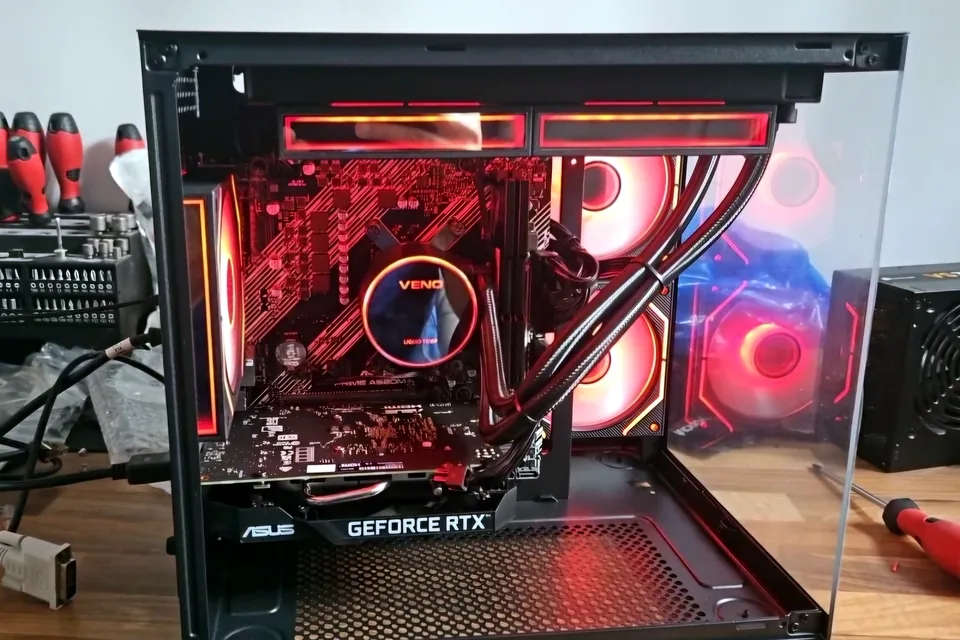
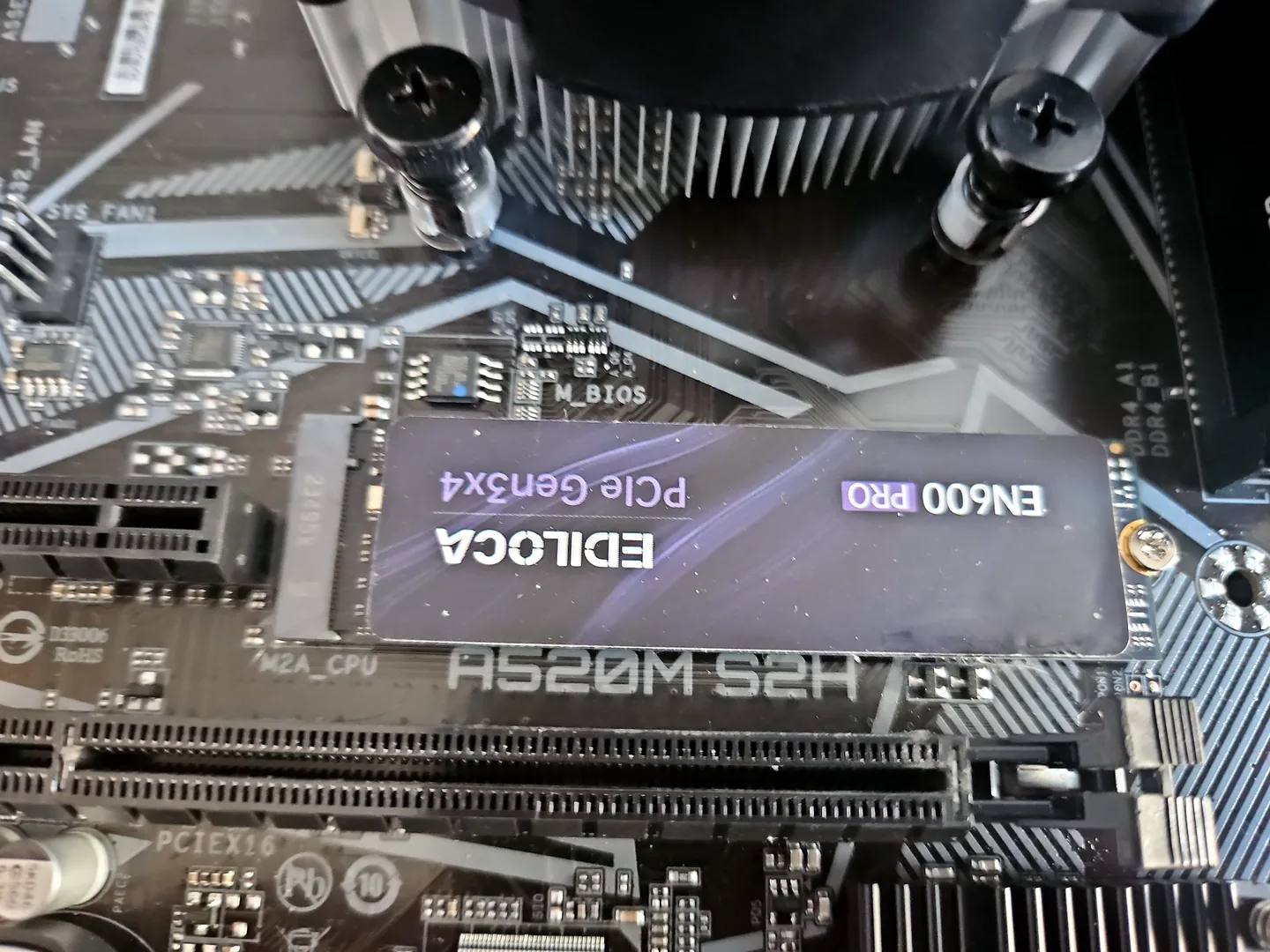
Gaming PC parts selected for a custom build including motherboard, RAM, SSD, graphics card and power supply

Parts selection

Show real parts used in customer builds and upgrades.

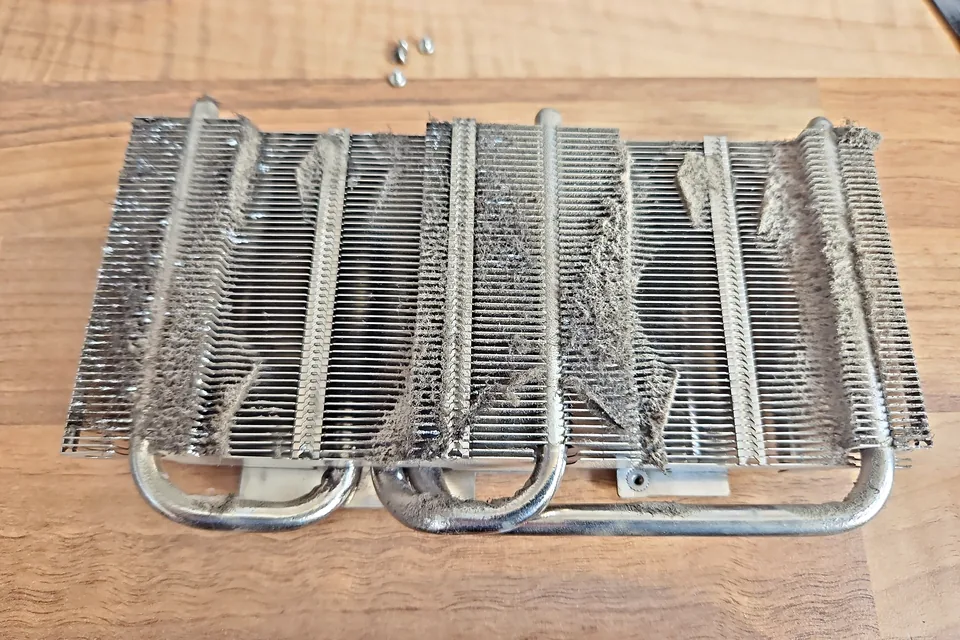
Custom gaming PC being tested for temperatures, drivers and system stability before customer handover

Testing

Show stability testing, temperature checks and driver setup.

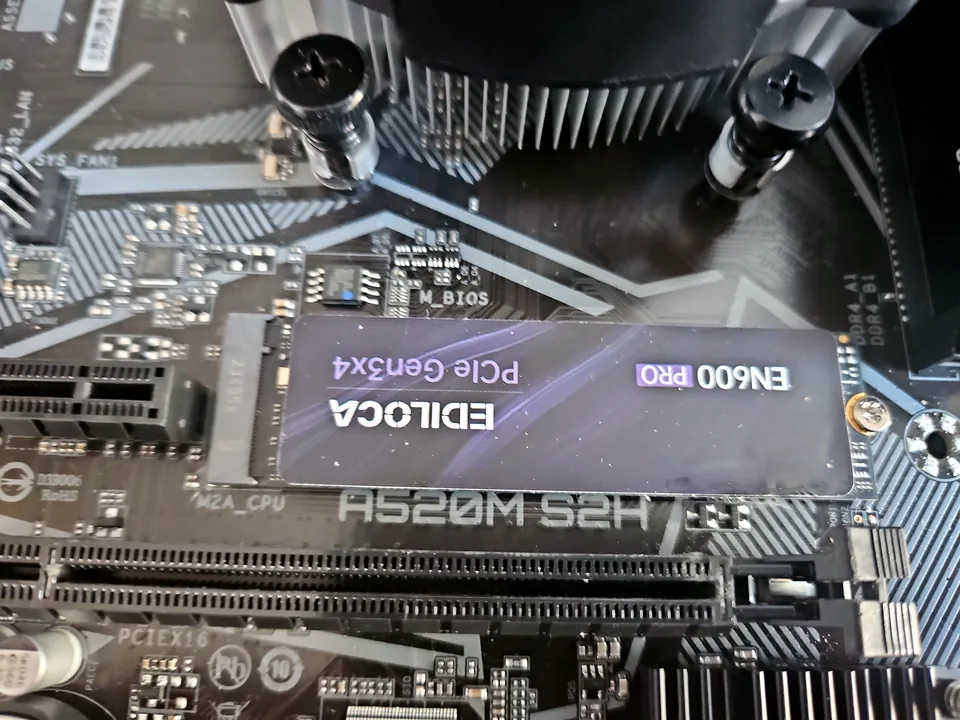
Custom gaming PC on the repair bench during cable routing, hardware checks and final inspection

Workshop proof

Show the build process, not just the final result.

What type of custom gaming PC do you need?

1080p gaming PCs

Good for Fortnite, Minecraft, Roblox, Valorant, Call of Duty, GTA, racing games and general gaming without overspending.

1440p gaming PCs

A stronger option for smoother graphics, higher refresh-rate monitors and modern games with better visual settings.

Streaming and gaming PCs

Built around gaming, recording, streaming, Discord, browser use and background apps without slowing the system down.

High-end custom builds

Built for stronger GPUs, better cooling, cleaner cable management, higher storage needs and future upgrade options.

Problems we help you avoid before the build starts

A custom gaming PC should be balanced, stable and easy to upgrade later. We help you avoid the common mistakes that cause overheating, wasted money, poor performance or difficult future repairs.

Wrong GPU for the monitor

A powerful graphics card can still be the wrong buy if your monitor, CPU or games do not need it.

Weak or unknown PSU

The power supply is one part we do not like cutting corners on. Stable power protects the rest of the build.

Poor airflow

Good parts still need good cooling. Bad airflow can make expensive parts run hot, loud or unstable.

RAM and BIOS issues

Some systems need BIOS updates or correct memory settings before they run properly and stay stable.

Not enough storage

Modern games, Windows updates, launchers and recordings fill storage quickly. We plan storage around real use.

Builds that crash under load

A PC that boots is not automatically ready. Temperatures, drivers and stability need checking.

What we check before recommending parts

Before we recommend a part list, we ask the questions that decide whether the build makes sense. This helps stop wasted money and avoids mismatched parts.

  • What games you play most
  • Your monitor resolution and refresh rate
  • Your target performance: 1080p, 1440p or 4K
  • Your full budget, including Windows, storage and extras
  • Whether you stream, record or edit videos
  • Parts you already own and whether they are worth keeping
  • Case size, airflow and noise expectations
  • Power supply quality and upgrade headroom
  • Wi-Fi, Bluetooth, USB ports and storage requirements
  • Future upgrade plans
Custom gaming PC parts checked before build including motherboard, RAM, SSD, graphics card and power supply

How our custom PC build process works

1. Build discussion

We start with your budget, games, monitor and what you want the PC to do.

2. Parts advice

We help choose balanced parts instead of chasing the biggest numbers on a spec sheet.

3. Compatibility check

We check CPU, motherboard, RAM, cooler, case, PSU, GPU clearance and storage compatibility.

4. Build and cable routing

The PC is assembled with cable routing, airflow and future service access in mind.

5. Windows and drivers

We install or configure Windows, update drivers and make sure the system is ready to use.

6. Final testing

We check temperatures, stability, display output, device drivers and basic performance before handover.

Custom gaming PC being stress tested for CPU and GPU temperatures after build completion

Diagnosis matters on new builds too

A new custom PC can still have faults if the build is not checked properly. No display, random crashing, blue screens and overheating can happen even with good parts.

When something does not behave correctly, we do not guess. We check the real cause before replacing parts.

  • GPU seating and display output
  • RAM seating and memory stability
  • BIOS version and motherboard settings
  • PSU cables and power stability
  • CPU cooler mounting and fan curves
  • Storage detection and Windows boot
  • Chipset and graphics drivers
  • Temperatures under load

Common causes of poor custom PC performance

Parts that look good on paper but do not match your use

A gaming PC should be built around your monitor and games. A very expensive GPU is not always the best place to spend the budget if the rest of the system is unbalanced.

Cheap or low-quality power supply

The PSU is not the exciting part, but it protects the rest of the build. A poor PSU can cause shutdowns, instability and expensive problems later.

Bad airflow or fan direction

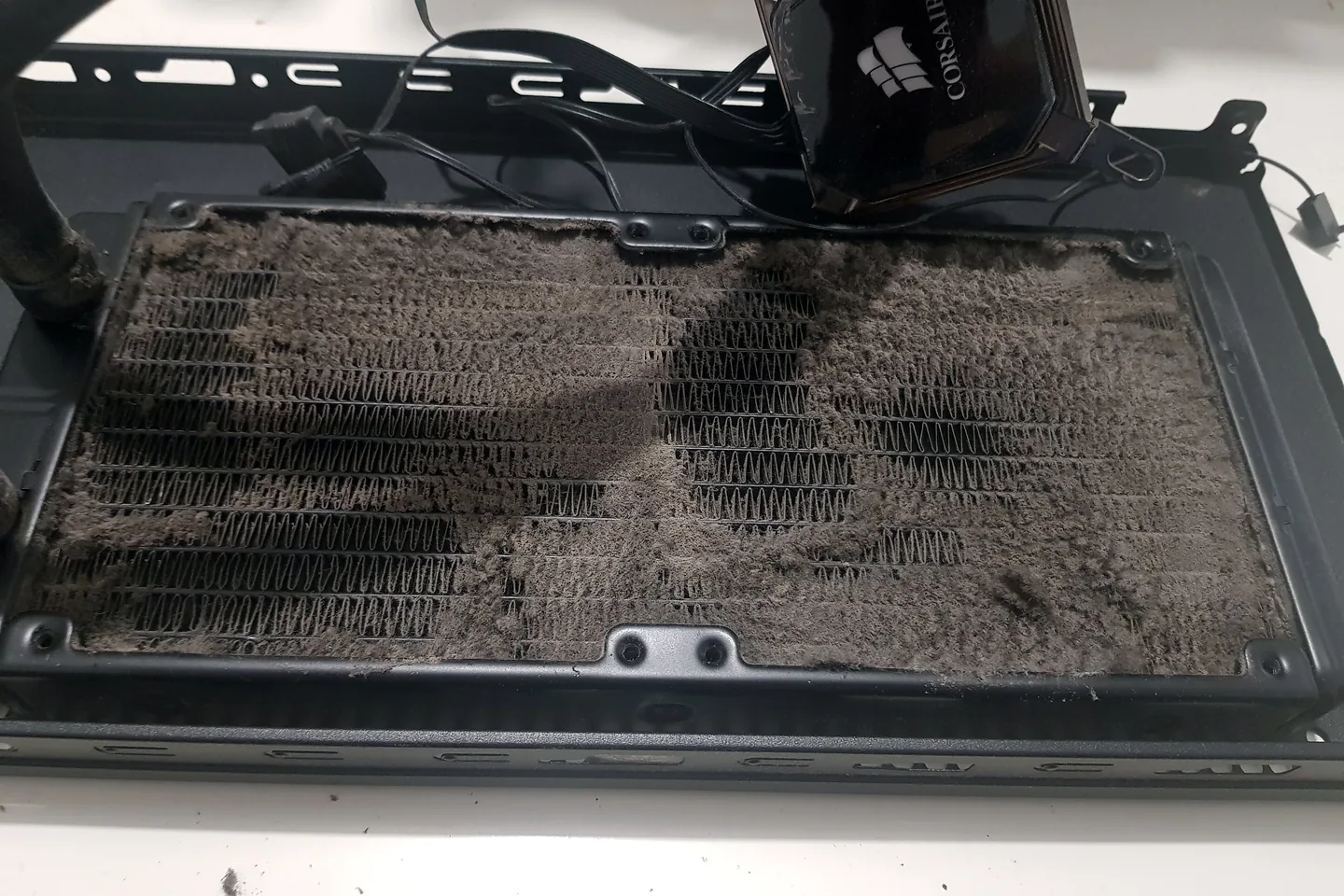
More fans do not always mean better cooling. Fan direction, radiator placement, dust filters and case layout matter.

RAM compatibility and BIOS settings

Some systems need BIOS updates or correct memory settings before the RAM runs properly. This is especially important on modern DDR5 platforms.

Storage chosen too small

Windows, game launchers, updates, recordings and large games can fill smaller drives quickly. It is usually cheaper to plan storage properly from the start.

No stability testing after the first boot

A PC that reaches Windows is not automatically finished. Testing helps find cooling, driver, RAM or power problems before the machine goes home.

Gaming PC upgrade parts including graphics card, motherboard, memory and SSD during custom PC build planning

New custom build or upgrade your current PC?

You may not always need a completely new gaming PC. Sometimes the better value is upgrading your graphics card, RAM, SSD, power supply or cooling.

We can check your current system and advise whether a full custom build makes sense or whether a targeted upgrade would give better value.

  • Graphics card upgrades
  • CPU upgrades
  • RAM upgrades
  • SSD upgrades
  • PSU replacement
  • Cooling upgrades
  • Case airflow improvements
  • Windows reinstall and driver setup

Related service: PC upgrades in Birmingham.

Custom gaming PC build pricing factors

We do not give fake fixed prices without knowing the build. The cost depends on the parts, the work needed and how much setup is required.

Parts budget

CPU, GPU, motherboard, RAM, SSD, case, cooler, fans, PSU and Windows all affect the total price.

Build complexity

Small cases, RGB setups, liquid cooling, cable routing and high-end builds usually take more time.

Existing parts

If you already own parts, we check whether they are compatible, healthy and worth reusing.

Windows and drivers

Operating system setup, driver installation, BIOS updates and software configuration can affect the quote.

Testing needed

Stress testing, temperature checks and fault diagnosis take time but help avoid problems later.

Upgrade path

Planning for future GPU, RAM, storage or cooling upgrades can change the recommended parts.

For a quote: send your budget, games, monitor resolution and any parts you already own. If you already have a broken or half-built PC, send photos and the symptoms too.

Custom gaming PC vs prebuilt PC

A prebuilt gaming PC can be good value if the hidden parts are not cut down. The problem is that some prebuilts focus on the headline GPU or CPU while using weaker motherboards, basic storage, cheaper power supplies or poor cooling.

A custom build lets you choose the parts that matter for long-term ownership: reliable power, sensible cooling, enough storage, a motherboard that fits the platform and a case that is easier to work in later.

What we compare

  • Exact PSU model
  • Motherboard quality
  • SSD size and type
  • RAM capacity and speed
  • Cooling and airflow
  • Case access and cable space
  • Upgrade path
  • Warranty and repair practicality

Gaming PC parts we work with

We work with many common gaming PC parts and custom build components, including NVIDIA GeForce, AMD Radeon, AMD Ryzen, Intel Core, ASUS, MSI, Gigabyte, Corsair, NZXT, Lian Li, be quiet!, Cooler Master, Kingston, Crucial and Samsung.

We are not saying every build needs the most expensive parts. The important step is choosing parts that actually match your games, monitor, budget and long-term plans.

Why choose PC Repair Guru for custom gaming PC builds?

  • Birmingham local PC build service
  • Established 2014
  • Parts advice before you spend money
  • Gaming PC repairs, diagnostics, upgrades and custom builds
  • Windows, drivers and setup support
  • Temperature and stability checks before handover
  • Clear advice if upgrading is better than replacing
  • Real workshop build experience

Ready to plan a build? Contact PC Repair Guru or call
0121 679 9865.

Custom gaming PC builds in Birmingham and nearby areas

We help customers across Birmingham and nearby West Midlands areas with custom gaming PC builds, gaming PC upgrades, diagnostics and repairs.

Areas we may cover include Small Heath, Bordesley Green, Hodge Hill, Shard End, Yardley, Sparkhill, Hall Green, Moseley, Edgbaston, Erdington, Harborne, Kings Heath, Birmingham City Centre and surrounding areas.

Related PC Repair Guru services

Quick Tips from PC Repair Guru

These are some of the most common mistakes we see when customers build or upgrade gaming PCs themselves.

Choose the monitor first

Your monitor resolution and refresh rate determine the GPU you actually need.

Leave room for upgrades

A better PSU, larger case and good motherboard can save money later.

Don’t buy the cheapest PSU

A reliable power supply protects every other component in the system.

Airflow matters

Good airflow usually improves temperatures more than simply adding extra fans.

Stress test every build

Never assume a PC is stable just because it reaches the Windows desktop.

Check RAM compatibility

Always check your motherboard’s supported memory list before buying DDR5.

Keep the BIOS up to date

BIOS updates often improve CPU support, memory compatibility and system stability.

Build for balance

A balanced gaming PC almost always performs better than one oversized component paired with weak supporting hardware.

Custom gaming PC build FAQs

Do you build custom gaming PCs in Birmingham?

Yes. PC Repair Guru builds custom gaming PCs in Birmingham, including 1080p builds, 1440p builds, streaming setups, upgrades and rebuilds.

Can you help me choose the right parts?

Yes. We can help choose a balanced CPU, GPU, motherboard, RAM, SSD, PSU, cooler and case based on your budget, games and monitor.

Can I bring my own parts?

Yes. If you already have parts, we can check compatibility and advise whether they are suitable before building.

Can you finish a PC I started building myself?

Yes. If you have a half-built gaming PC or a PC that will not turn on after a DIY build, we can inspect it, check the wiring, test the parts and diagnose the issue.

Can you build a PC using parts I bought online?

Yes. We can build using parts you provide, but we recommend checking compatibility first so you do not end up with mismatched components.

Do you install Windows and drivers?

Yes. We can install or configure Windows, install motherboard chipset drivers, graphics drivers and other essential software.

Do you test the PC before handover?

Yes. We check display output, drivers, temperatures and system stability before handing the gaming PC back.

How much does a custom gaming PC cost?

The cost depends on the parts, build complexity, Windows setup, testing and whether you already own any components. Send your budget and requirements for a proper quote.

Is a custom gaming PC better than a prebuilt?

It depends on the parts. A good prebuilt can be fine, but a custom PC gives more control over the PSU, motherboard, cooling, case, storage and upgrade path.

Can you upgrade my current gaming PC instead?

Yes. If your current PC is worth upgrading, we can advise on GPU, CPU, RAM, SSD, PSU and cooling upgrades instead of building a completely new system.

Can you build a quiet gaming PC?

Yes. Quiet builds depend on case choice, fan quality, airflow, cooler choice and sensible part selection.

Plan your custom gaming PC build in Birmingham

Tell us your budget, games, monitor resolution and whether you already own any parts. We will help you choose a sensible build before you spend money on the wrong components.

Birmingham local service • Custom gaming PCs • Repairs • Upgrades • Diagnostics