No lights or fans
Mains power, charger, power supply, battery and board input are considered.

Computer won't turn on Birmingham
Diagnosis for desktops and laptops with no lights, no display, boot loops, intermittent power or sudden failure.
Free general diagnosis · Quote before work · No Fix, No Fee on repair labour
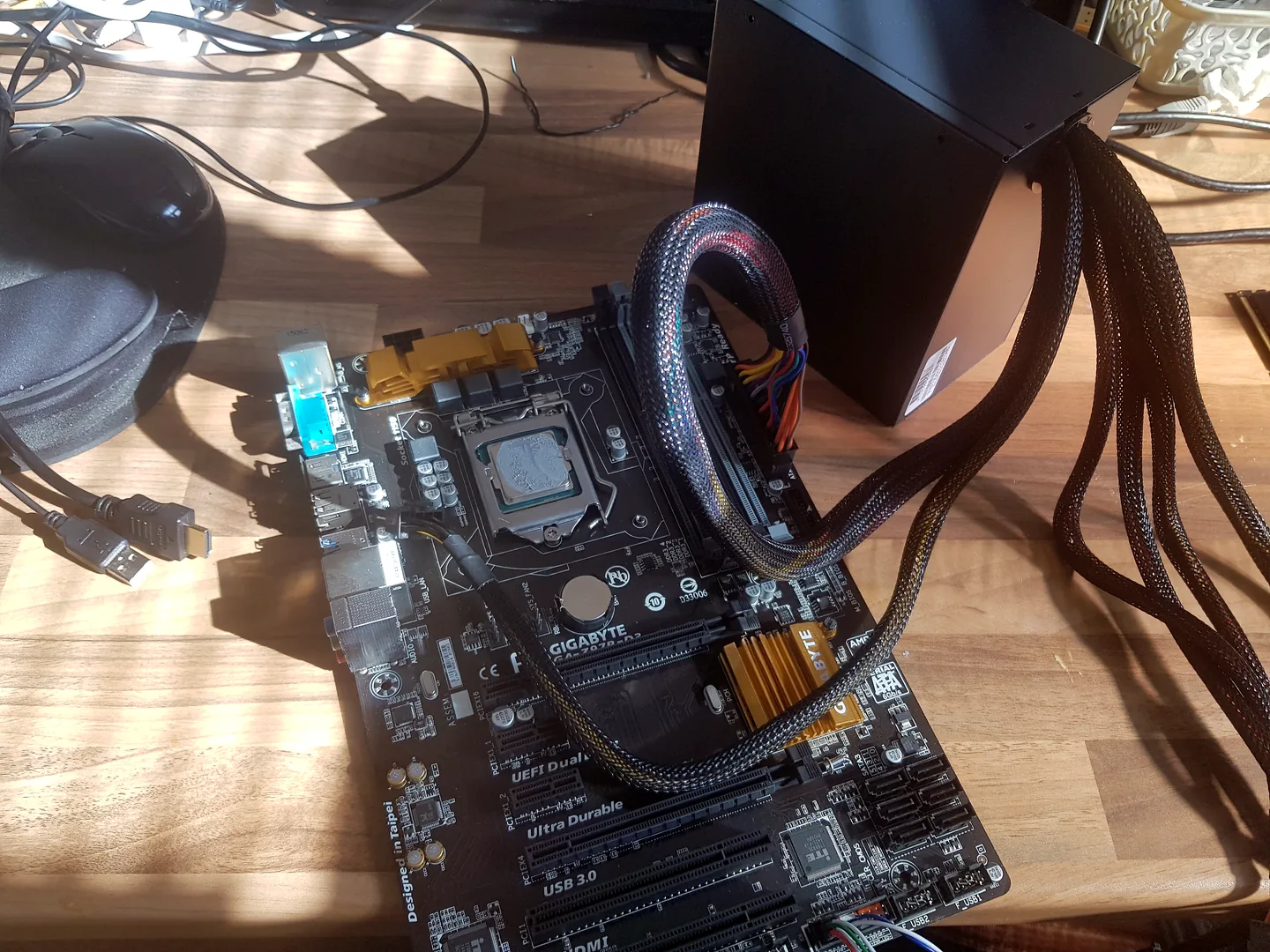
Desktop computer being checked after a no-power or no-boot fault.
Computer won't turn on Birmingham
A computer can have power but no picture, reach firmware but not Windows, or show no signs of life at all. The exact stage of failure determines the next checks.
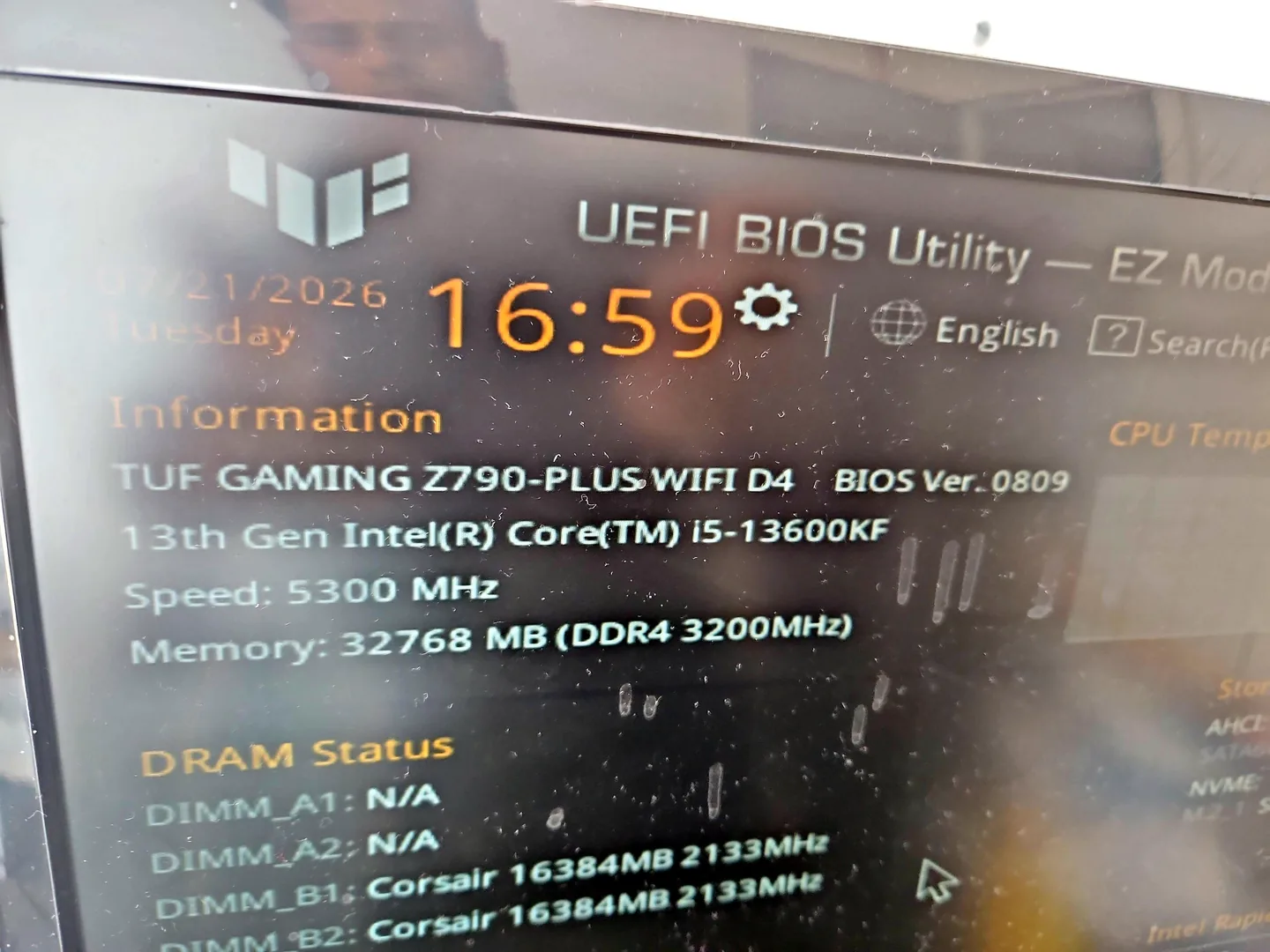
Desktop PC displaying BIOS information during hardware testing.
Mains power, charger, power supply, battery and board input are considered.
Memory, graphics, monitor, cables and motherboard startup may be involved.
Power protection, short circuits, cooling and component faults are possible.
Firmware, Windows, storage and hardware stability can all cause repeated restarts.
The pattern can provide useful hardware diagnostic information.
Loose connections, power input and temperature-sensitive faults may need repeat testing.
Diagnosis before replacement
Disconnect power when there is visible liquid, sparks, swelling, smoke or a burning smell. Repeated attempts can turn a local fault into wider board damage.
Note the last normal use, any upgrade or incident, and exactly which lights, fans or sounds appear. Bring the charger for a laptop.

Desktop motherboard removed for board-level diagnosis.
What affects the repair
A useful quote depends on the exact model, fault and condition rather than a headline price alone.
Lights, fans, beeps and display behaviour separate power from boot and screen faults.
A liquid spill, storm, upgrade or failed update can change the test order.
Laptop power paths differ from desktop power supplies and modular components.
Storage should be protected before repeated boot or recovery attempts.
How repairs are handled
Tell us the device model, symptoms and whether you need a workshop appointment or call-out.
We inspect the fault and identify the likely repair route. General fault diagnosis is free.
You receive the options and price before chargeable work begins.
Approved work is completed and the relevant functions are checked before return.
Related repair services
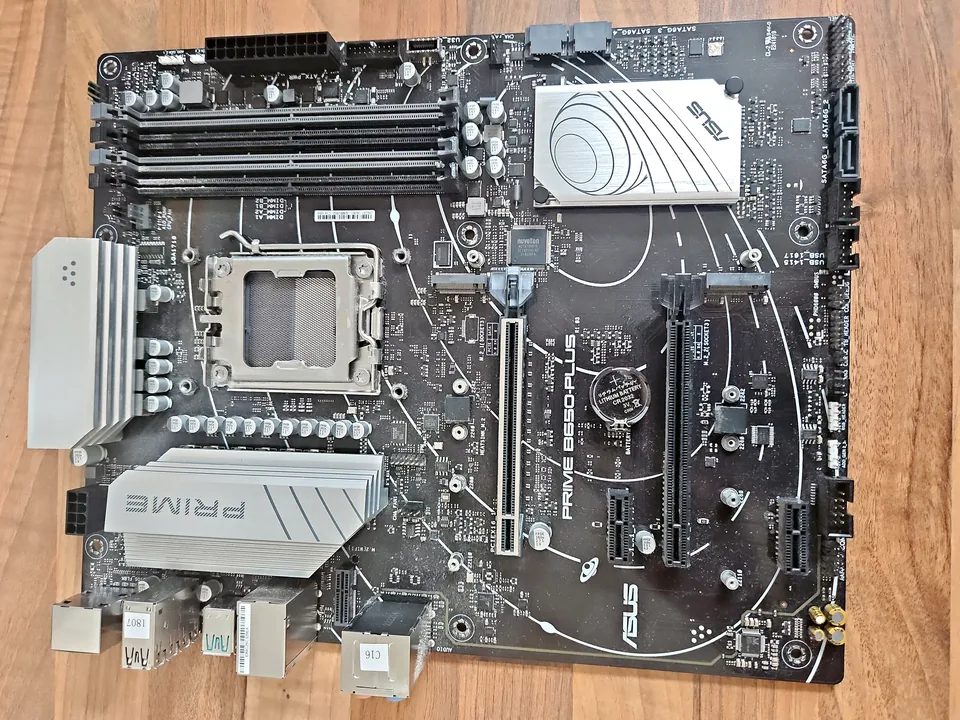
Board-level diagnosis for power, charging, liquid, short-circuit and component faults where repair is practical.
View service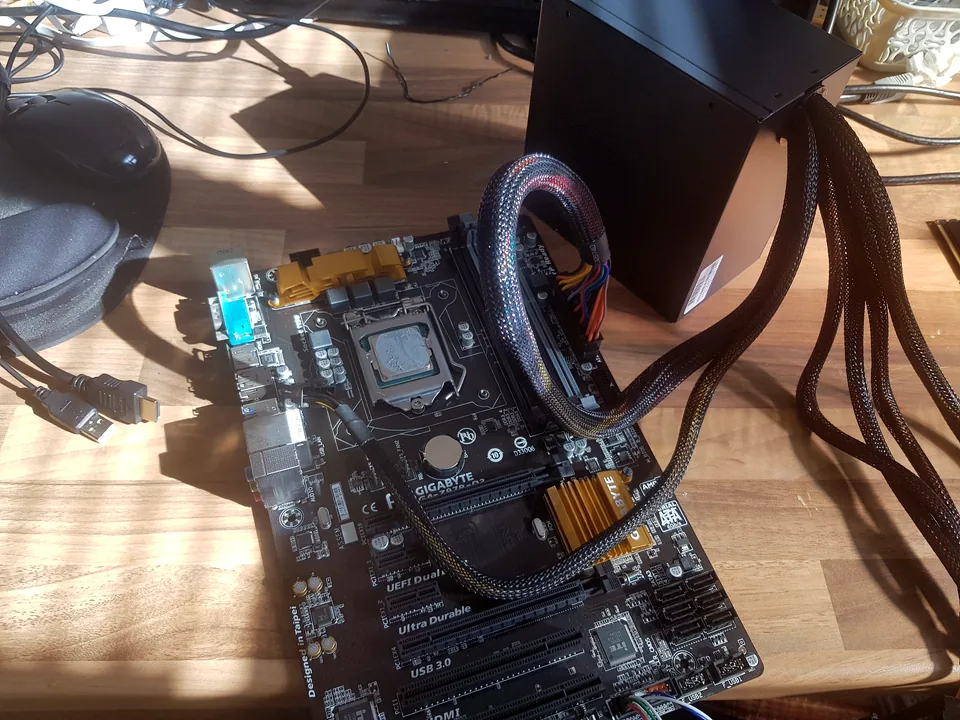
Diagnosis and repair for no power, no display, slow systems, Windows faults and failed components.
View service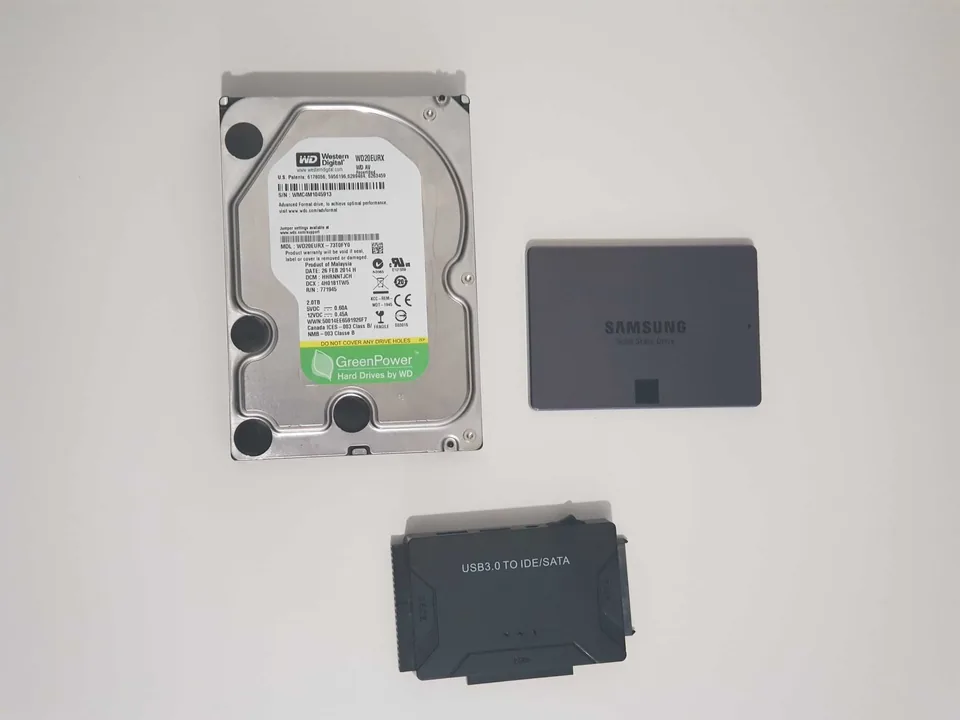
Assessment for deleted files, corrupted storage and failed hard drives or SSDs.
View serviceRepair guides

Repair guide
A PlayStation, Xbox or Nintendo console that will not turn on can have power, charging, storage, heat or motherboard faults. Safe checks before repair.
Read guide
Repair guide
Laptop won't turn on? Separate charger, battery, charging-port, black-screen and startup faults safely before arranging laptop repair in Birmingham.
Read guide
Repair guide
PC power-cycles before Windows? Learn how POST, memory, power, recent upgrades and protection faults are separated before Birmingham repair.
Read guideFrequently asked questions
Not if there is heat, liquid, smoke, a burning smell or repeated clicking. Disconnect power and arrange an assessment.
No. The monitor, cable, memory, motherboard and boot process can all cause no display.
Possibly. The computer fault and storage condition are assessed separately.
Bring the laptop charger and any unusual desktop power adapter. Standard desktop mains leads are less critical, but tell us what was used.
Speak to a technician
Those details help distinguish no power from no display or a Windows boot problem before the device is moved.