Fans constantly loud
The system may be compensating for heat, dust or background load.

PC overheating Birmingham
Cooling diagnosis for high temperatures, loud fans, reduced performance, thermal throttling and unexpected shutdowns.
Free general diagnosis · Quote before work · No Fix, No Fee on repair labour
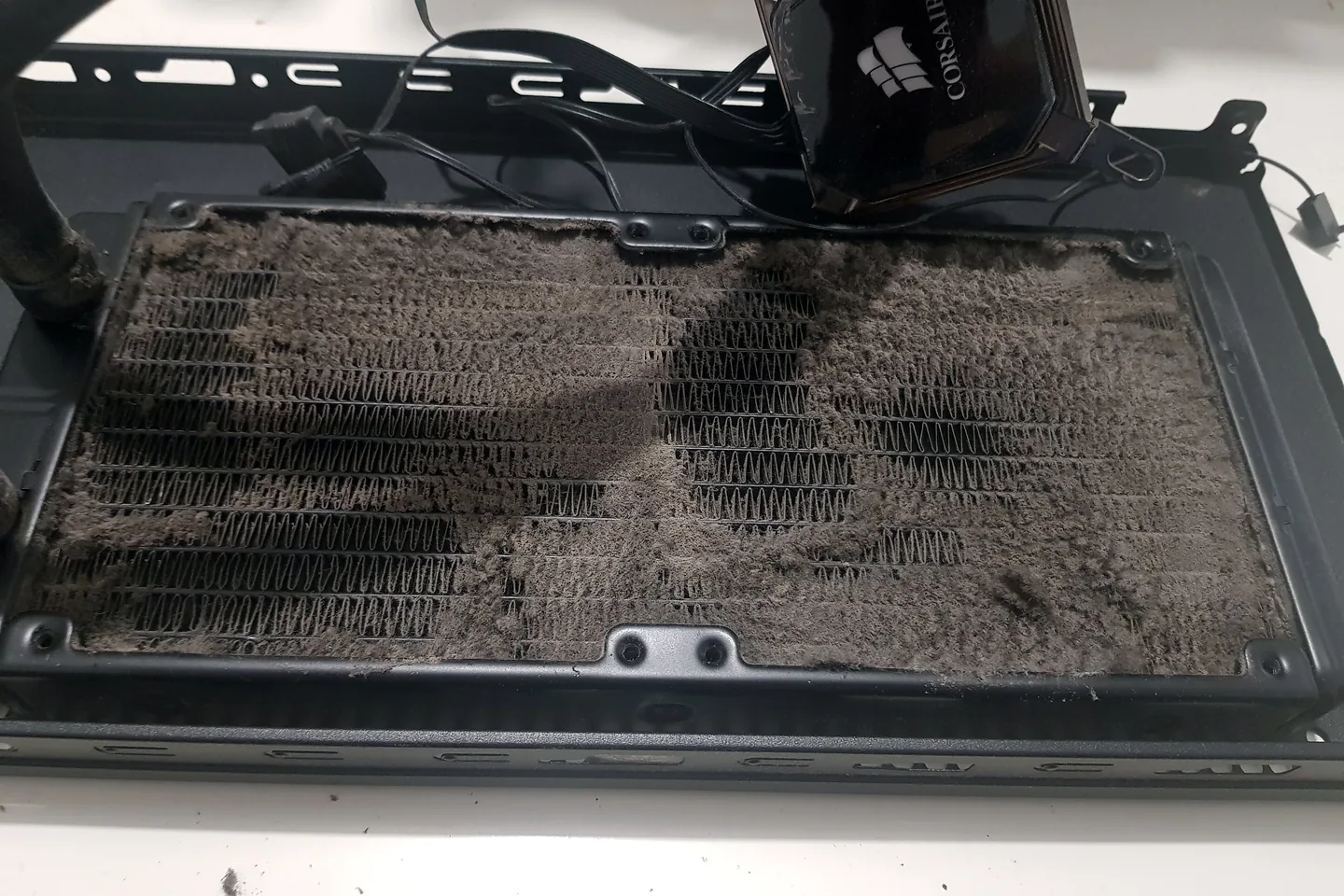
Dust-blocked PC radiator removed during an overheating diagnosis in Birmingham.
PC overheating Birmingham
Dust, failed fans, poor airflow, dried thermal material, incorrect mounting and heavy background load can all raise temperatures. Cleaning alone is not always the complete fix. For gaming-specific crashes and load instability, see gaming PC repairs in Birmingham.
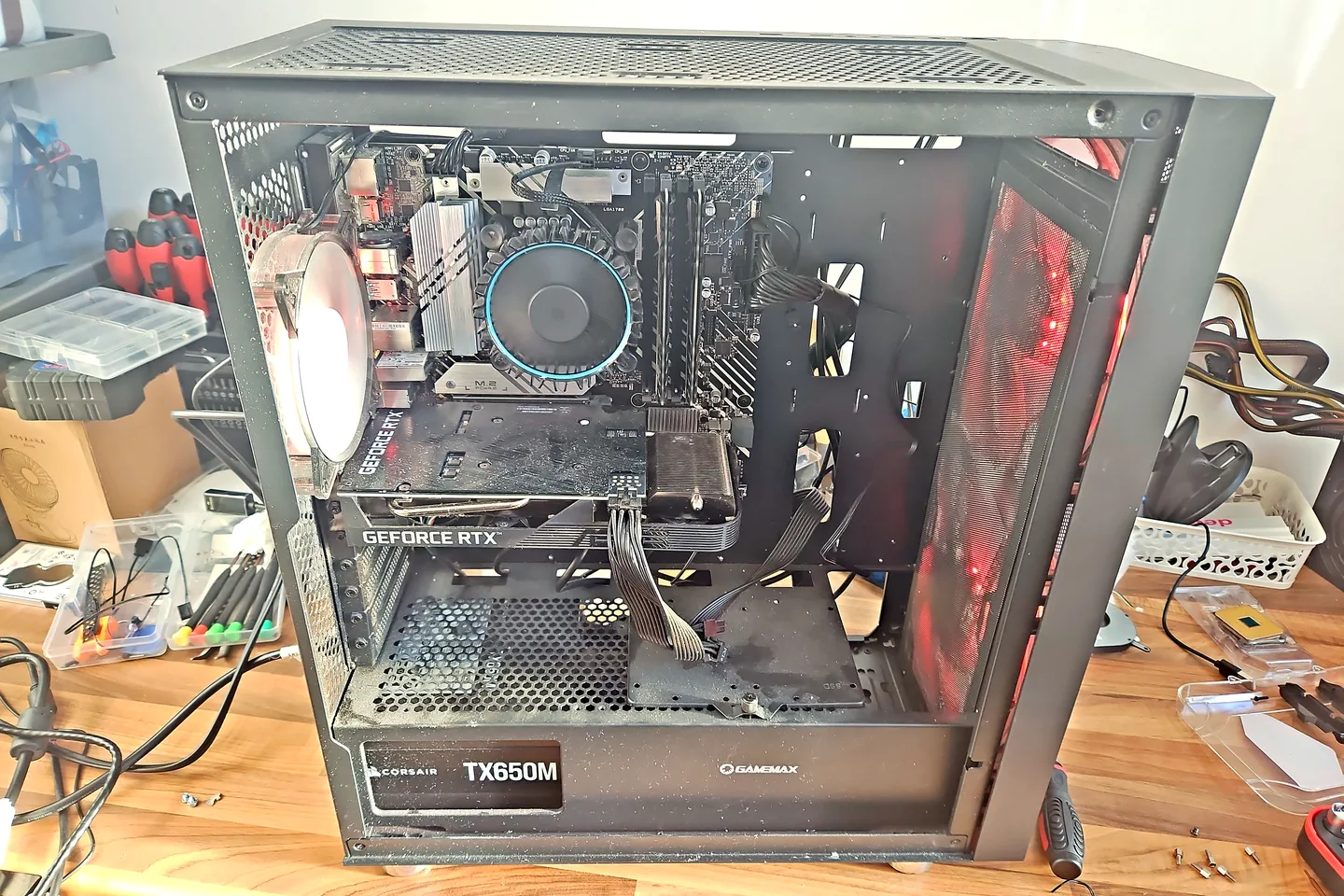
Dusty desktop PC opened before cleaning and maintenance.
The system may be compensating for heat, dust or background load.
Thermal throttling can reduce CPU or GPU speed under load.
Protection may activate when temperature or power becomes unsafe.
Blocked vents, fan faults, battery condition and workload are considered.
Cooling contact, fans and card condition may need testing.
Background processes, sensors, fan control and cooler mounting can be involved.
Diagnosis before replacement
Do not continue gaming or benchmarking a computer that repeatedly overheats or shuts down. Save important data and allow it to cool.
Avoid forcing compressed air deep into a laptop without controlling the fan. A proper clean may require safe disassembly and inspection.
Dusty desktop PC opened before cleaning and maintenance.
What affects the repair
A useful quote depends on the exact model, fault and condition rather than a headline price alone.
Thin laptops and large gaming towers require different access and cooling approaches.
Heavy buildup can block heatsinks even when the external vents look clear.
A clean fan can still have worn bearings or poor speed control.
Software and settings can create heat even when the cooling hardware is functional.
How repairs are handled
Tell us the device model, symptoms and whether you need a workshop appointment or call-out.
We inspect the fault and identify the likely repair route. General fault diagnosis is free.
You receive the options and price before chargeable work begins.
Approved work is completed and the relevant functions are checked before return.
Related repair services
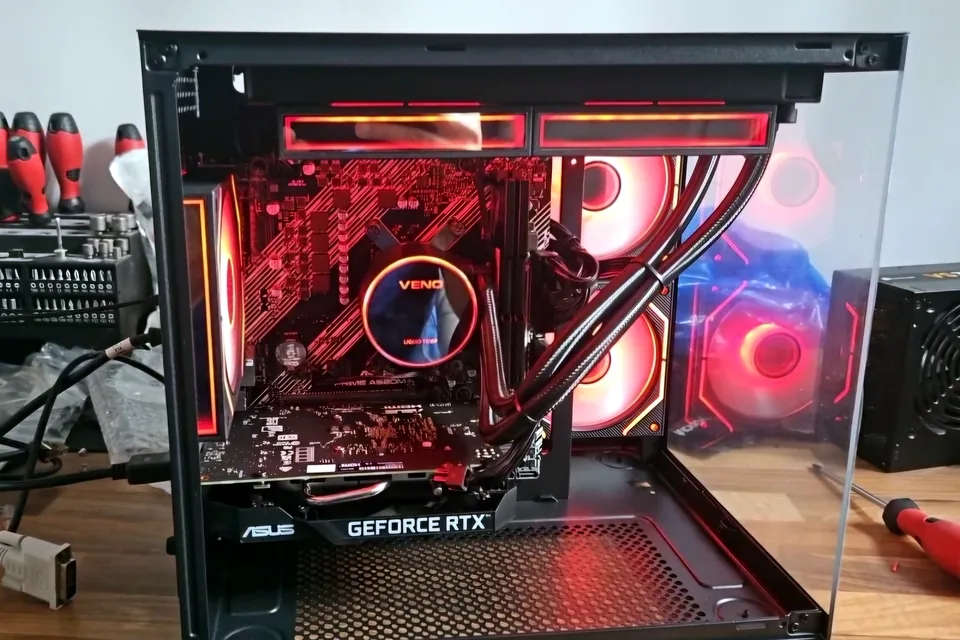
Crashes, overheating, poor performance, no display, boot faults and unstable gaming hardware.
View service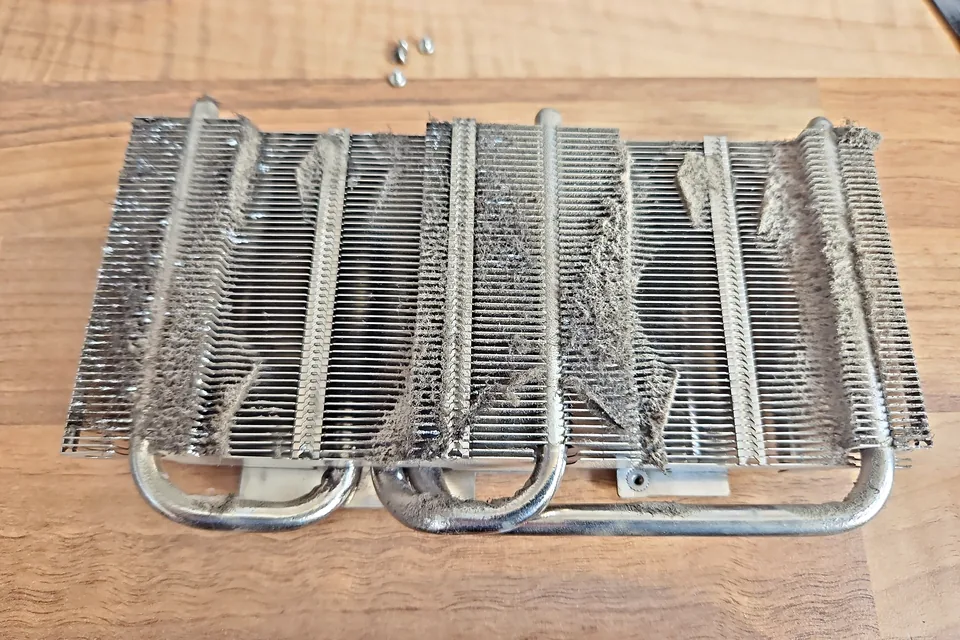
Diagnosis for no display, artefacts, crashes, overheating, fan faults and unstable graphics cards.
View service
Diagnosis and repair for no power, no display, slow systems, Windows faults and failed components.
View serviceRepair guides

Repair guide
Gaming PC overheating? Learn when thermal paste helps, when a CPU cooler upgrade is needed, and how airflow, dust and temperatures reveal the real cause.
Read guide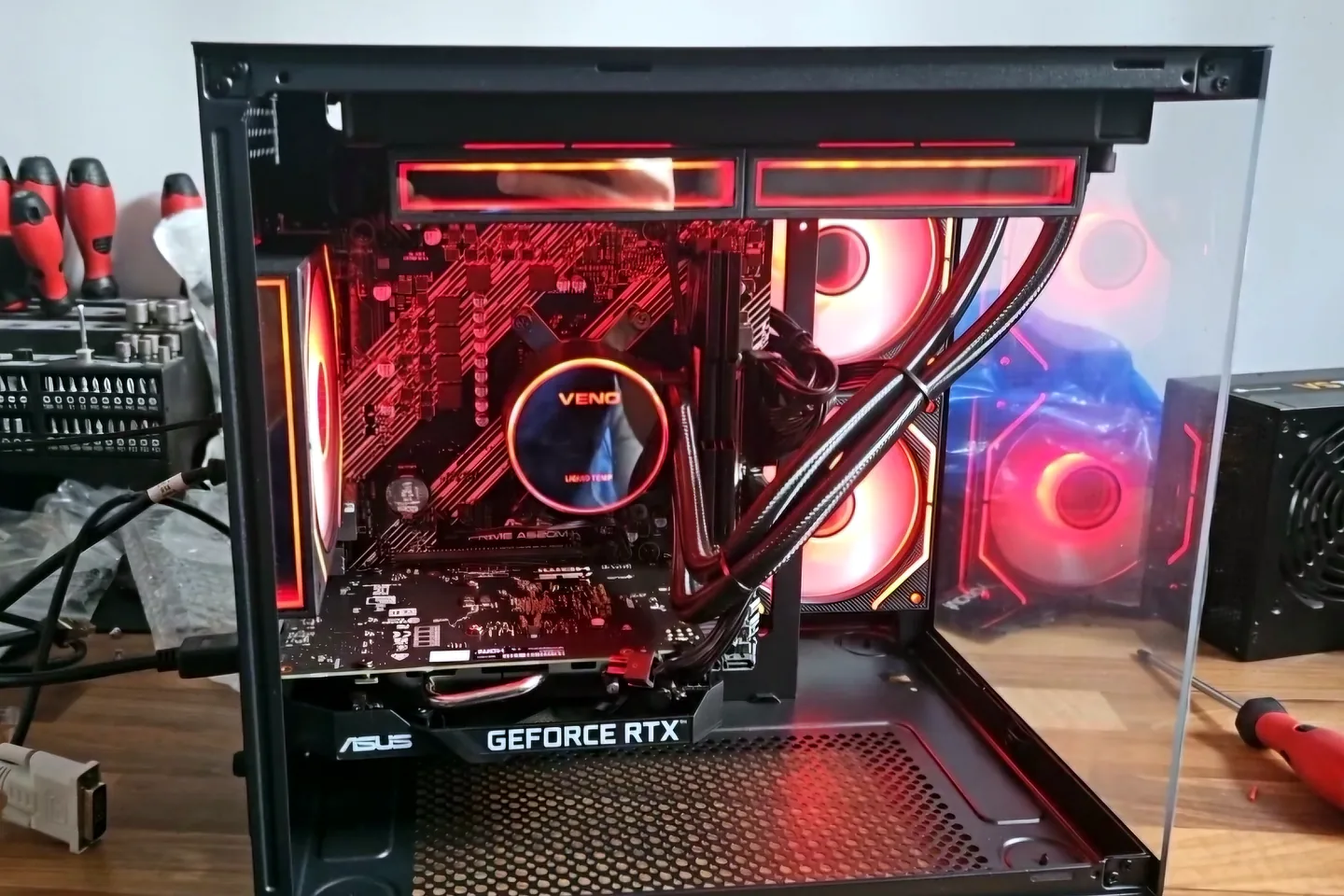
Repair guide
Gaming PC crashes and overheating can involve cooling, power, memory, drivers or graphics. Learn what to record before Birmingham repair diagnosis.
Read guideRepair guide
PC overheating in Birmingham: recognise thermal throttling, fan problems and heat-related crashes, and learn which safe checks to make before repair.
Read guideFrequently asked questions
No. Fans, airflow, dust, mounting, workload and hardware faults must also be considered.
Yes, with the appropriate level of access and inspection for the device.
Warm operation can be normal, but shutdowns, burning smells, battery swelling or extreme heat require immediate attention.
Heat can destabilise the system and repeated crashes can corrupt data, especially if storage is already failing.
Speak to a technician
Stop heavy use if the computer shuts down, smells hot or becomes unstable, then arrange an assessment.