No display
Power, cable, monitor, slot and system boot behaviour are checked with the GPU.

Graphics card repair Birmingham
GPU diagnosis for no display, artefacts, crashes under load, overheating and fan faults. We test the wider PC before recommending repair or replacement.
Free general diagnosis · Quote before work · No Fix, No Fee on repair labour
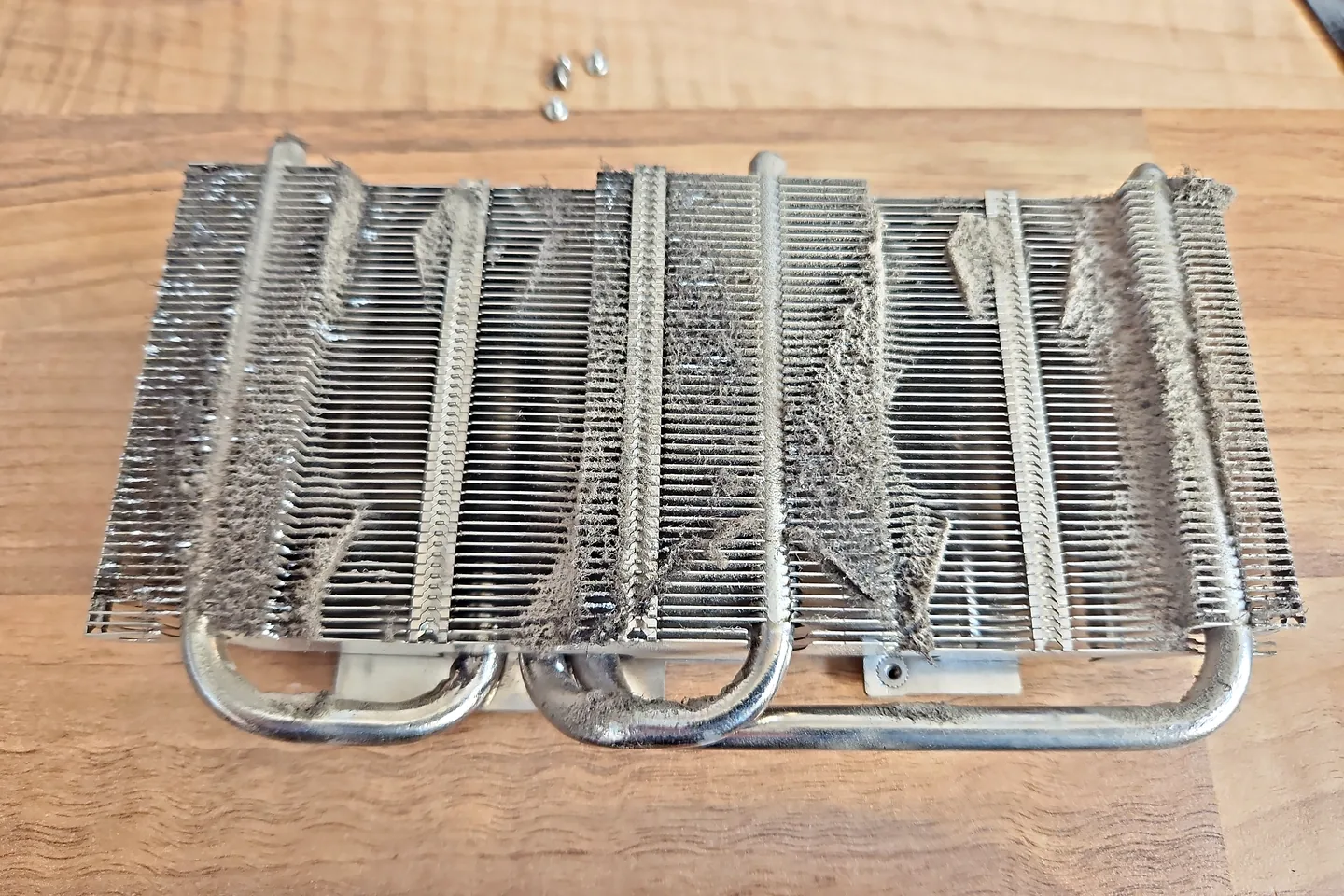
Dust-blocked graphics card heatsink removed for fault and overheating diagnosis in Birmingham.
Graphics card repair Birmingham
Monitors, cables, power supplies, motherboard slots, drivers and the operating system can all affect graphics output. The card should be isolated and tested before board work or replacement. For wider instability, crashes or gaming-load faults, see gaming PC repairs in Birmingham.

Graphics-card board and cooler separated for inspection.
Power, cable, monitor, slot and system boot behaviour are checked with the GPU.
Memory, core, temperature and display-output faults can create lines, blocks or flashing.
Software, power, memory and thermal issues can resemble a failed GPU.
Dust, fan condition, heatsink contact and case airflow are considered.
Some fans stop at idle normally, while damaged bearings or control faults need attention.
The card, power supply and overall system stability are tested together.
Diagnosis before replacement
Repeated stress tests can worsen thermal or power faults. Record the temperature, game and error, then stop if there is a burning smell, abnormal noise or sudden signal loss.
Do not assume reflow videos or home heating methods are a repair. They can damage the board and make proper diagnosis harder.
Graphics-card board and cooler separated for inspection.
What affects the repair
A useful quote depends on the exact model, fault and condition rather than a headline price alone.
Fans, connectors and localised power faults differ from core or memory damage.
Repair should be compared with replacement and warranty options.
Burnt layers, corrosion and previous heating attempts can reduce reliability.
A failing power supply or poor airflow can damage or destabilise a good card.
GPU repair Birmingham
A GPU can be the visible part of the problem without being the part that has actually failed.
Common graphics-card symptoms include artefacts, black screens, driver crashes, overheating, fan problems and failures that appear only during gaming. A reliable graphics card repair assessment should also check the display path, PCIe power, PSU stability, RAM, motherboard and drivers.
How repairs are handled
Tell us the device model, symptoms and whether you need a workshop appointment or call-out.
We inspect the fault and identify the likely repair route. General fault diagnosis is free.
You receive the options and price before chargeable work begins.
Approved work is completed and the relevant functions are checked before return.
Related repair services
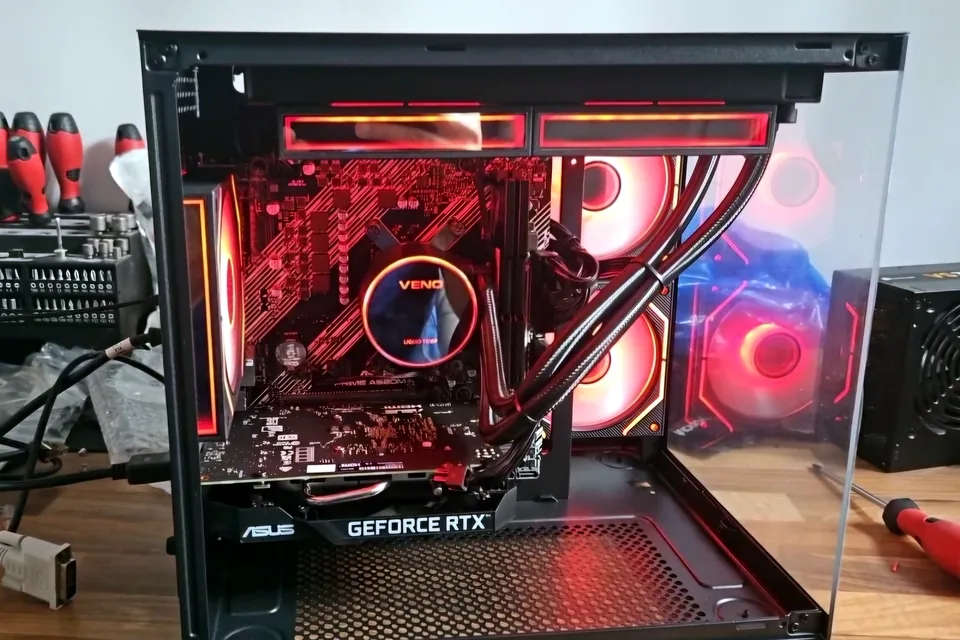
Crashes, overheating, poor performance, no display, boot faults and unstable gaming hardware.
View service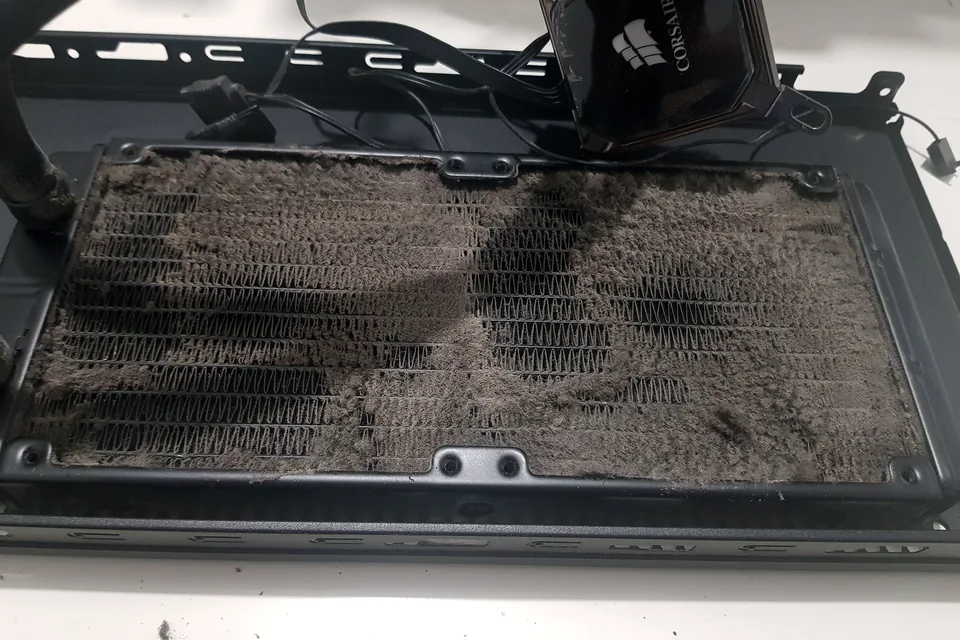
Cooling diagnosis for high temperatures, loud fans, thermal throttling and shutdowns.
View service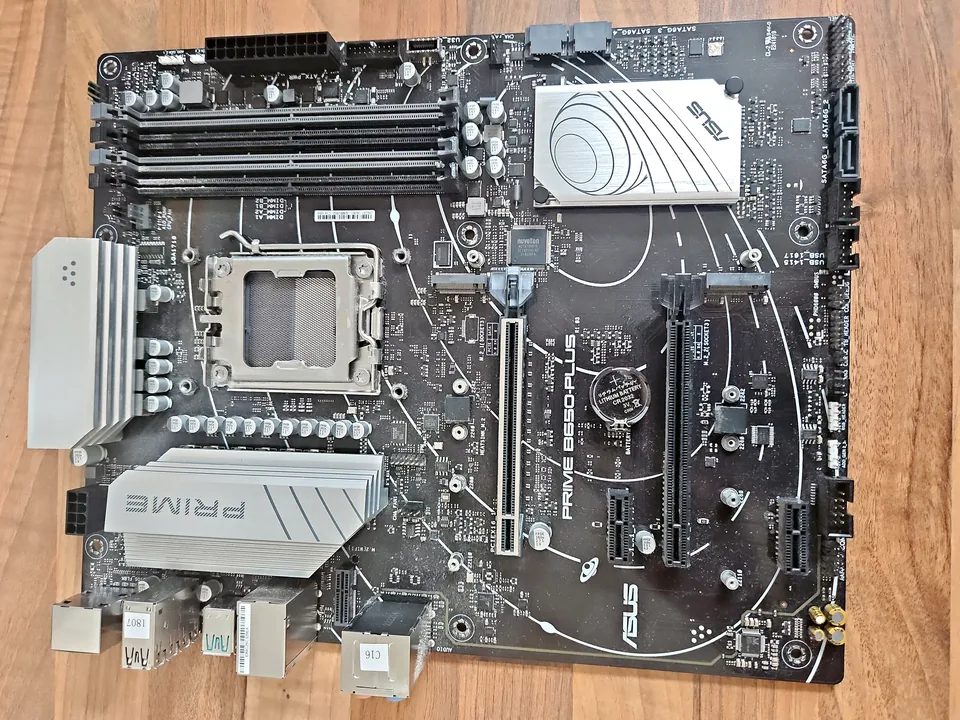
Board-level diagnosis for power, charging, liquid, short-circuit and component faults where repair is practical.
View serviceRepair, replace or test first?
A black screen, crash or game instability can also involve the power supply, RAM, motherboard, drivers, display cable or monitor. Testing the wider system first reduces the risk of replacing an expensive GPU unnecessarily.
| Symptom | What needs checking |
|---|---|
| No display | Monitor and cable, GPU output, RAM, POST behaviour and power delivery. |
| Artefacts | GPU temperature, memory stability, drivers and whether the fault appears outside one game. |
| Crashes under load | GPU, PSU capacity, temperatures, drivers and whole-system stability. |
| Fan noise or overheating | Dust, fan condition, heatsink contact and temperature behaviour before parts are replaced. |
For the diagnostic side in more detail, see signs a graphics card may be failing.
Repair guides
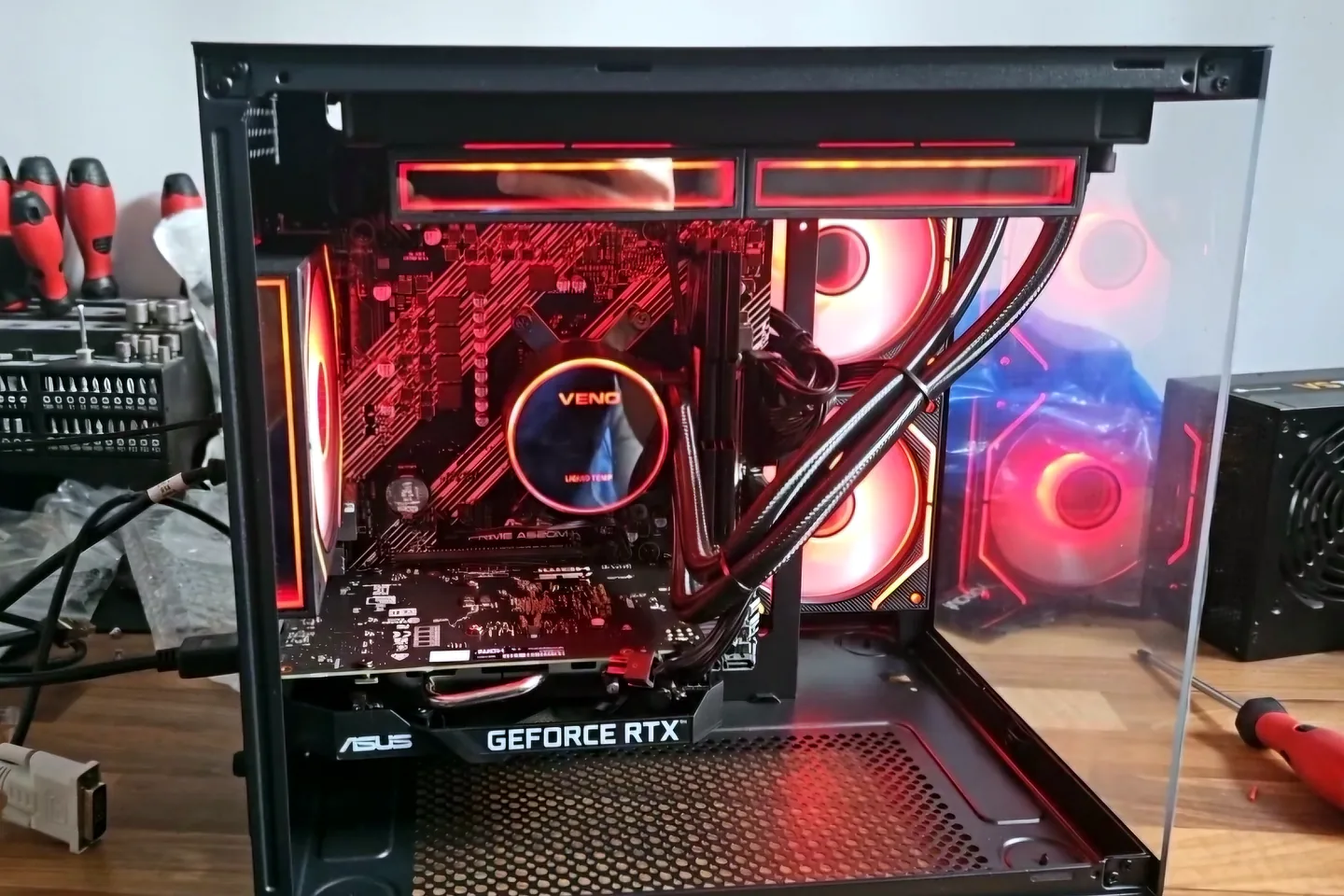
Repair guide
Gaming PC crashes and overheating can involve cooling, power, memory, drivers or graphics. Learn what to record before Birmingham repair diagnosis.
Read guide
Repair guide
PC turns on but no display in Birmingham? Check the monitor, cable, GPU, RAM and POST clues safely, and know when professional diagnosis is needed.
Read guideRepair guide
Graphics card crashes, artefacts and no-display faults can be power, heat, driver or hardware related. Learn when repair or replacement makes sense.
Read guideFrequently asked questions
Yes, where diagnosis identifies a practical component-level fault. Some GPU or memory failures are not economical to repair.
Sometimes. The fans, cooling assembly, power stages and board condition must be assessed.
No. Uncontrolled heating is not a reliable repair and can damage the board.
Yes. GPU diagnosis can include relevant power and system stability checks.
Speak to a technician
Mention the game or workload, temperatures, error messages and whether another display cable or monitor was tested.