Blue screen during startup
Boot files, storage, drivers and recent updates may be involved.

Blue screen repair Birmingham
Diagnosis for repeated Windows stop errors, crashes, failed updates, driver conflicts and underlying hardware faults.
Free general diagnosis · Quote before work · No Fix, No Fee on repair labour

Windows blue screen displayed during computer fault diagnosis in Birmingham.
Blue screen repair Birmingham
Drivers, memory, storage, overheating, firmware and Windows corruption can produce similar blue-screen behaviour. Error history and hardware checks should be considered together.
Windows blue screen shown during fault diagnosis.
Boot files, storage, drivers and recent updates may be involved.
Temperatures, memory, graphics and power stability become relevant.
Changing errors can point toward wider memory or storage instability.
Driver and update rollback may help, but hardware should not be ignored.
Windows recovery, storage and boot configuration may need attention.
A failing drive or unstable memory can damage data and operating-system files.
Diagnosis before replacement
A clear photo of the code and the action being performed can be useful. Note whether the error started after new hardware, a driver, an update or a drop.
Repeated resets and reinstall attempts can risk data when the storage is failing. Back up important files as soon as the machine is stable enough.
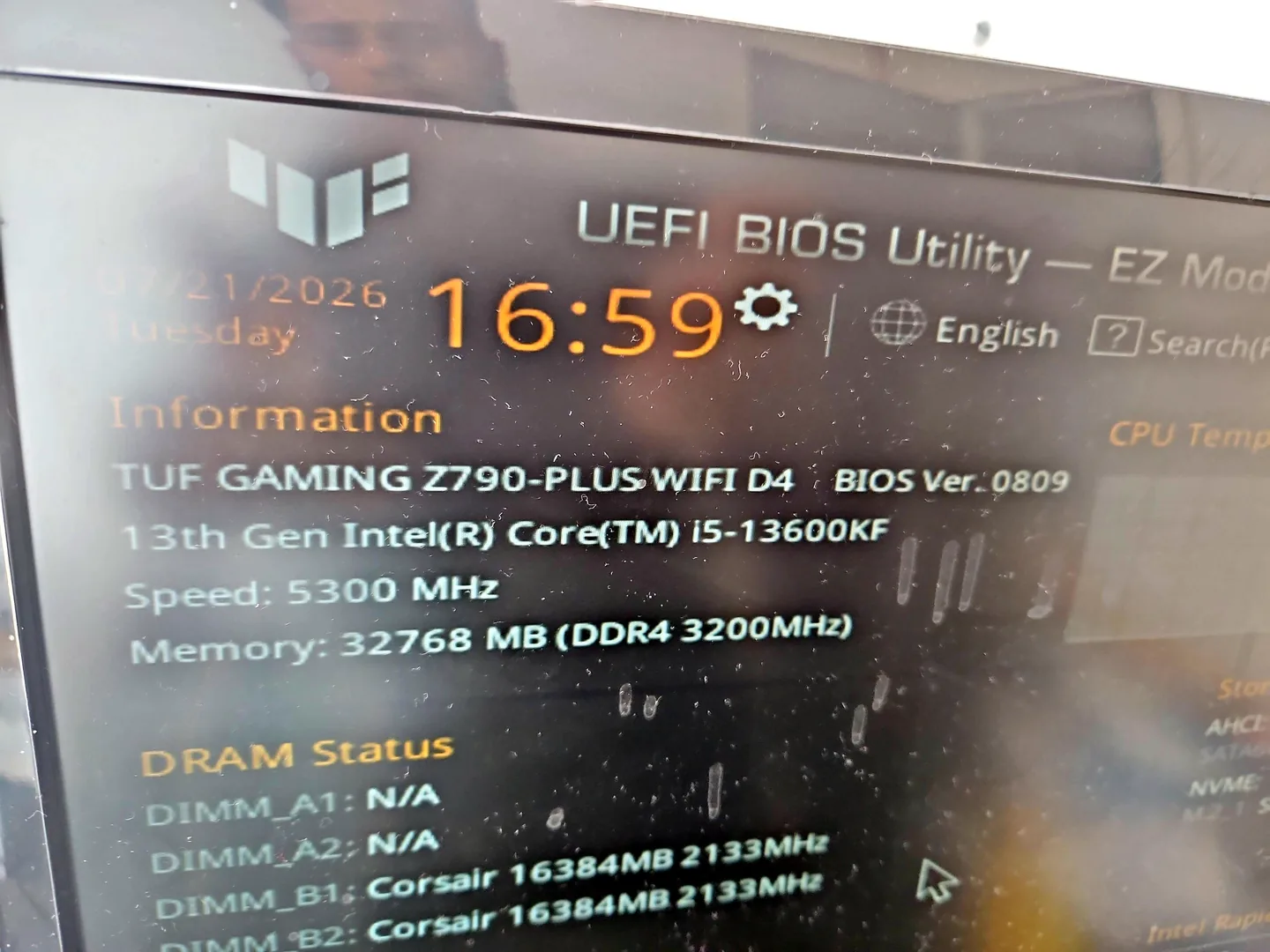
Desktop PC displaying BIOS information during hardware testing.
What affects the repair
A useful quote depends on the exact model, fault and condition rather than a headline price alone.
A crash that always follows one action is easier to isolate than a random failure.
Reinstalling Windows cannot fix failing memory or storage.
File-system damage may need repair or recovery before a clean installation.
New hardware, firmware and drivers can create useful before-and-after evidence.
How repairs are handled
Tell us the device model, symptoms and whether you need a workshop appointment or call-out.
We inspect the fault and identify the likely repair route. General fault diagnosis is free.
You receive the options and price before chargeable work begins.
Approved work is completed and the relevant functions are checked before return.
Related repair services
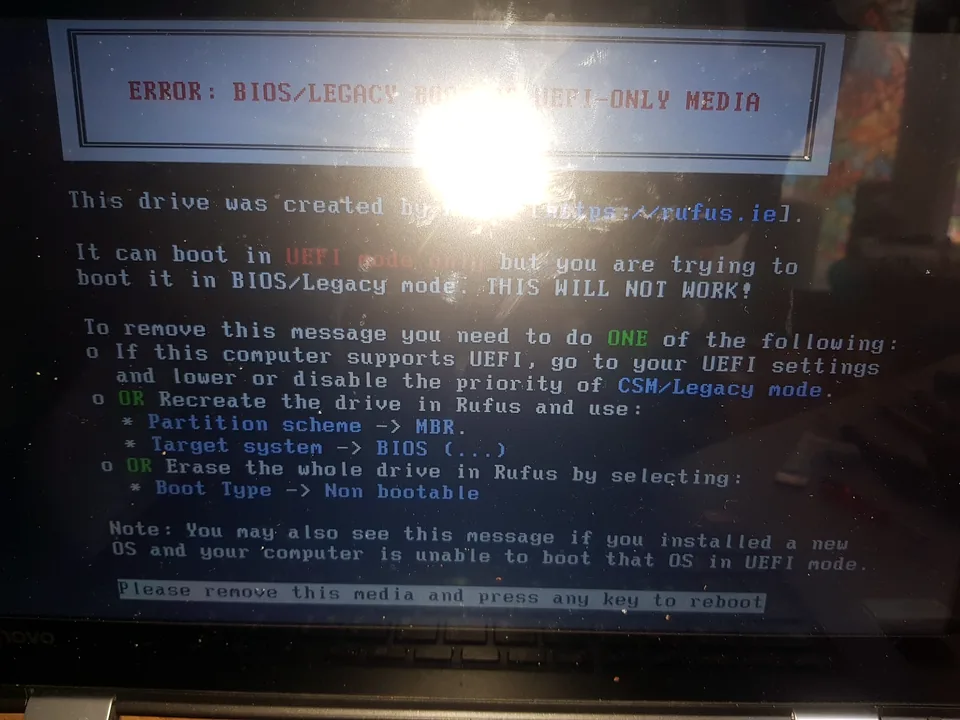
Help with failed updates, boot loops, corrupt Windows, driver faults, account access and clean installations.
View service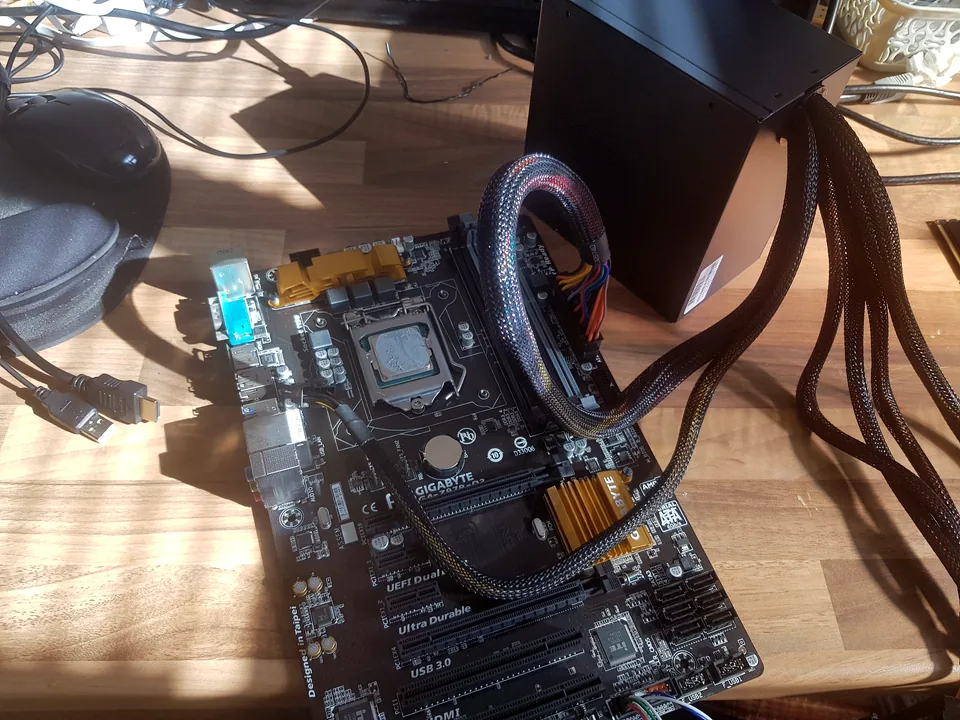
Diagnosis for lockups, buzzing freezes, unresponsive programs and intermittent crashes.
View service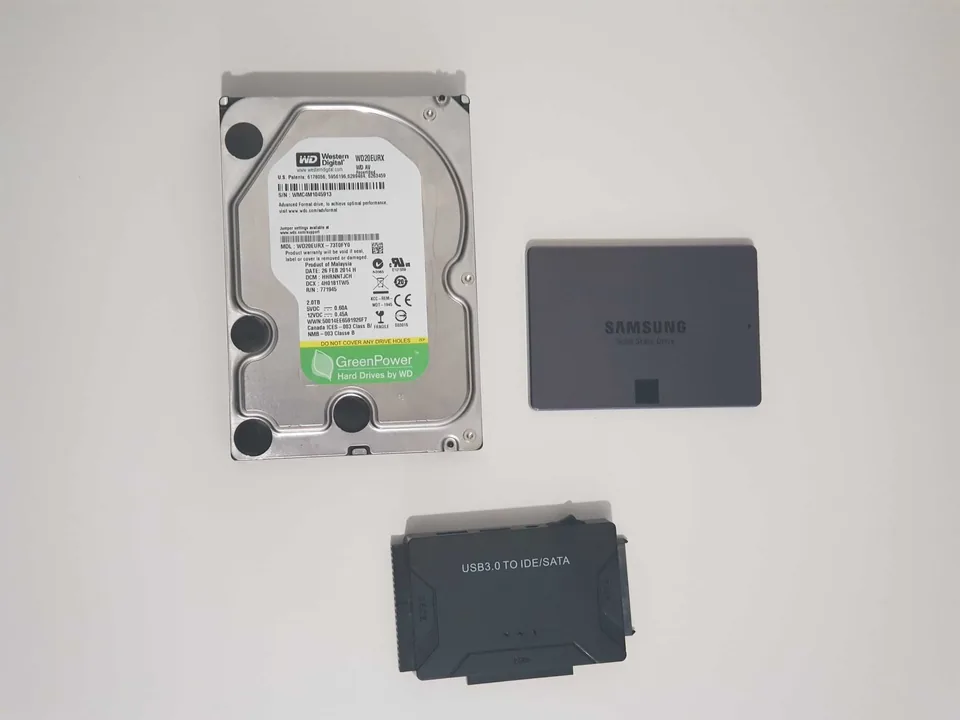
Assessment for deleted files, corrupted storage and failed hard drives or SSDs.
View serviceRepair guides
Repair guide
Blue screen repair in Birmingham: understand stop codes, drivers, memory, storage and heat, and avoid repeated crashes that put files at risk.
Read guide
Repair guide
Computer won't wake from sleep? Separate black-screen, driver, power and wake faults, try safe Windows checks, and know when Birmingham diagnosis is needed.
Read guide
Repair guide
Separate a failed screen from a backlight, cable, Windows, memory, graphics or motherboard fault.
Read guideFrequently asked questions
Not before checking data and hardware. A reinstall can hide evidence or fail again if memory or storage is faulty.
No. Malware is possible, but drivers, storage, memory and hardware are common causes.
Photograph the stop code and note the task, game or update running when it happened.
Often, but storage health and repeated crashes should be considered before more recovery attempts.
Speak to a technician
Also mention recent updates, new hardware and whether the crash appears during startup or under load.