Office computer failure
No-power, storage, Windows and hardware faults can be diagnosed on-site or at the workshop.

Business IT support Birmingham
Practical computer support for Birmingham small businesses, offices and self-employed users, with appointments and arranged call-outs.
Free general diagnosis · Quote before work · No Fix, No Fee on repair labour
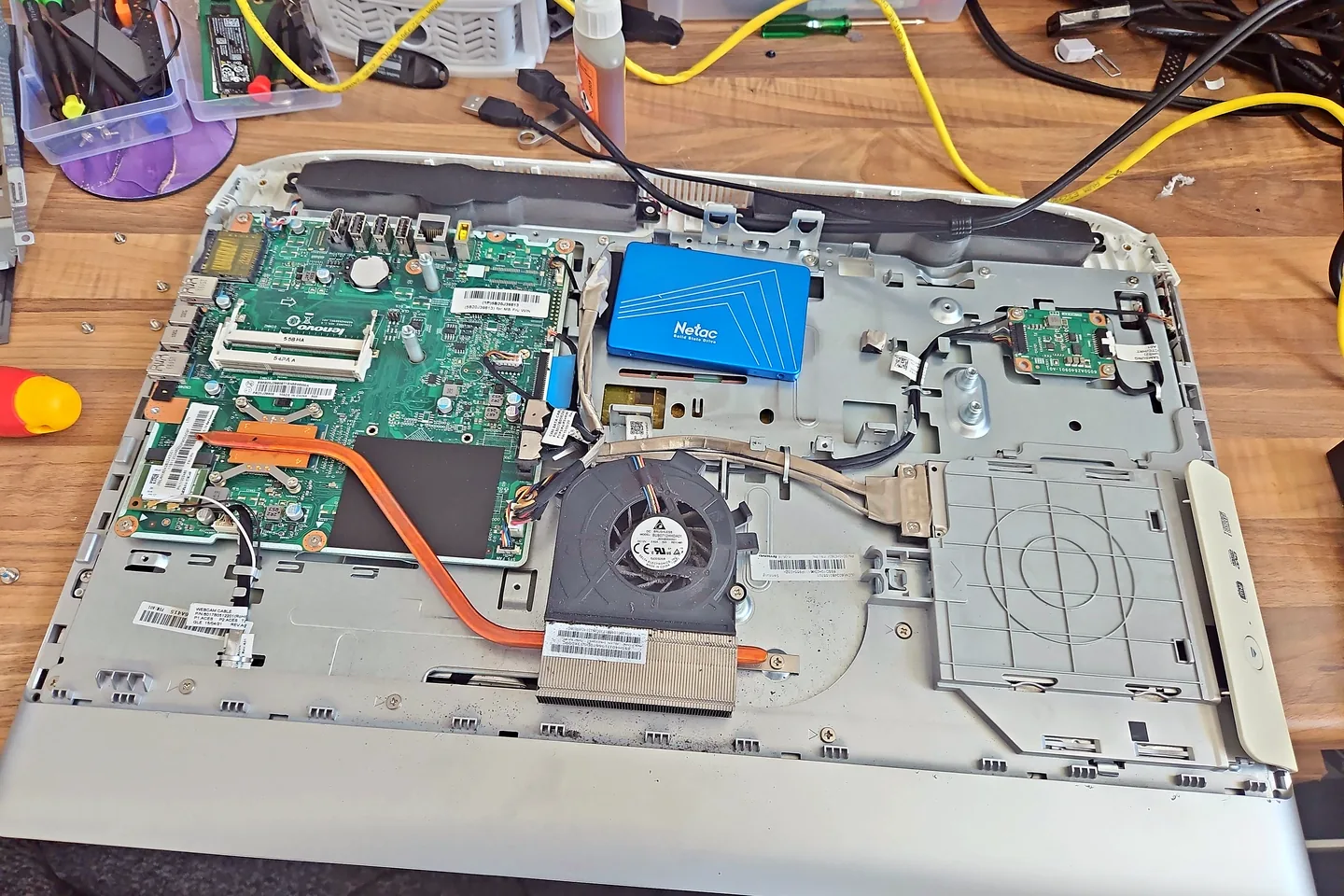
All-in-one business computer opened for internal diagnosis in Birmingham.
Business IT support Birmingham
Business support can cover individual computer faults, office upgrades, storage, backups, user problems and planned maintenance without pretending every company needs a large managed-service contract.

Business computer equipment used for IT-support guidance.
No-power, storage, Windows and hardware faults can be diagnosed on-site or at the workshop.
Storage, memory, startup load and software condition can be assessed before replacement.
Charging, displays, docks, peripherals and Windows configuration can be checked.
Local and cloud backup arrangements can be reviewed around the actual business risk.
Accounts, files, applications and security settings can be planned before a move.
Availability and the call-out charge are confirmed before an appointment.
Diagnosis before replacement
A clear list of the failing devices, urgent tasks and account dependencies helps prioritise work. Note any deadlines and whether files are held locally, on a server or in cloud services.
For recurring support, the scope should be agreed in plain terms rather than assumed. PC Repair Guru does not claim to provide every enterprise or regulated IT service.
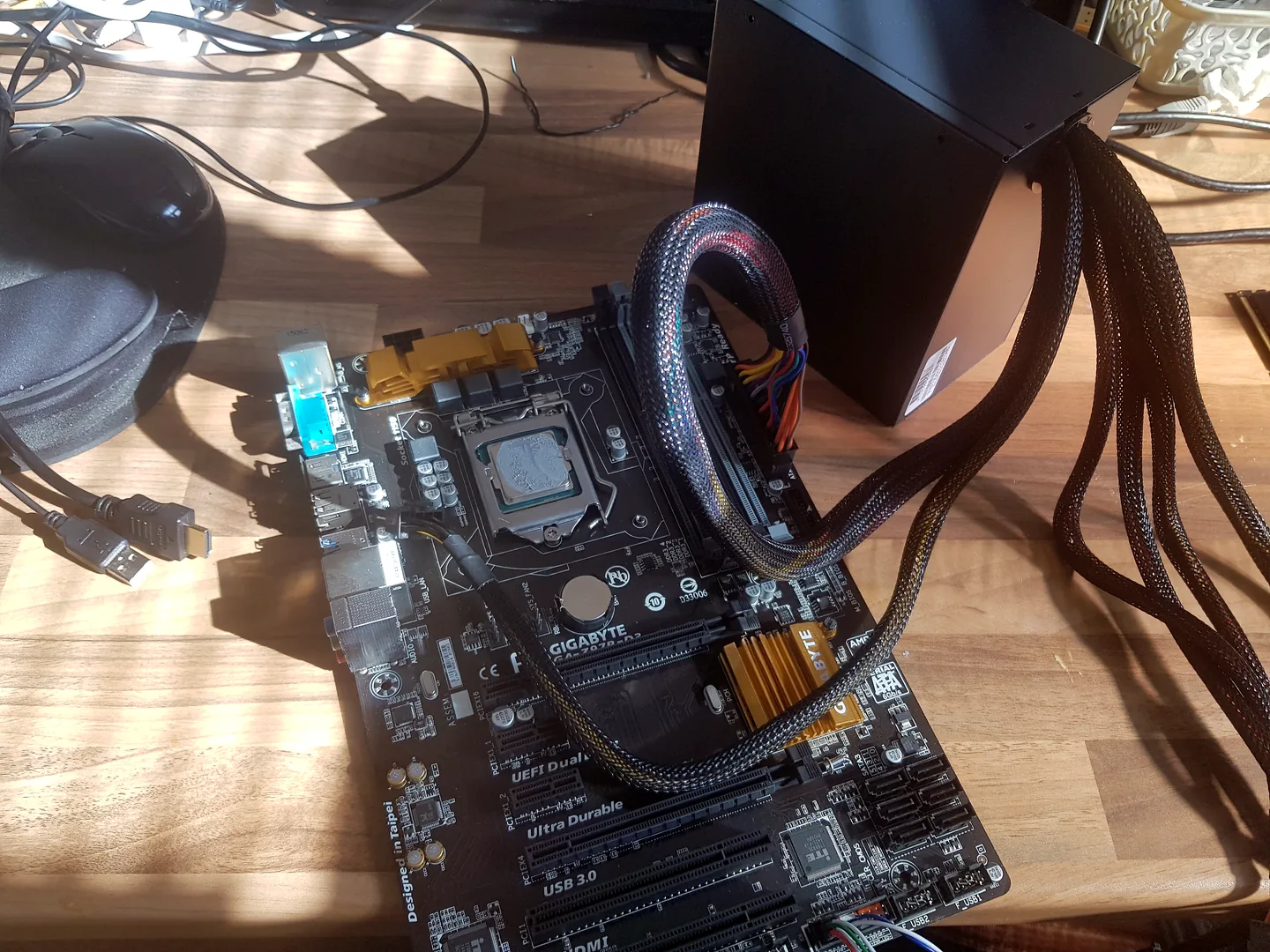
Desktop motherboard connected for computer fault diagnosis.
What affects the repair
A useful quote depends on the exact model, fault and condition rather than a headline price alone.
A failed accounts PC may need a different response from a planned upgrade.
Access, privacy, encryption and backup procedures should be agreed before work.
A single repair differs from a coordinated office migration.
Email, cloud software and internet-provider issues may require vendor access or escalation.
How repairs are handled
Tell us the device model, symptoms and whether you need a workshop appointment or call-out.
We inspect the fault and identify the likely repair route. General fault diagnosis is free.
You receive the options and price before chargeable work begins.
Approved work is completed and the relevant functions are checked before return.
Related repair services
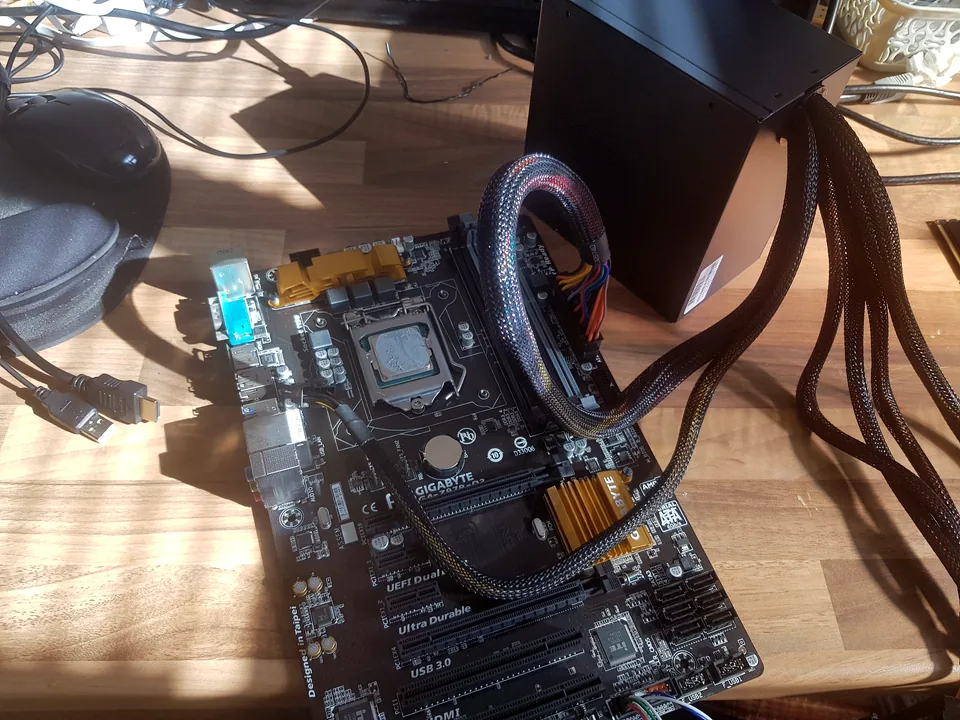
Diagnosis and repair for no power, no display, slow systems, Windows faults and failed components.
View service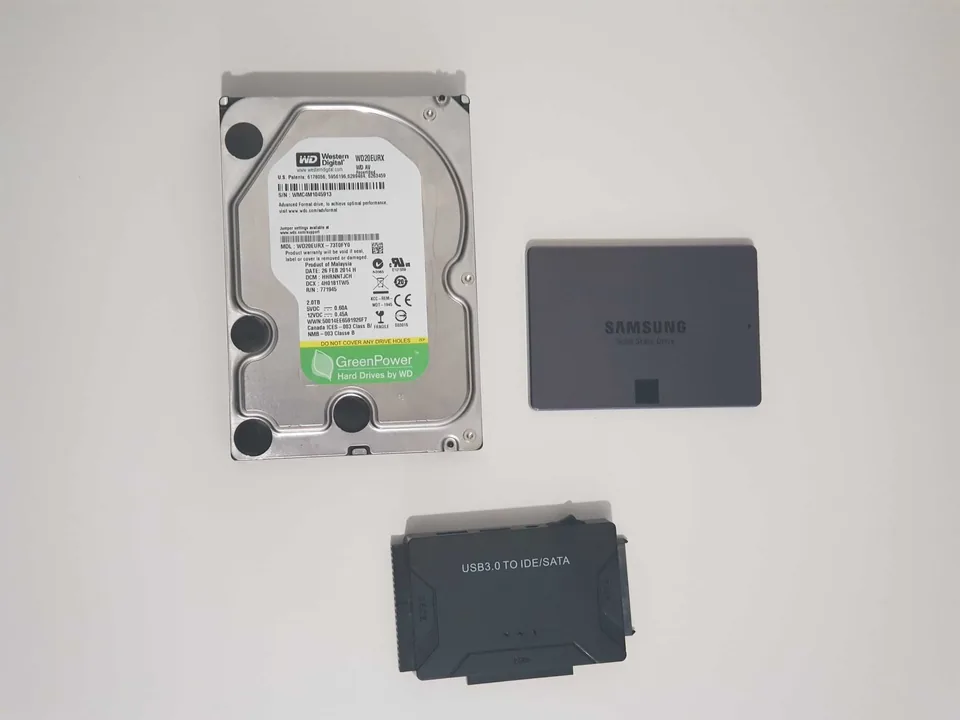
Assessment for deleted files, corrupted storage and failed hard drives or SSDs.
View service
Help with failed updates, boot loops, corrupt Windows, driver faults, account access and clean installations.
View serviceRepair guides
Repair guide
A small business IT support checklist for Birmingham covering backups, accounts, updates, Wi-Fi, device inventory and what to prepare before a call-out.
Read guide
Repair guide
A practical computer maintenance guide covering backups, storage, cooling, updates, security and evidence-based recommendations for Birmingham PCs.
Read guide
Repair guide
What should laptop servicing include? A practical guide to cooling, storage, battery, Windows, security and evidence-based maintenance in Birmingham.
Read guideFrequently asked questions
The service is best suited to small businesses, offices and self-employed users needing practical computer support.
Yes, subject to availability. The charge depends on postcode and travel distance and is confirmed before booking.
Yes. The required files, accounts, applications, security and migration plan should be discussed first.
Support scope can be discussed, but the website does not claim enterprise managed-service coverage or accreditations that have not been confirmed.
Speak to a technician
Call with the affected users, equipment and deadline so the most practical workshop or call-out route can be discussed.