Should you upgrade your PC or buy a new computer?
The best answer depends on whether your current computer has a specific bottleneck or a platform-wide limitation. If one part is holding back an otherwise capable system, upgrading can be excellent value. If the processor, motherboard, memory standard, power supply and graphics capability all need changing, the job is no longer a simple upgrade.
If the PC is still running Windows 10, see our Windows 10 end-of-support and Windows 11 options guide before spending on upgrades. It explains Windows 11 eligibility, ESU and when the age of the platform changes the repair-versus-replace decision.
That distinction matters because upgrades should solve a measurable problem. “Make it faster” is too broad. Faster at startup, faster loading games, smoother multitasking, higher frame rates and quicker rendering can all require different hardware.
Our computer upgrades service in Birmingham starts by identifying the limiting component rather than fitting parts just because they are newer.
Find the real bottleneck before buying parts
A PC is a system. Improving one component only helps if that component is limiting the workload you care about. A very fast graphics card cannot fix a failing SSD. Extra RAM does little if you already have enough for your workload. A new processor may require a different motherboard and memory.
Slow startup and loading
Check storage health and whether the computer still uses a mechanical hard drive.
Apps slow with many tabs open
Check memory usage before assuming the processor needs replacing.
Low gaming frame rates
Measure GPU and CPU load and check temperatures, power and game settings.
Stuttering or shutdowns
Diagnose stability, cooling and power faults before spending on performance parts.
If the computer is faulty rather than simply slow, read our guide to whether the computer is worth repairing or replacing first.
When is an SSD upgrade worth it?
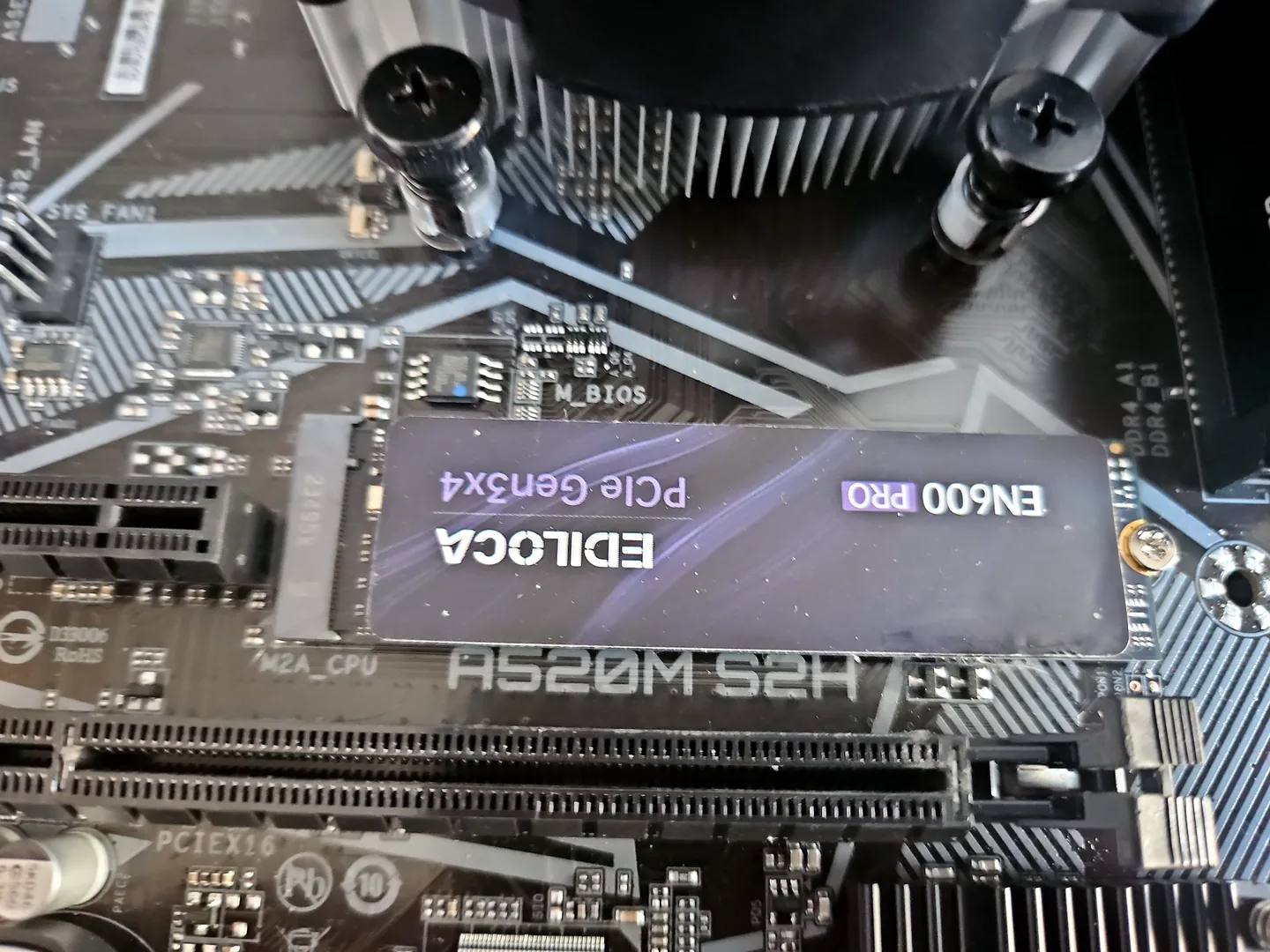
For a computer still running Windows from a mechanical hard drive, moving to an SSD can be one of the highest-impact upgrades available. Boot time, application launches, updates and general responsiveness can all improve because the storage latency is dramatically lower.
An SSD upgrade is especially attractive when the processor and RAM are still adequate and the storage device is the main reason the system feels slow. It can also replace an ageing or unreliable drive before it fails completely.
The upgrade still needs planning. The PC must support the SSD type, the existing drive should be checked for errors before cloning, and important data should be backed up. Our SSD upgrade service in Birmingham covers SATA and compatible NVMe options, cloning and clean-install routes.
If the current SSD is already healthy and fast, replacing it with a faster model may produce little visible benefit for ordinary web, email and office use. Capacity may be the better reason to upgrade.
When does adding more RAM make a real difference?
RAM helps when the computer is genuinely running out of memory. Typical signs include heavy disk activity while switching applications, browser tabs reloading, slowdowns during large creative projects or games stuttering because other applications are consuming memory.
Before buying RAM, check the motherboard or system specification for the supported type, speed, capacity and slot arrangement. Desktop memory generations are not interchangeable. It is also worth checking whether the existing modules are already using all available slots.
More RAM will not compensate for a weak processor, failing storage or overheating. The upgrade is valuable when memory pressure is the actual bottleneck.
When is a graphics-card upgrade worth it?
A graphics-card upgrade can deliver the biggest performance gain in a gaming PC when the GPU is the limiting component and the rest of the system can support the new card. It can also help GPU-accelerated creative, rendering and compute workloads.
Compatibility has several layers: physical space in the case, suitable PCIe slot, adequate power-supply capacity and connectors, cooling airflow, monitor outputs and a processor capable of feeding the card at the performance level you expect.
Do not confuse a failing GPU with a need to upgrade. Artefacts, black screens and crashes can also come from power, memory, motherboard or driver faults. If reliability is the problem, use our graphics-card repair and diagnosis service before buying an expensive replacement.
For a balanced gaming upgrade, the goal is not simply the fastest card you can afford. It is the best card that makes sense with your monitor resolution, target games, processor and power supply.
CPU upgrades can turn into a motherboard-platform upgrade
Processor upgrades are where the decision often becomes more complicated. A newer CPU may require a different socket, chipset, BIOS support or memory generation. Once the motherboard and RAM also need changing, you are effectively replacing the core platform.
A CPU-only upgrade makes sense when the motherboard supports a meaningfully faster processor at a sensible price and the existing memory, storage, power supply and case remain suitable. It makes less sense when the best compatible CPU is expensive, difficult to source or only modestly faster.
If you are moving to a new motherboard platform, compare the total parts and labour with a complete new system or a custom PC build in Birmingham. A platform change can still be the right choice, but it should be treated as a bigger project.
Check the power supply and case before major upgrades
Graphics cards and high-performance processors can increase power demand and heat output. The existing power supply needs enough continuous capacity, the right connectors and suitable quality for the hardware being added. A very old or low-quality unit may be a poor foundation for an expensive GPU.
Case dimensions matter too. A graphics card can be too long or thick, and a larger CPU cooler may clash with the side panel, RAM or motherboard layout. Airflow can also become inadequate after a performance upgrade.
These supporting parts are why the real upgrade cost can be higher than the price of the headline component.
Fix cooling and stability problems before chasing more performance
Upgrading a machine that is already overheating or unstable can make the underlying problem worse. A processor or graphics card that is thermal throttling may perform below specification even though the hardware is technically powerful enough.
Clean airflow, working fans, correct heatsink mounting and sensible temperatures should come before performance tuning. Our PC overheating repair service checks cooling and stability so you do not mistake a thermal fault for a need to replace the whole computer.
For office and home PCs, storage and memory often matter more than headline specifications
Web browsing, email, Microsoft 365, accounts software and general office work usually benefit more from a responsive SSD, enough RAM and a healthy Windows installation than from a high-end graphics card.
If an older office PC has a capable processor but still uses a hard drive, an SSD can make it feel dramatically more responsive. If it already has an SSD but slows badly with several applications open, memory may be the next area to investigate.
Replacement becomes more attractive when the machine cannot support the operating system, security requirements, display setup or software used by the business. In those cases, upgrading one component may only postpone a necessary platform change.
Gaming PCs need balanced upgrades, not random expensive parts
Gaming performance depends on the relationship between the graphics card, processor, RAM, storage, cooling, game engine and monitor resolution. A GPU upgrade can be transformative at higher resolutions, while CPU-limited competitive games may respond more to processor performance.
Before upgrading, define the target: which games, which resolution, which refresh rate and what frame-rate range? That avoids paying for performance the monitor cannot display or fitting a graphics card the processor cannot use effectively.
Our gaming PC repair service in Birmingham can diagnose instability first, while custom gaming PC builds are the better route when most of the existing platform needs changing.
Do not overlook Windows, storage health and software before upgrading hardware
A badly configured or damaged Windows installation can make good hardware feel slow. Excessive startup programs, failing storage, driver problems, malware or file corruption should be ruled out before expensive components are ordered.
Hardware upgrades can still be part of the answer, but they should not be used to mask a software or reliability problem. If the machine has startup errors, update loops or persistent operating-system faults, see our Windows repair service in Birmingham.
When is buying a new computer the better option?
A new PC becomes the stronger choice when several parts of the existing system limit what you want to do. Common examples include:
- CPU, motherboard and RAM all need replacing. That is a platform rebuild rather than a small upgrade.
- The power supply and case also need changing. Supporting parts can push the project close to the cost of a new build.
- The system lacks modern connectivity or expansion. Newer standards may matter for your peripherals, storage or displays.
- The old PC has reliability problems. Upgrading performance does not solve an unresolved motherboard, power or storage fault.
- Your workload has changed significantly. Moving from basic office work to modern gaming, 4K editing, CAD or other demanding tasks can justify a new platform.
- You need warranty simplicity. A complete new system can provide a cleaner support and warranty position than mixing several generations of old and new parts.
How do you compare the cost of upgrading with a new PC?
Add the whole project, not just the part you first noticed. A graphics card upgrade may also require a power supply. A CPU upgrade may require a motherboard and RAM. A platform change may need a cooler or Windows setup.
| Upgrade route | Usually good value when... | Watch for... |
|---|---|---|
| SSD | The system still uses a hard drive or needs more reliable/faster storage | Drive health, cloning, capacity and interface support |
| RAM | Memory usage is genuinely reaching the limit | Generation, capacity, speed and free slots |
| Graphics card | GPU is the gaming/creative bottleneck | PSU, case space, cooling and CPU balance |
| CPU only | A meaningfully faster compatible CPU exists | BIOS and motherboard support |
| CPU + board + RAM | You want to retain case, storage, PSU and GPU | Total cost can approach a new-build platform |
| Whole new PC | Several major components need replacing together | Data transfer, software setup and choosing the right specification |
A sensible order for planning a PC upgrade
- Define the problem. What feels slow or limits you today?
- Measure the workload. Check storage, RAM, CPU, GPU and temperature behaviour.
- Confirm compatibility. Motherboard, power supply, case, cooling and interfaces all matter.
- Price the complete upgrade. Include supporting parts and labour, not just the headline component.
- Compare with a new PC. Compare against a machine that actually meets your target specification.
- Plan data and Windows. Cloning, clean installation, backups and application setup can affect the best route.
PC upgrade assessment in Birmingham
At PC Repair Guru, an upgrade recommendation should answer three questions: what is holding the machine back, what parts are compatible, and what improvement should you realistically expect?
That means an upgrade can be as small as an SSD or RAM change, or as large as a new motherboard platform. If the existing computer is still a good base, we can help extend its useful life. If the proposed upgrade becomes poor value, it is better to know before parts are purchased.
For general desktop diagnosis, see desktop PC repair in Birmingham. For upgrade-specific work, use computer upgrades Birmingham or SSD upgrades Birmingham.
Upgrade your PC or buy new: quick decision table
| Your situation | Upgrade first when... | New PC first when... |
|---|---|---|
| Very slow startup | Mechanical hard drive or unhealthy storage is the bottleneck | Storage is fine but the entire platform is below your needs |
| Multitasking slows down | RAM is consistently full and the platform supports more | CPU and platform are also severely limiting |
| Gaming frame rate too low | GPU is clearly the bottleneck and PSU/case support an upgrade | GPU, CPU, PSU and cooling all need replacement |
| CPU performance too low | A strong compatible CPU upgrade exists | Meaningful improvement requires new board and RAM too |
| PC is unstable | Repair the fault before judging performance | Multiple major reliability problems make the base system poor value |
| Need a different workload | One or two parts can meet the new requirement | The new workload requires a fundamentally different platform |
Frequently asked questions
Is it worth upgrading an old PC?
It can be if one or two upgrades address the real bottleneck and the rest of the system remains reliable and suitable. An SSD or RAM upgrade can be excellent value on the right machine.
Should I upgrade my PC or buy a new one?
Upgrade when the existing platform is still a good base and only a small number of parts need changing. Buy new when the processor, motherboard, RAM, power supply or other major components all need replacement together.
What PC upgrade gives the biggest speed improvement?
It depends on the bottleneck. Moving from a mechanical hard drive to an SSD often gives the biggest everyday responsiveness improvement, while a graphics-card upgrade can give the biggest gaming gain when the GPU is limiting performance.
Will more RAM make my computer faster?
Only if the system is running short of memory. Adding RAM does not materially improve a machine whose real limitation is storage, CPU, graphics, cooling or software.
Can I upgrade the CPU without changing the motherboard?
Sometimes. The motherboard socket, chipset, BIOS and power delivery must support the replacement processor. If they do not, a CPU upgrade becomes a platform upgrade.
Should I upgrade a faulty computer?
Diagnose the fault first. Performance upgrades should not be used to hide unresolved overheating, power, storage, motherboard or Windows problems.
Can PC Repair Guru advise before I buy upgrade parts?
Yes. Compatibility and expected benefit should be checked before buying parts, especially for graphics cards, CPUs, memory, power supplies and SSDs.