What can cause this problem
Several faults can create the same symptom. The list below is a starting point for diagnosis, not a reason to order parts without testing.
- Storage is nearly full or beginning to fail
- Too many programs start with Windows
- Memory pressure causes constant swapping to disk
- Dust, fan faults or poor cooling cause throttling
- Malware or unwanted software is running in the background
- Windows updates, drivers or system files are damaged
Safe checks before repair
Protect important files first where the device remains stable. Stop after liquid, smoke, battery swelling, burning smells or signs of a failing drive.
- Restart the computer rather than leaving it in sleep for weeks
- Check free storage space without deleting files you do not recognise
- Open Task Manager and note which process is using CPU, memory or disk
- Back up important files to a separate device or trusted service
- Listen for unusual hard-drive noise and watch for storage warnings
- Check whether the slowdown began after an update or new program
- Disconnect unnecessary USB devices for one clean startup
- Check vents for blockage without opening a live power supply
- Run the built-in Windows security scan
- Record how long startup and common tasks actually take
Possible repair routes
The correct route depends on the confirmed cause, exact model, data requirements and whether a reliable repair remains economical.
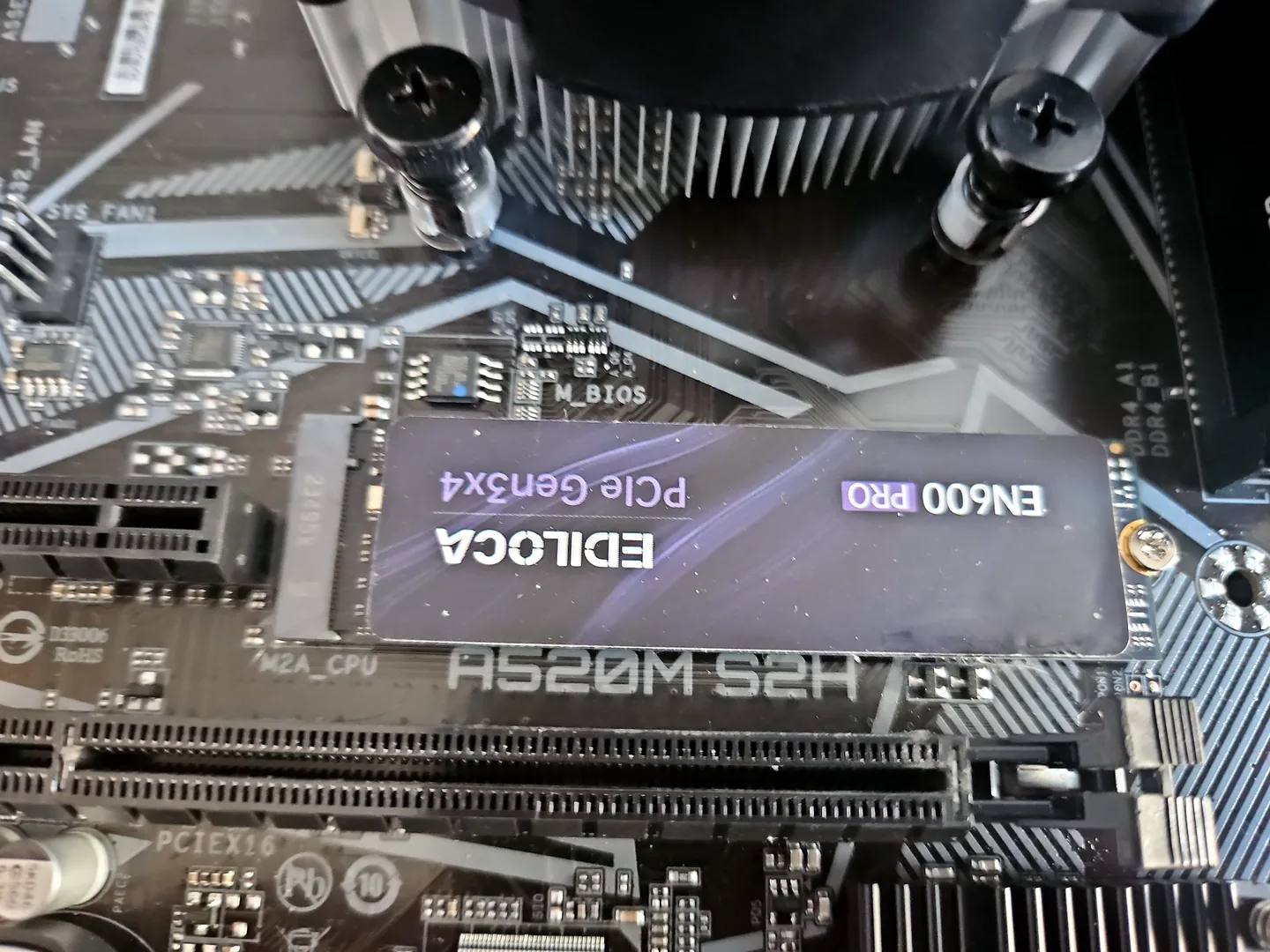
- SSD upgrade when slow mechanical storage is the bottleneck
- Memory upgrade where the system supports it and RAM pressure is real
- Cooling service when temperatures are limiting performance
- Windows repair or clean installation after data is protected
- Malware cleanup and removal of unwanted startup software
What changes the quote
A headline price cannot account for every model, part and level of damage. These are the main factors that need confirmation.
- Whether data needs backup or recovery first
- The health and type of the storage device
- Compatible SSD or memory specification
- Whether Windows can be repaired or needs a clean setup
- Any additional hardware fault discovered during testing
Frequently asked questions
Will an SSD always fix a slow PC?
No. It helps when storage is the bottleneck, but it does not fix overheating, malware, low memory or a weak processor.
Should I use a registry cleaner?
Avoid aggressive registry-cleaning tools. They rarely address the real cause and can introduce new problems.
How much free space should I keep?
Windows needs working space for updates and temporary files. The exact amount depends on drive size and use, but a nearly full system drive should be addressed.
When should I stop troubleshooting?
Stop if storage is failing, the computer smells burnt, repeatedly shuts down or contains important data that is not backed up.
This page is a broad PC-and-laptop checklist. For a laptop-specific performance diagnosis, see our guide to finding what is making a laptop slow, including SSD, RAM, temperature and Windows bottlenecks.