No power or no lights
Power supply, mains lead, switch, motherboard input and front-panel wiring are checked first.

Desktop PC repair Birmingham
Diagnosis and repair for tower PCs, workstations and gaming desktops with no power, no display, restarting, overheating or slow performance.
Free general diagnosis · Quote before work · No Fix, No Fee on repair labour

Technician repairing a desktop PC at the PC Repair Guru workshop in Birmingham.
Desktop PC repair Birmingham
The PSU, motherboard, graphics card, RAM, storage, cooling and Windows all need checking before a replacement part is guessed. A desktop that seems dead may still only have one local fault.
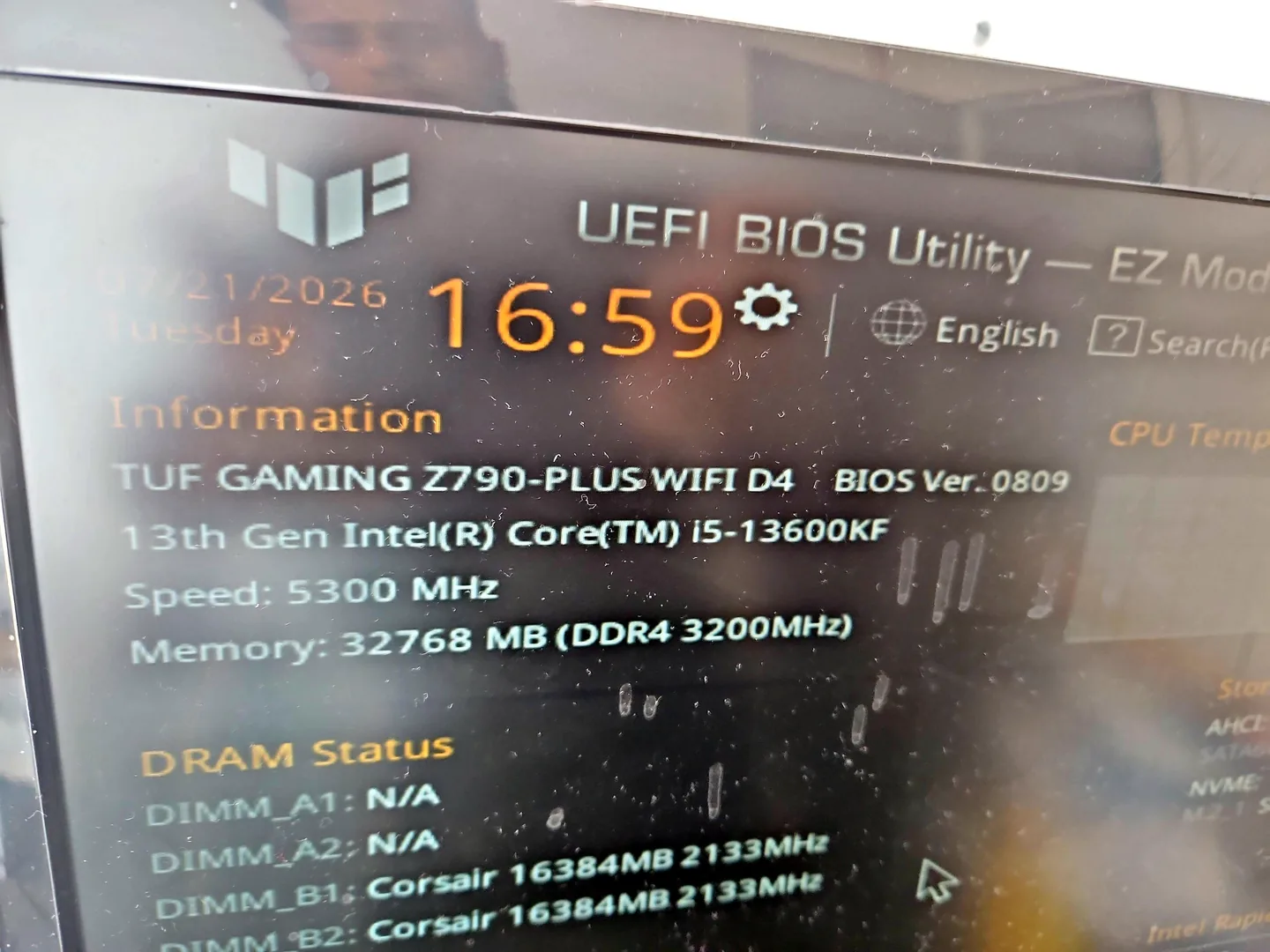
Desktop PC displaying BIOS information during hardware testing in Birmingham.
Power supply, mains lead, switch, motherboard input and front-panel wiring are checked first.
Graphics output, monitor, RAM, cables and motherboard startup can all cause this symptom.
Heat, PSU instability, memory errors, BIOS issues or Windows faults may need investigation.
Dust, blocked airflow, failed cooling and old thermal paste are common desktop problems.
Startup load, malware, a failing hard drive and no SSD can all make a PC feel unusable.
POST codes and diagnostic lights can point toward memory, graphics or motherboard faults.
Diagnosis before replacement
A desktop fault may sit in the power supply, graphics card, RAM, storage, cooling or motherboard. Testing the external causes first protects both the device and the budget.
If the PC has liquid damage, a burning smell, sparks or repeated clicking, stop powering it on and arrange an assessment. That gives the best chance of preventing wider damage.

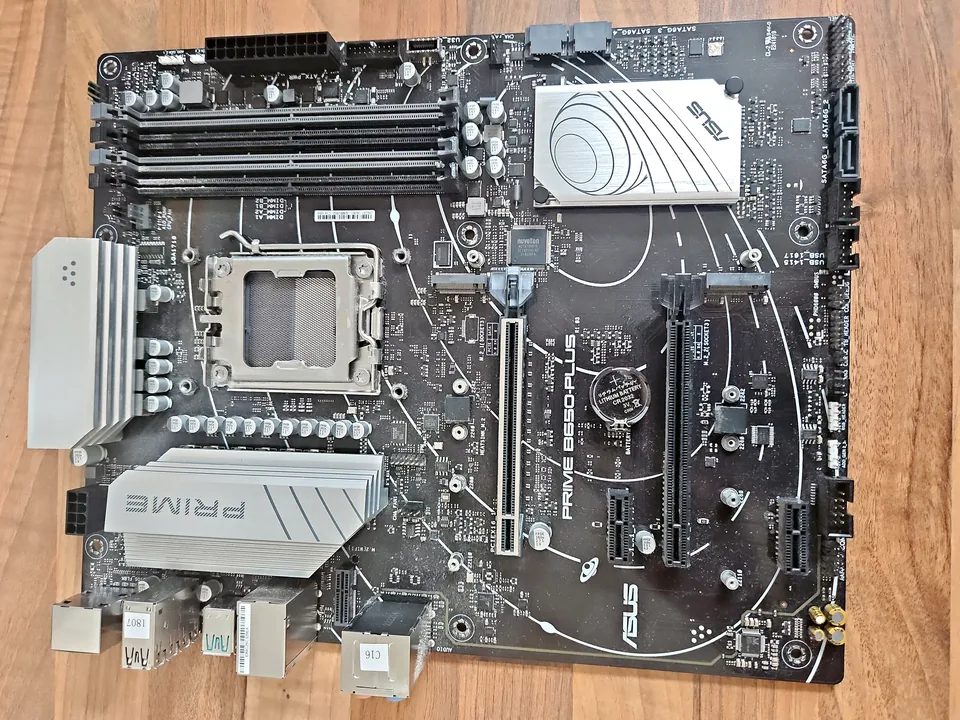
Desktop motherboard and graphics card on the PC Repair Guru bench for testing.
How repairs are handled
Tell us the desktop model, symptoms and whether it is a workshop job or a call-out.
We test the likely causes and identify the most practical repair route. General fault diagnosis is free.
You get the options and price before any chargeable work starts.
Approved work is completed and the relevant functions are checked before return.
Related repair services
Board-level diagnosis for power, charging, liquid, short-circuit and component faults where repair is practical.
View service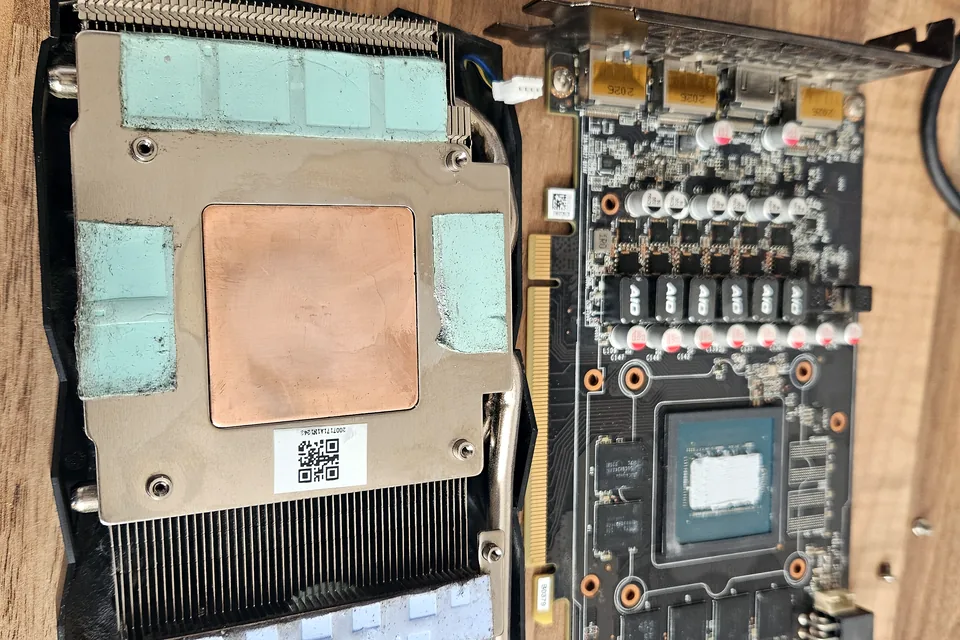
Useful when the desktop powers on but has artefacts, crashes or no display under load.
View service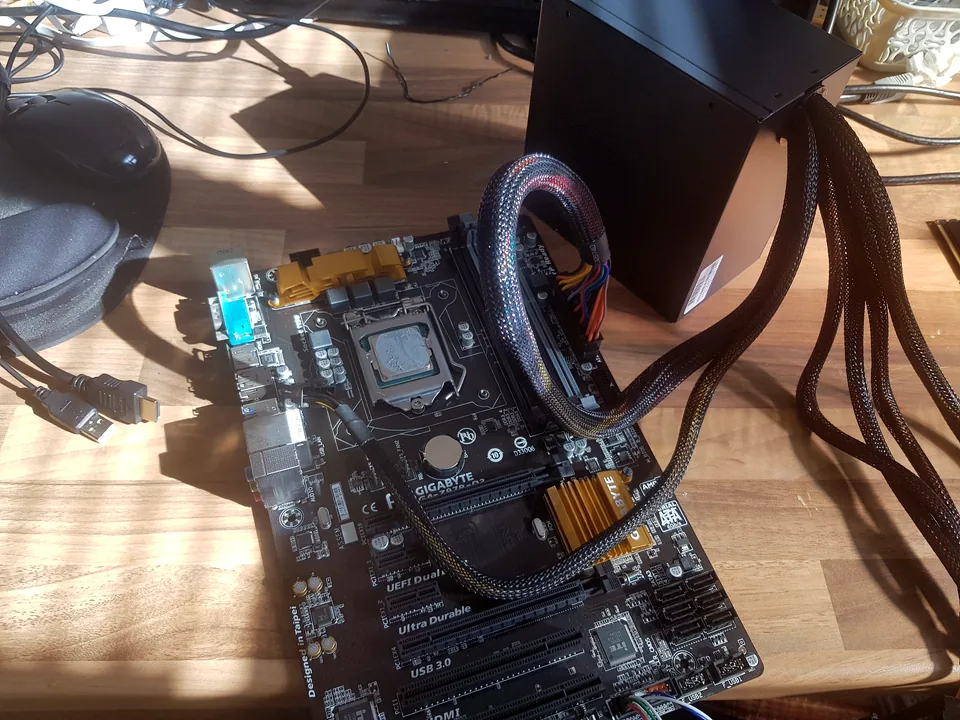
No-power and no-display faults often sit beside desktop PSU, BIOS, RAM or startup problems.
View service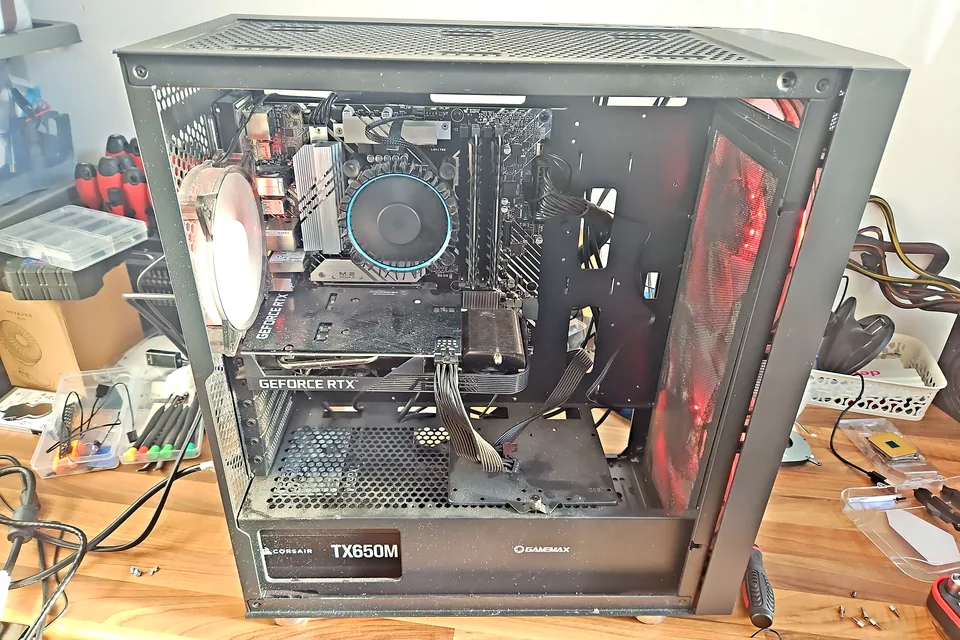
Fans, dust, thermal paste and airflow issues can cause thermal throttling and shutdowns.
View service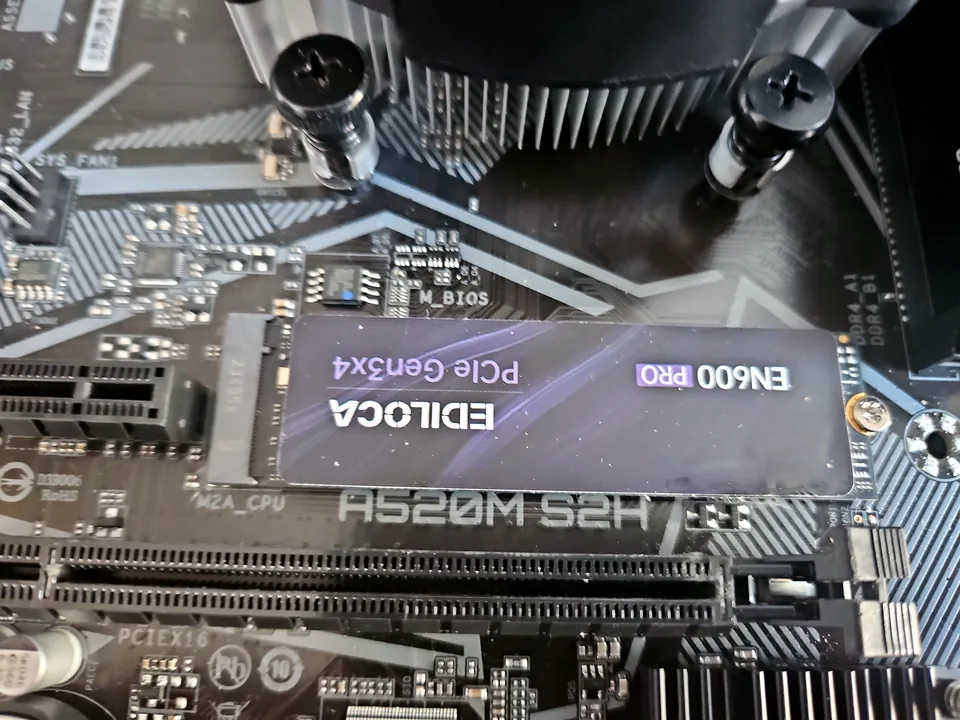
Ideal when a desktop feels slow, a drive is aging or Windows needs a better storage path.
View service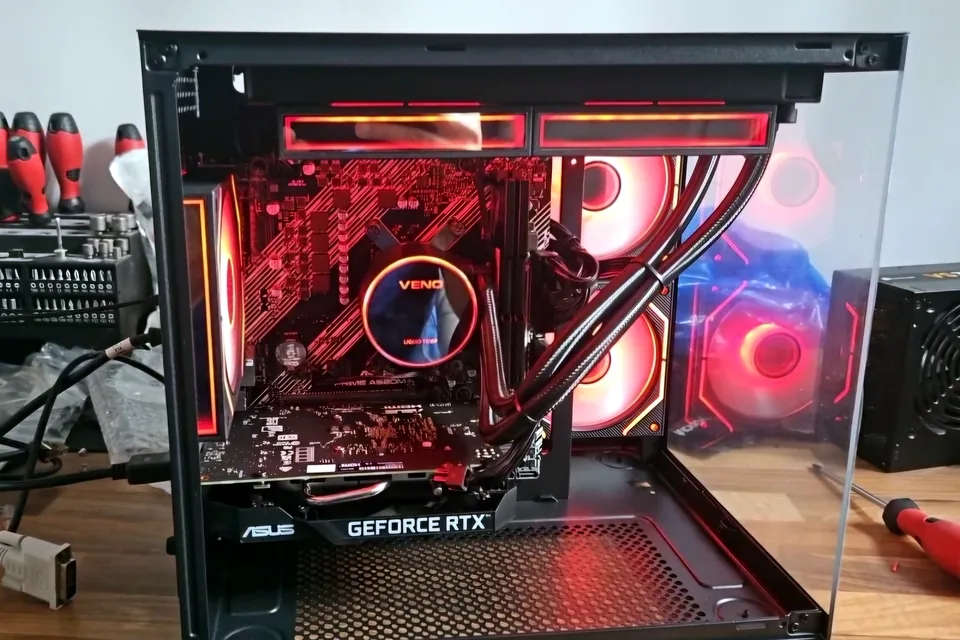
Gaming desktops need extra attention for cooling, stability, graphics and power delivery.
View serviceFrequently asked questions
Yes. Desktop PCs, workstations and gaming towers are tested for power, display, cooling, storage, memory and component faults.
Yes. The monitor, cable, graphics card, RAM and motherboard startup all need checking before a part is replaced.
No. Heat, a power supply fault, storage issues, memory errors or Windows problems can create the same symptom.
Not necessarily. Storage is assessed separately, and important files are protected wherever possible before any chargeable work begins.
Bring the tower, monitor and any unusual leads or adapters if possible. That helps prove whether the fault is in the PC, display or power path.
Repair guides

Repair guide
Gaming PC slower or unstable after an upgrade? Check compatibility, power, BIOS, memory, cooling and drivers before buying more parts in Birmingham.
Read guide
Repair guide
PC power-cycles before Windows? Learn how POST, memory, power, recent upgrades and protection faults are separated before Birmingham repair.
Read guide
Repair guide
PC shutting down, restarting or showing no power? Learn PSU failure signs, safe checks and when power-supply replacement may be needed in Birmingham.
Read guideSpeak to a technician
Those details help distinguish PSU, graphics, motherboard or Windows issues before the desktop is moved.
Need a timeframe? Our Birmingham computer and laptop repair-time guide explains why diagnosis, parts and testing can change turnaround.