
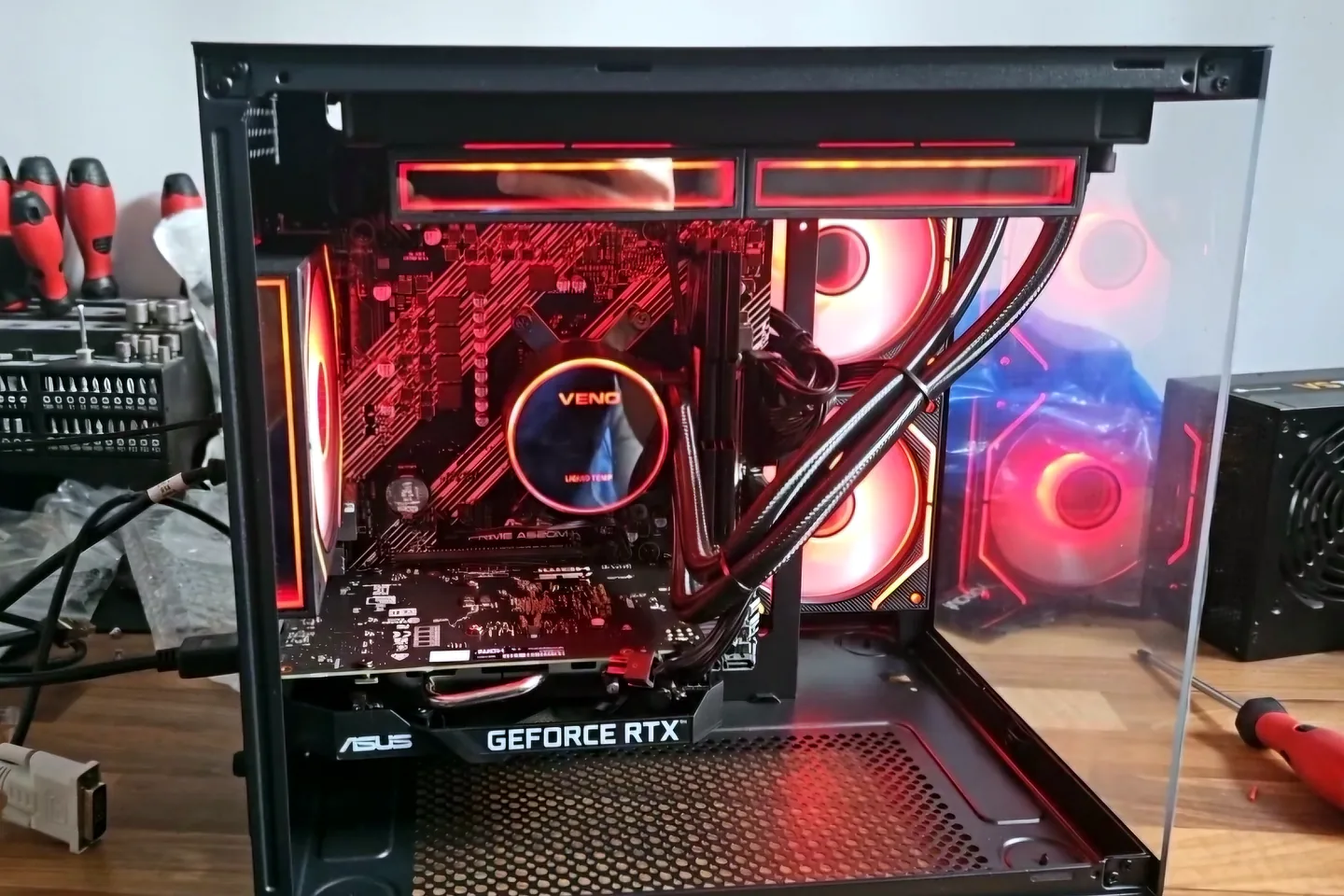
What can cause this problem
Several faults can create the same symptom. The list below is a starting point for diagnosis, not a reason to order parts without testing.
- CPU or GPU heat
- Power-supply instability
- Memory profile or overclock instability
- Graphics driver problem
- Failing GPU or motherboard
- Game-specific corruption
Safe checks before repair
Protect important files first where the device remains stable. Stop after liquid, smoke, battery swelling, burning smells or signs of a failing drive.
- Record the exact game and time to failure
- Note CPU and GPU temperatures if reliable tools are available
- Return overclock, undervolt and memory profile to defaults
- Check power connectors without opening the power supply
- Update or clean-install relevant drivers cautiously
- Test whether non-gaming workloads are stable
Possible repair routes
The correct route depends on the confirmed cause, exact model, data requirements and whether a reliable repair remains economical.
- Cooling and airflow correction
- Power-supply diagnosis
- Memory testing and stable settings
- Graphics-card diagnosis
- Driver and game repair
When heat is the main symptom
If CPU temperature is the repeatable trigger, read our gaming PC overheating guide comparing thermal paste with a CPU cooler upgrade. It shows what to measure before changing cooling hardware.
What changes the quote
A headline price cannot account for every model, part and level of damage. These are the main factors that need confirmation.
- Time to reproduce fault
- Cooling or power parts
- GPU or motherboard work
- Data and Windows setup
- Extended stability testing
Frequently asked questions
Why does the PC crash after ten minutes?
A repeatable delay can indicate heat or load-related power, though memory and software can also fail after sustained use.
Can XMP or EXPO cause game crashes?
Yes. A memory profile can be unstable even when normal desktop use appears fine.
Is high GPU usage bad?
Not by itself. Gaming is meant to use the GPU; temperature, clocks, errors and stability matter.
Should I replace the power supply first?
Not without diagnosis. An unsuitable or failing supply is possible, but other faults can look the same.


