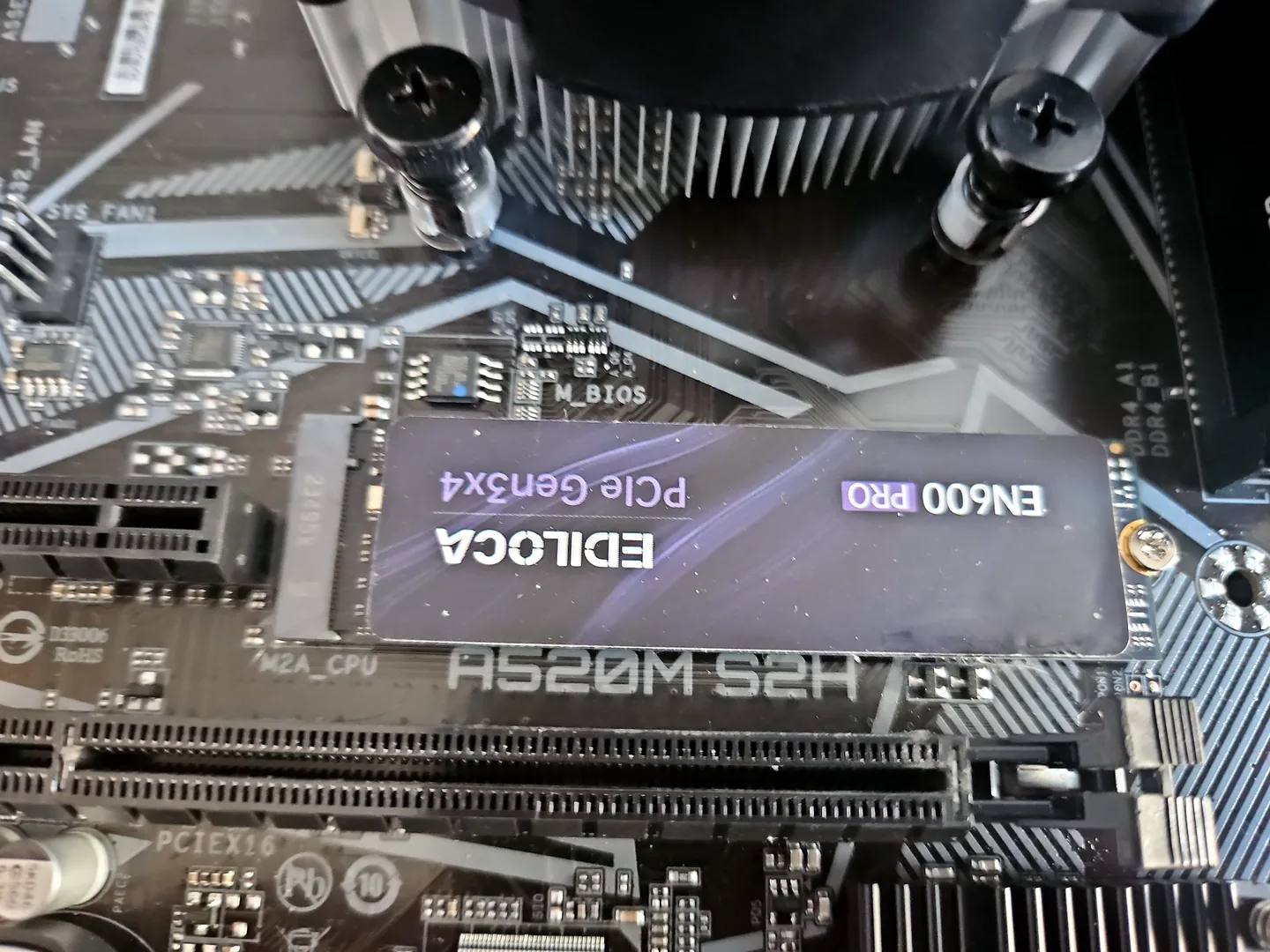
What can cause this problem
Several faults can create the same symptom. The list below is a starting point for diagnosis, not a reason to order parts without testing.
- No working backup
- Blocked cooling and dust
- Unsupported software
- Nearly full or failing storage
- Damaged charging cables and batteries
- Too many unnecessary startup programs
Safe checks before repair
Protect important files first where the device remains stable. Stop after liquid, smoke, battery swelling, burning smells or signs of a failing drive.
- Confirm backups can actually restore a sample file
- Install security and operating-system updates
- Keep vents clear on a hard surface
- Replace unsafe or damaged chargers
- Monitor storage warnings and free space
- Review startup programs carefully
- Shut down or restart periodically
- Keep drinks away from equipment
Possible repair routes
The correct route depends on the confirmed cause, exact model, data requirements and whether a reliable repair remains economical.
- Cooling and fan service
- SSD or storage replacement
- Battery and charger replacement
- Windows repair or supported upgrade
- Backup and data-transfer setup
What changes the quote
A headline price cannot account for every model, part and level of damage. These are the main factors that need confirmation.
- Device age and software support
- Part availability
- Existing damage
- Data-transfer requirements
- Whether preventive work is combined with a repair
Frequently asked questions
How often should I clean a computer?
It depends on environment and airflow. Inspect vents and filters periodically and clean safely when buildup is visible or temperatures rise.
Do I need paid antivirus?
Not always. Supported software, updates, safe account practices and backups matter more than buying a product without understanding the risk.
Should a laptop stay plugged in all day?
Modern charging control helps, but heat and battery age still matter. Follow manufacturer guidance and replace swelling batteries immediately.
What is the best backup?
A backup that runs reliably, has more than one copy and has been tested by restoring files.