Whole system locks
Memory, storage, temperature, power and drivers may be involved.

Computer keeps freezing Birmingham
Diagnosis for lockups, buzzing freezes, unresponsive programs, intermittent crashes and systems that stop responding under load.
Free general diagnosis · Quote before work · No Fix, No Fee on repair labour
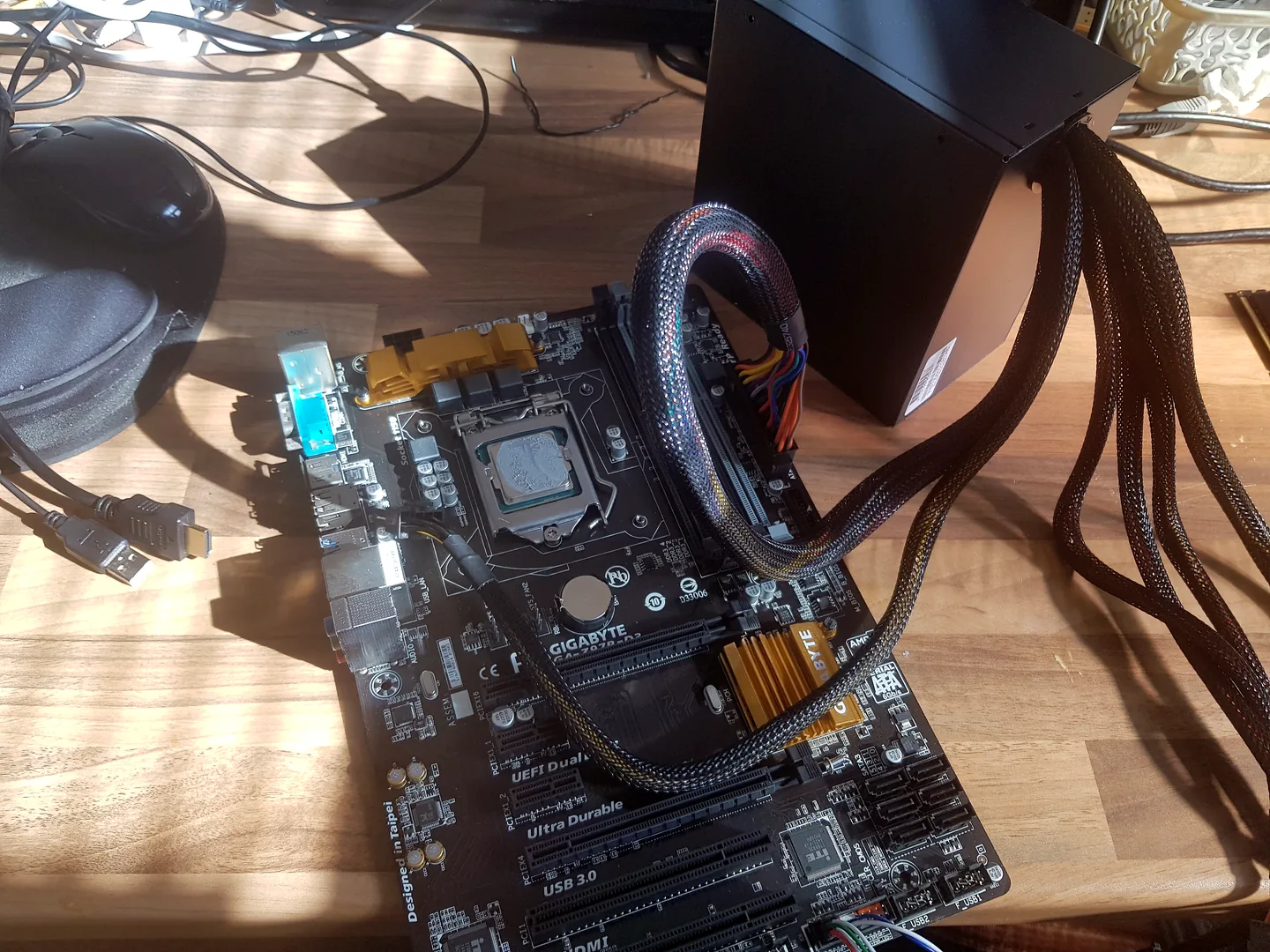
Computer being diagnosed after repeated freezing and lockup faults.
Computer keeps freezing Birmingham
The useful clue is not just that the computer freezes, but when it happens, what remains responsive and whether the fault appears under load, at startup or after a period of use.
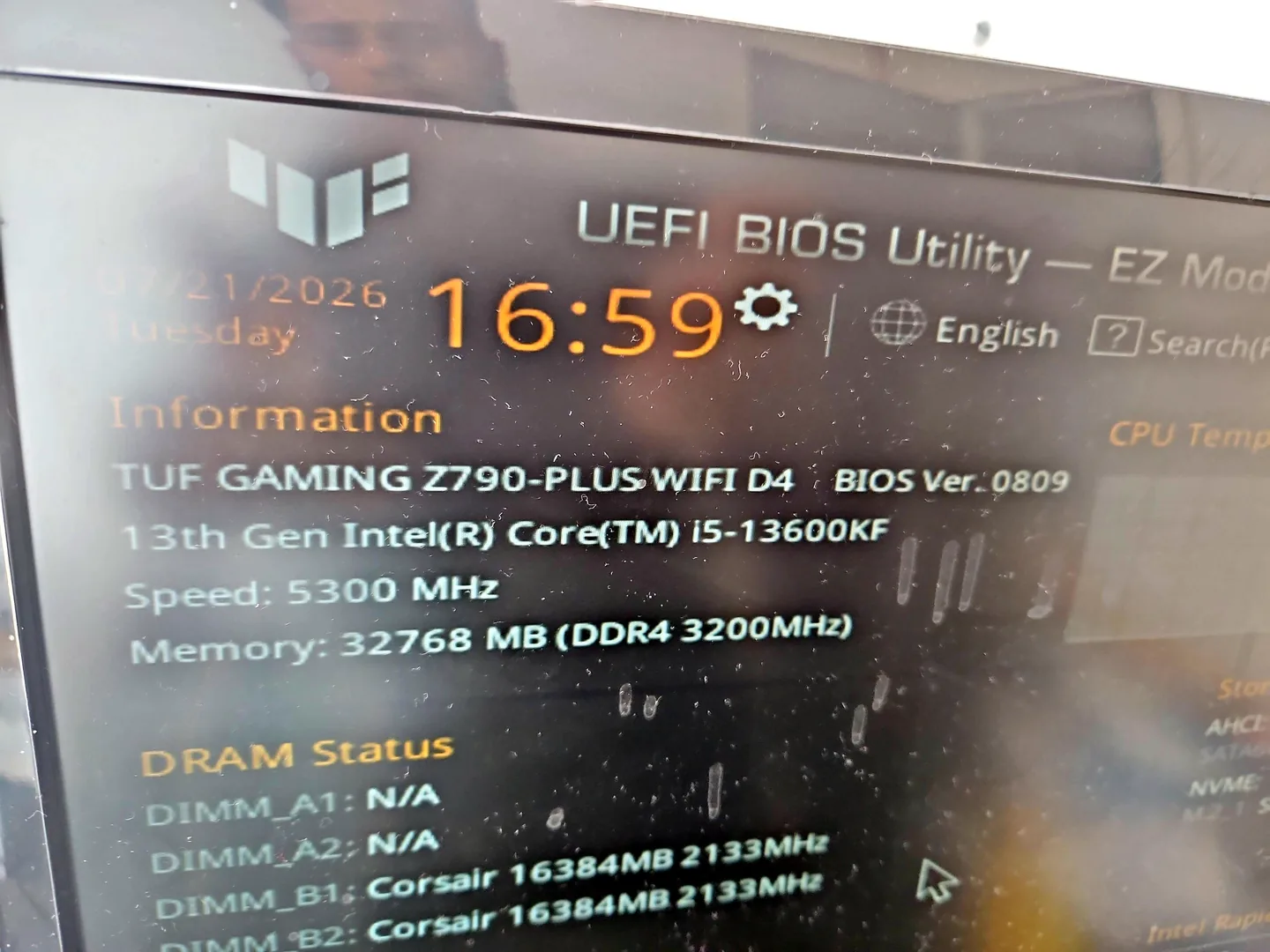
Desktop PC displaying BIOS information during hardware testing.
Memory, storage, temperature, power and drivers may be involved.
Audio can repeat when the system stops; it does not automatically identify the failed part.
Application files, extensions and settings may be more relevant than the whole computer.
Temperature, storage and background processes become useful suspects.
Storage or application load may be blocking normal response.
This points more strongly toward hardware or firmware than normal Windows software.
Diagnosis before replacement
Note the task, time since startup and whether sound, mouse or keyboard still respond. Repeated hard shutdowns can corrupt files, so back up important data while the system is stable.
Do not install multiple cleanup or driver tools at random. They can add new variables and make the original fault harder to isolate.

Windows blue screen shown during fault diagnosis.
What affects the repair
A useful quote depends on the exact model, fault and condition rather than a headline price alone.
BIOS, Windows startup, one program and gaming load point toward different areas.
Immediate and heat-related failures often behave differently.
Storage faults can cause both freezing and file corruption.
Updates, new devices, drivers and software can provide a useful timeline.
How repairs are handled
Tell us the device model, symptoms and whether you need a workshop appointment or call-out.
We inspect the fault and identify the likely repair route. General fault diagnosis is free.
You receive the options and price before chargeable work begins.
Approved work is completed and the relevant functions are checked before return.
Related repair services
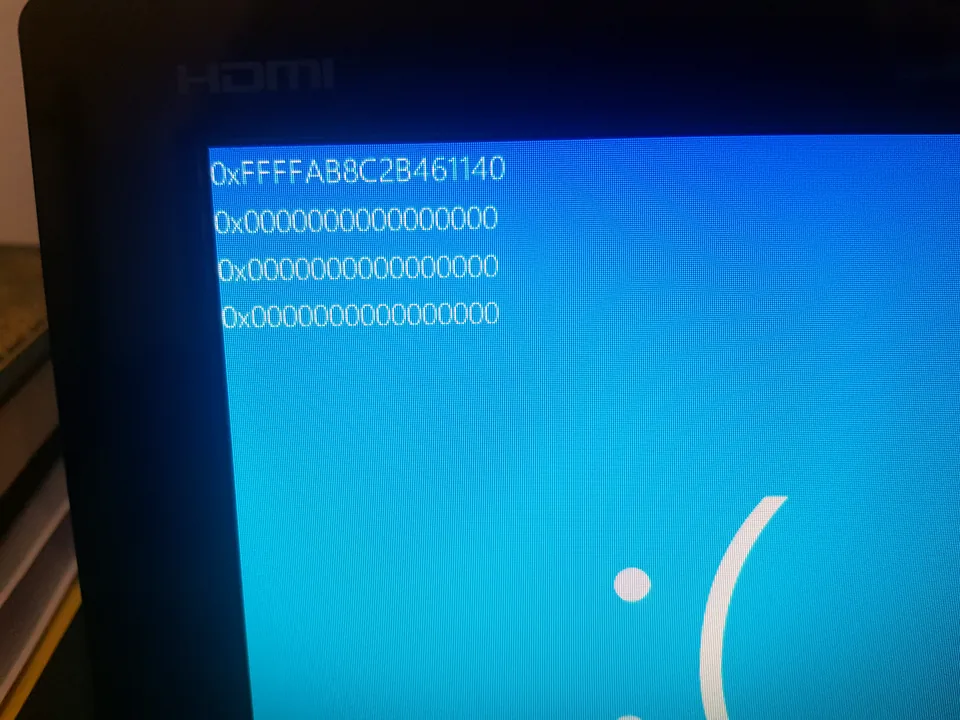
Diagnosis for repeated Windows stop errors, crashes, update failures, memory and storage faults.
View service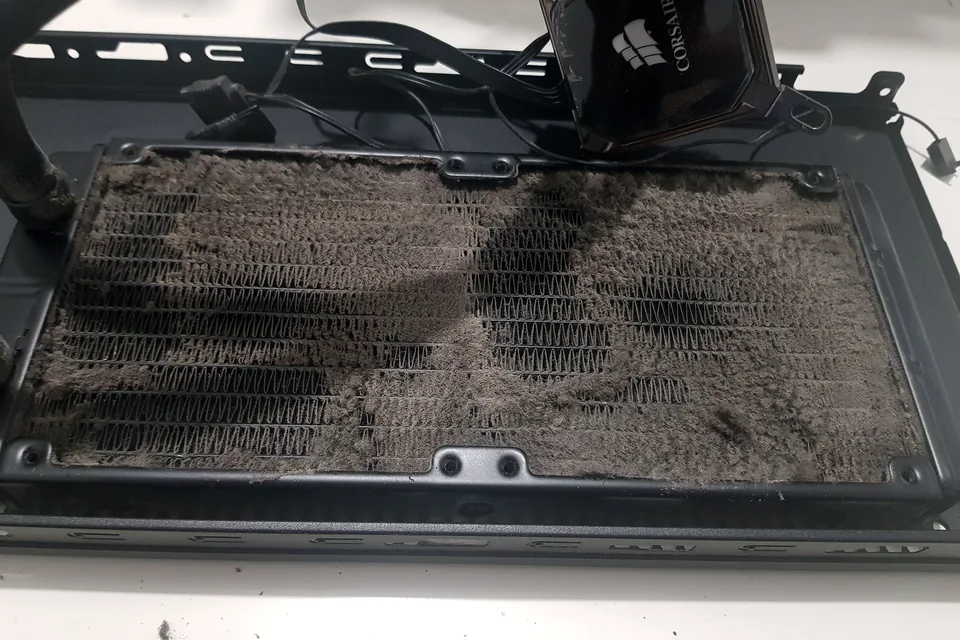
Cooling diagnosis for high temperatures, loud fans, thermal throttling and shutdowns.
View service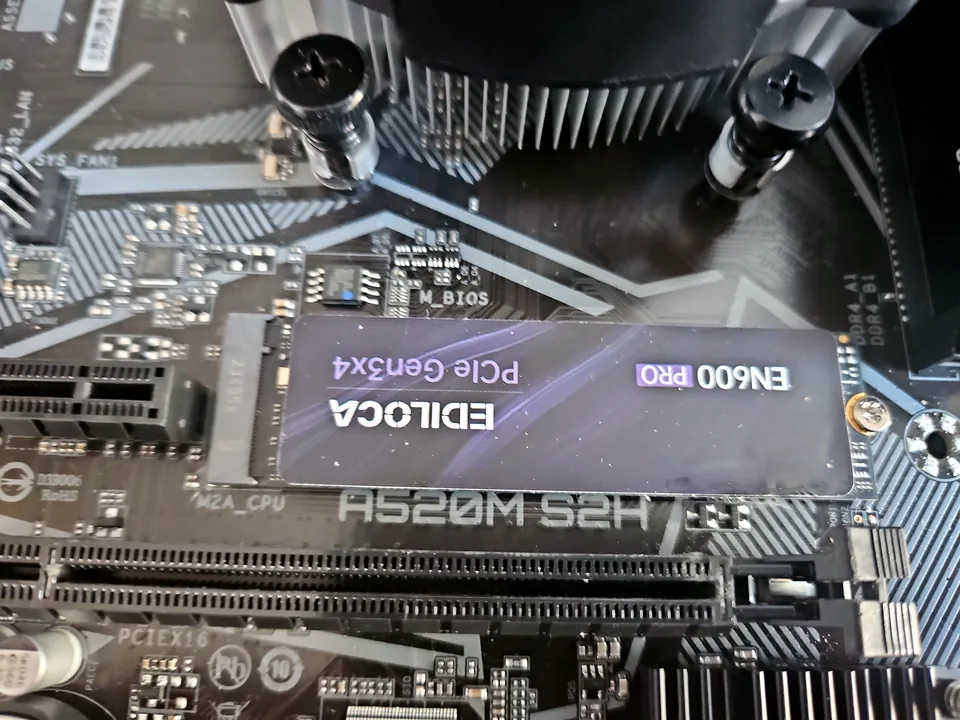
SSD replacement, capacity upgrades, Windows migration and storage-health checks for laptops and desktops.
View serviceRepair guides

Repair guide
Laptop running slow in Birmingham? Separate storage, RAM, heat, Windows and software bottlenecks before paying for an SSD, memory upgrade or repair.
Read guide
Repair guide
Gaming PC slower or unstable after an upgrade? Check compatibility, power, BIOS, memory, cooling and drivers before buying more parts in Birmingham.
Read guide
Repair guide
PC power-cycles before Windows? Learn how POST, memory, power, recent upgrades and protection faults are separated before Birmingham repair.
Read guideFrequently asked questions
The audio buffer can repeat when the system locks. The cause may still be memory, storage, heat, drivers, graphics or power.
Only when the system cannot be recovered normally. Repeated forced shutdowns can damage files.
Yes, but hardware, storage and Windows faults are also common, so the system should be assessed broadly.
Yes, although intermittent faults may require more observation and controlled testing than a constant failure.
Speak to a technician
Mention the application, game, time since startup and whether the mouse, sound or keyboard still respond.