
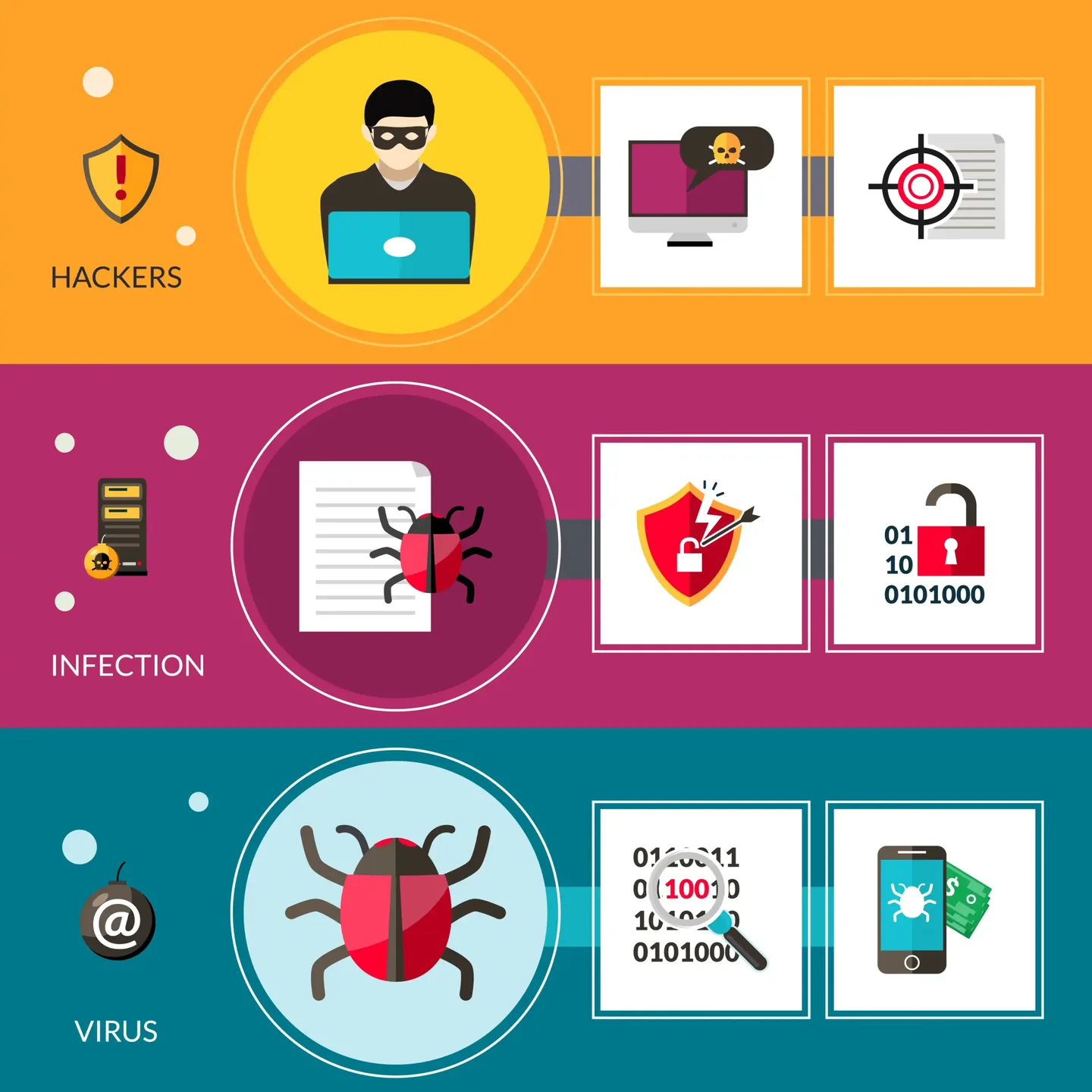
Fake security warnings and support calls
A browser message that tells you to call a number, pay immediately or grant remote access is a common scam pattern. Legitimate warnings do not require an unknown caller to control the computer.
- Do not call the displayed number.
- Do not install remote-access software.
- Do not provide one-time codes or banking details.
Browser and system changes
New extensions, changed search pages, unknown startup items and remote tools can remain after the pop-up closes.
- Search engine or home page changed
- Repeated redirects and ads
- Unknown programs or scheduled tasks
- Security settings disabled
Protect accounts from a clean device
If credentials were typed or viewed during remote access, change important passwords from a different trusted device. Start with email because it can reset other accounts.
- Email account
- Bank and payment services
- Shopping and social accounts
- Enable multi-factor authentication
Why a device scan is not the whole response
Removing malware does not reverse a payment or invalidate a stolen password. Bank, account and credit-monitoring steps may still be required.
- Review account activity.
- Contact the bank promptly.
- Keep evidence of messages and payments.
Frequently asked questions
Should I turn off the internet?
Yes when someone has remote control or the computer is actively communicating suspiciously.
Will antivirus fix stolen passwords?
No. Exposed account credentials must be changed and monitored separately.
Should I pay a ransom or support fee?
Do not make further payment before speaking to the bank or appropriate support.

