
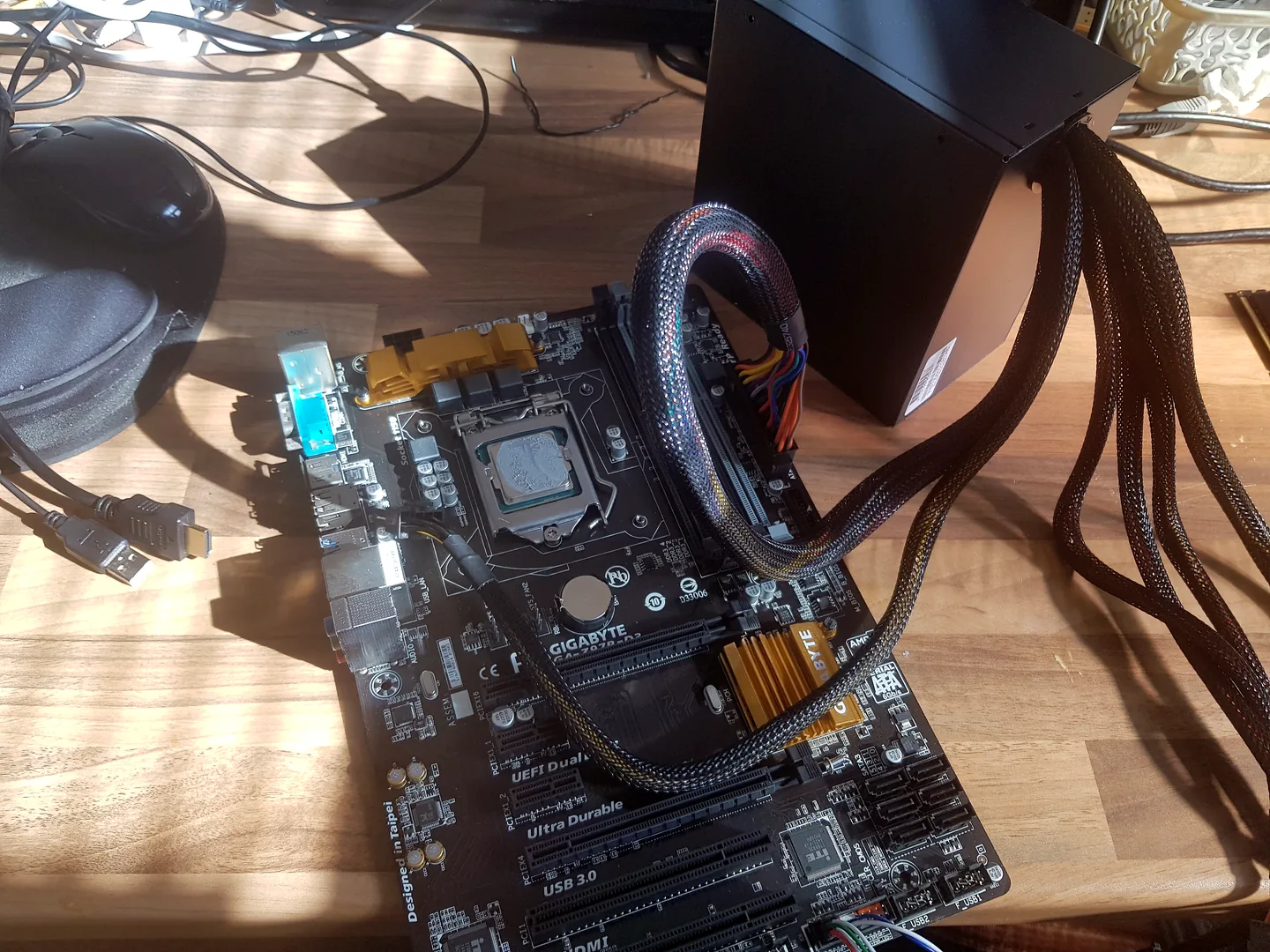
What can cause this problem
Several faults can create the same symptom. The list below is a starting point for diagnosis, not a reason to order parts without testing.
If the machine is a desktop and the fault is no power, repeated restarting or shutdown under load, see our PC power supply failure guide. It explains how PSU symptoms can overlap with motherboard, graphics and connection faults before a power supply is replaced.
- Failed wall socket, extension or power cable
- Laptop charger, battery or charging-port fault
- Desktop power-supply failure
- Memory or graphics fault that looks like no power
- Motherboard short circuit or protection state
- Display or cable fault while the computer is actually running
Safe checks before repair
Protect important files first where the device remains stable. Stop after liquid, smoke, battery swelling, burning smells or signs of a failing drive.
- Try one known-good wall socket without a damaged extension
- Check external power switches and cable seating
- Look and listen for lights, fans, beeps or drive activity
- Disconnect non-essential USB devices
- For a laptop, bring the correct charger for diagnosis
- Record any recent spill, impact, upgrade or burnt smell
Possible repair routes
The correct route depends on the confirmed cause, exact model, data requirements and whether a reliable repair remains economical.
- Charger, cable or battery replacement
- Desktop power-supply testing and replacement
- Memory, display and startup diagnosis
- Charging-port or motherboard repair
- Data recovery before wider repair
What changes the quote
A headline price cannot account for every model, part and level of damage. These are the main factors that need confirmation.
- Desktop versus laptop design
- External part or board-level fault
- Part availability
- Data-recovery need
- Damage from liquid or impact
Frequently asked questions
The fans spin but there is no picture. Is that no power?
No. That is a no-display or no-boot symptom and can involve memory, graphics, display, firmware or motherboard faults.
Can I test a random laptop charger?
Only if voltage, connector, polarity and power specification are correct. An unsuitable adapter can cause damage.
Should I keep pressing the power button?
Not if the device smells burnt, gets hot, has liquid damage or repeatedly shuts down.
Can files be recovered from a dead computer?
Often, depending on storage condition, encryption and the cause of failure.


