What can cause this problem
Several faults can create the same symptom. The list below is a starting point for diagnosis, not a reason to order parts without testing.
- Standard versus touch display
- Resolution and high-refresh gaming panel
- Connector type and location
- Complete assembly versus panel-only design
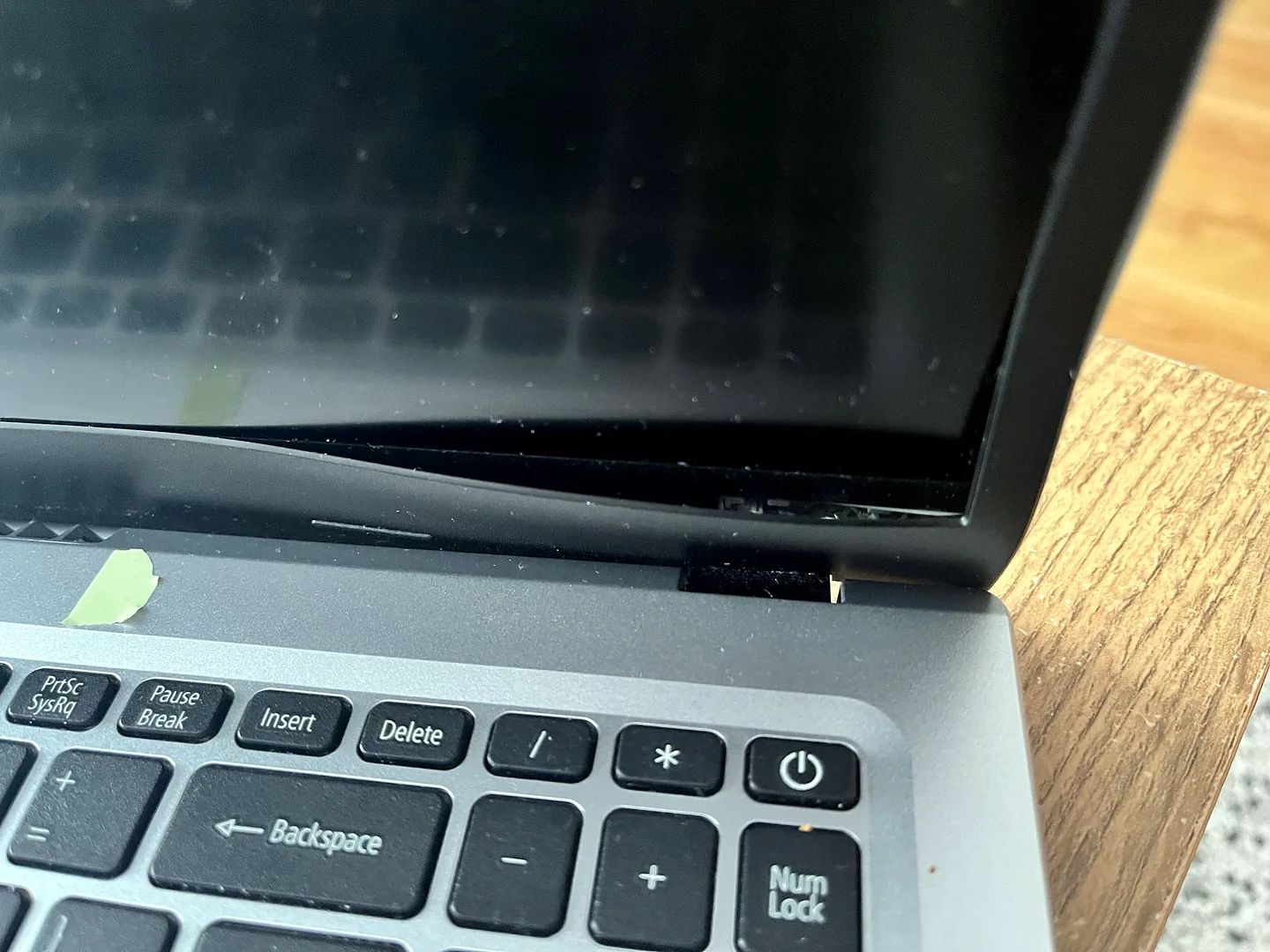
- Hinge, lid or bezel damage
- Part availability and warranty
Safe checks before repair
Protect important files first where the device remains stable. Stop after liquid, smoke, battery swelling, burning smells or signs of a failing drive.
- Find the exact laptop model
- Photograph the screen and casing damage
- Note whether external display works
- Describe flicker linked to lid movement
- Mention touch and refresh-rate requirements
- Ask what part warranty applies
Possible repair routes
The correct route depends on the confirmed cause, exact model, data requirements and whether a reliable repair remains economical.
- Matched panel replacement
- Complete display assembly
- Display cable repair
- Hinge and casing repair
- Board-level backlight diagnosis
What changes the quote
A headline price cannot account for every model, part and level of damage. These are the main factors that need confirmation.
- Panel specification
- Part source and availability
- Labour complexity
- Casing or hinge damage
- Urgency and delivery time
Frequently asked questions
Why can a gaming laptop screen cost more?
Higher refresh rates, resolution, colour capability and availability can increase part cost.
Can I buy a screen by size alone?
No. Connector, resolution, mounting and electrical specification must match.
Can the glass be replaced without the LCD?
It depends on the construction. Many screens are integrated and not suitable for simple glass-only replacement.
Can you quote from the model number?
Often a provisional quote is possible, but the installed panel and surrounding damage may still need inspection.